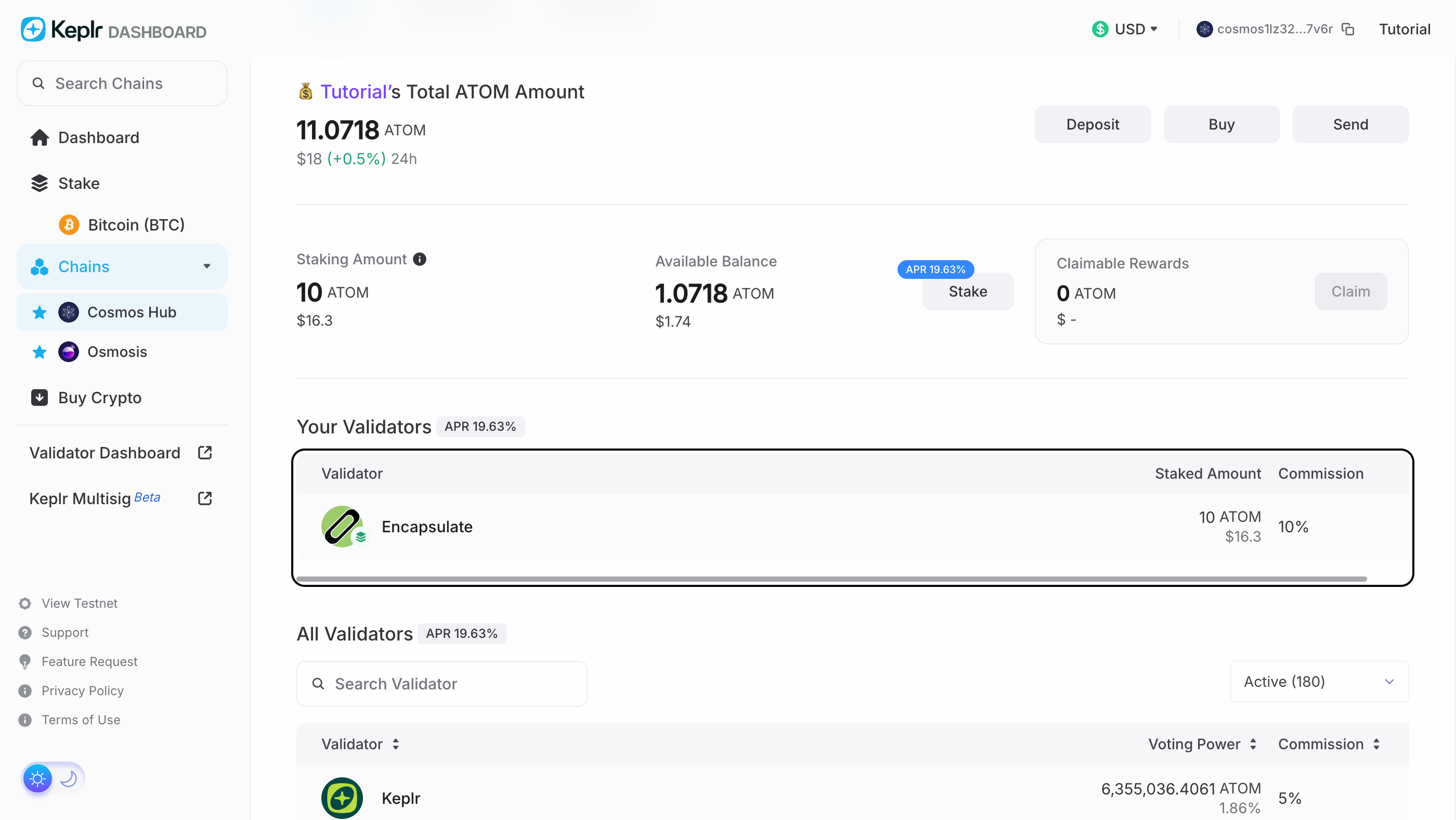
Open Cosmos Hub in the Keplr Dashboard with your wallet connected. The page shows your ATOM, how much is staked and the rewards you can claim. Press Start Staking under Your Validators.
Check that the address bar reads wallet.keplr.app. A lookalike site can show the same page.
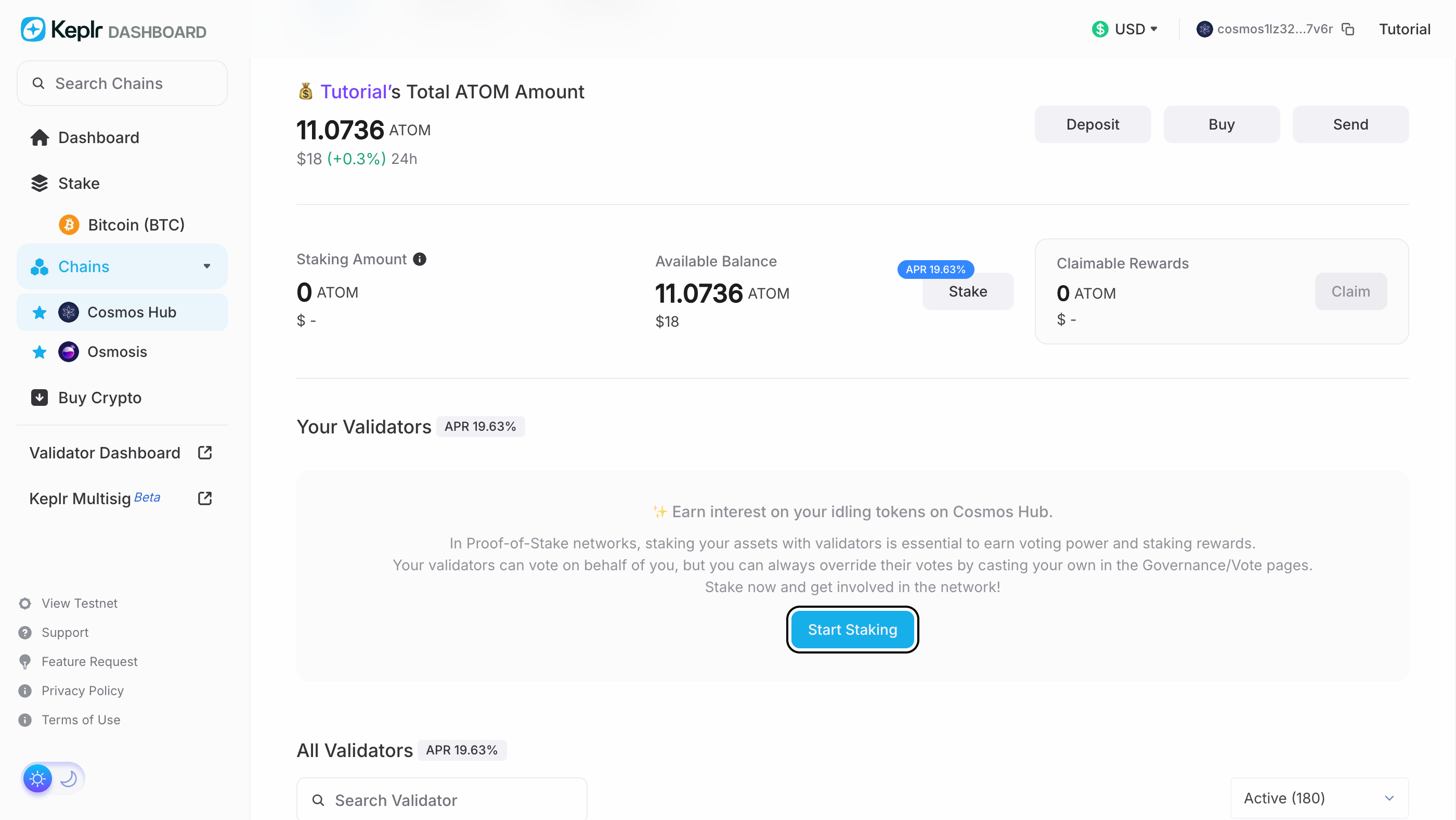

Stake to opens on Cosmos Hub's validators, with the APR and the unstaking period at the top. Type encapsulate in the search and pick Encapsulate.
Anyone can name a validator Encapsulate. Ours is cosmosvaloper1p8uxq4ska2psv2k8wknljh568k5qfnwt0m3udk; this guide's link on the next step opens it directly.
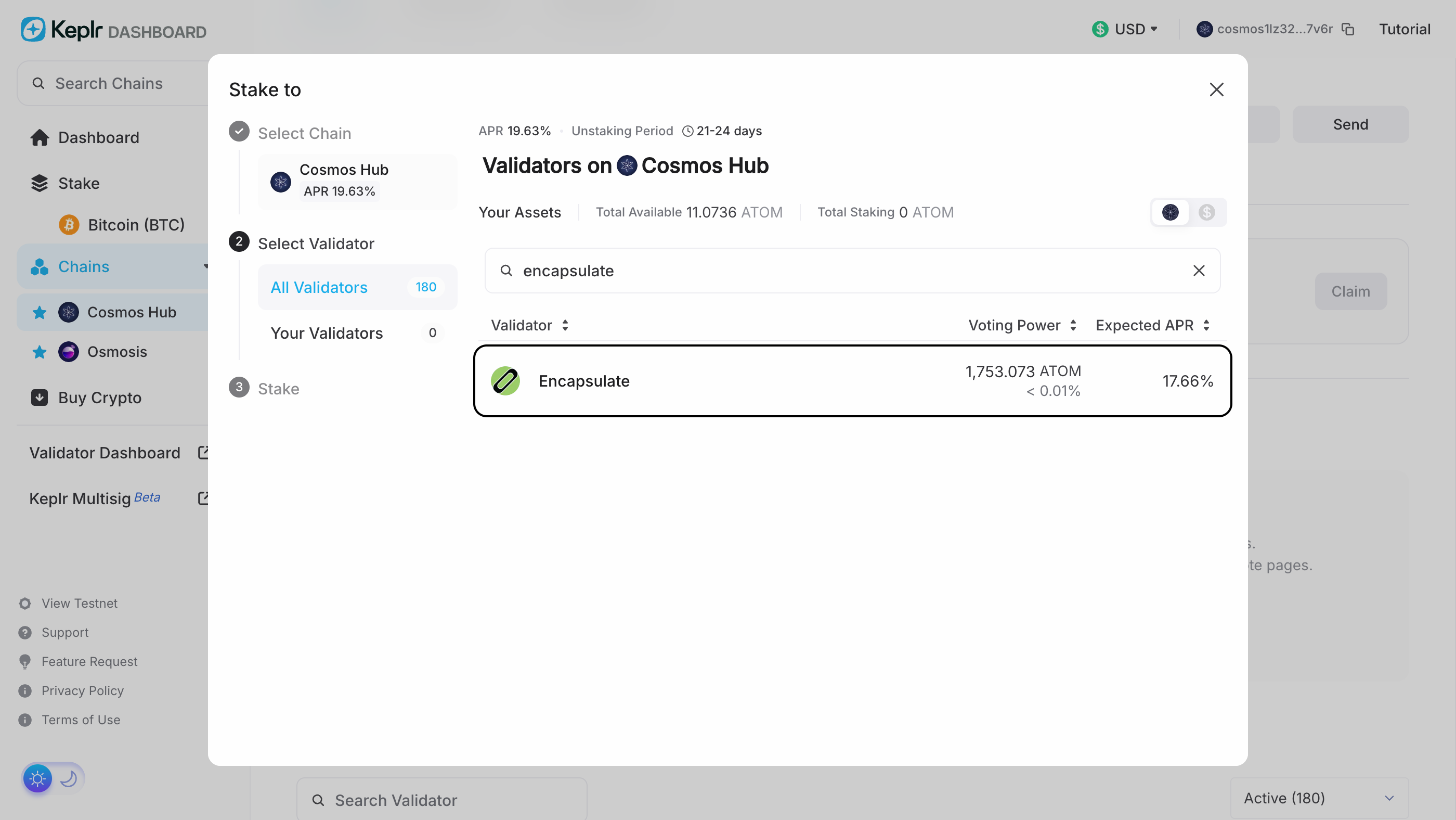

Encapsulate's panel shows its APR, our 10% commission, its share of voting power and the 21-day unstaking period. Press Stake.
The panel on the right is the validator you stake with, whatever the list beside it shows: it must name Encapsulate.

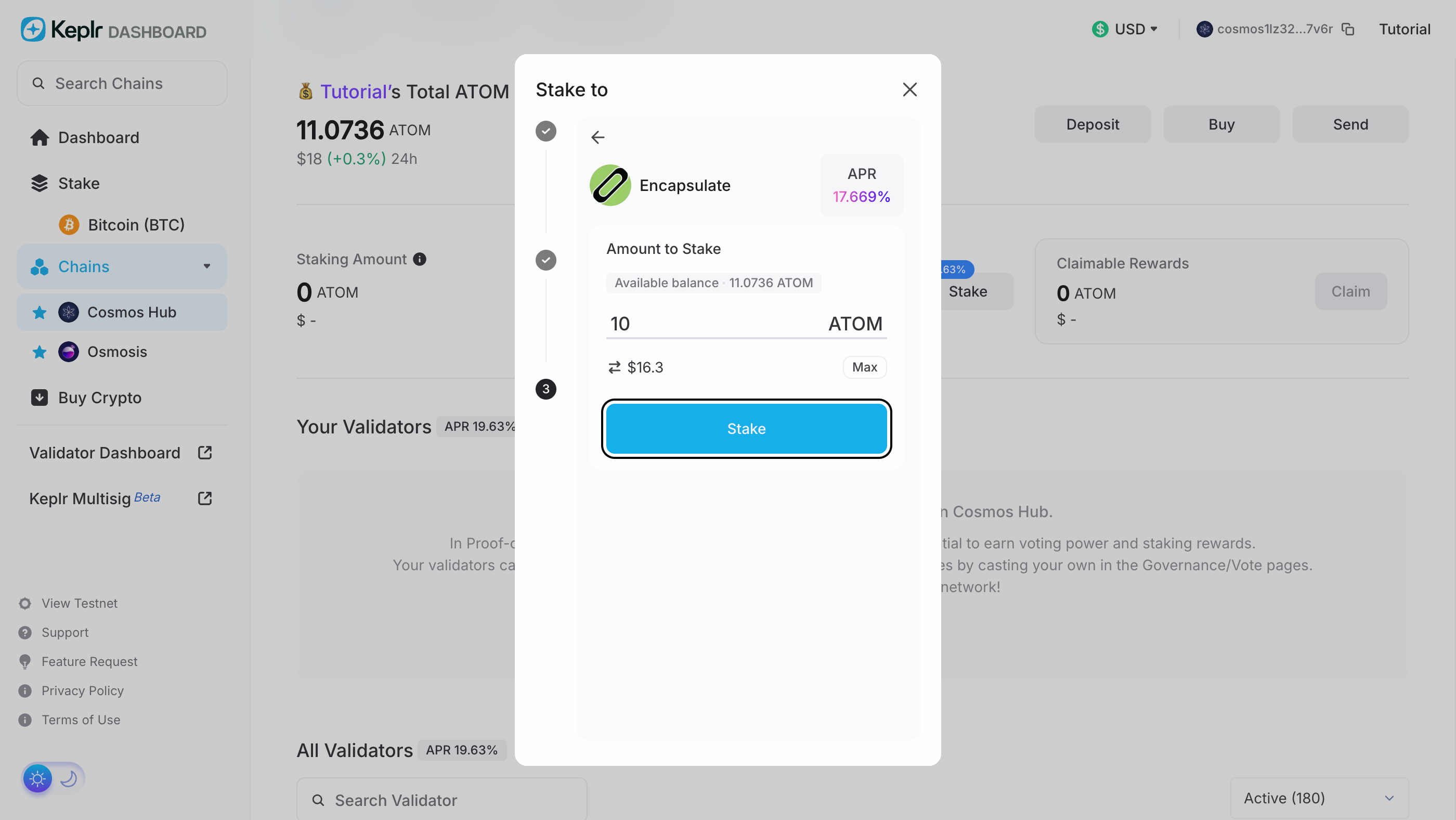
Type how much ATOM to stake; Max fills in your whole available balance. Press Stake.
Max stakes everything. Leave a little ATOM unstaked to pay the fees for claiming rewards and, later, for unstaking.

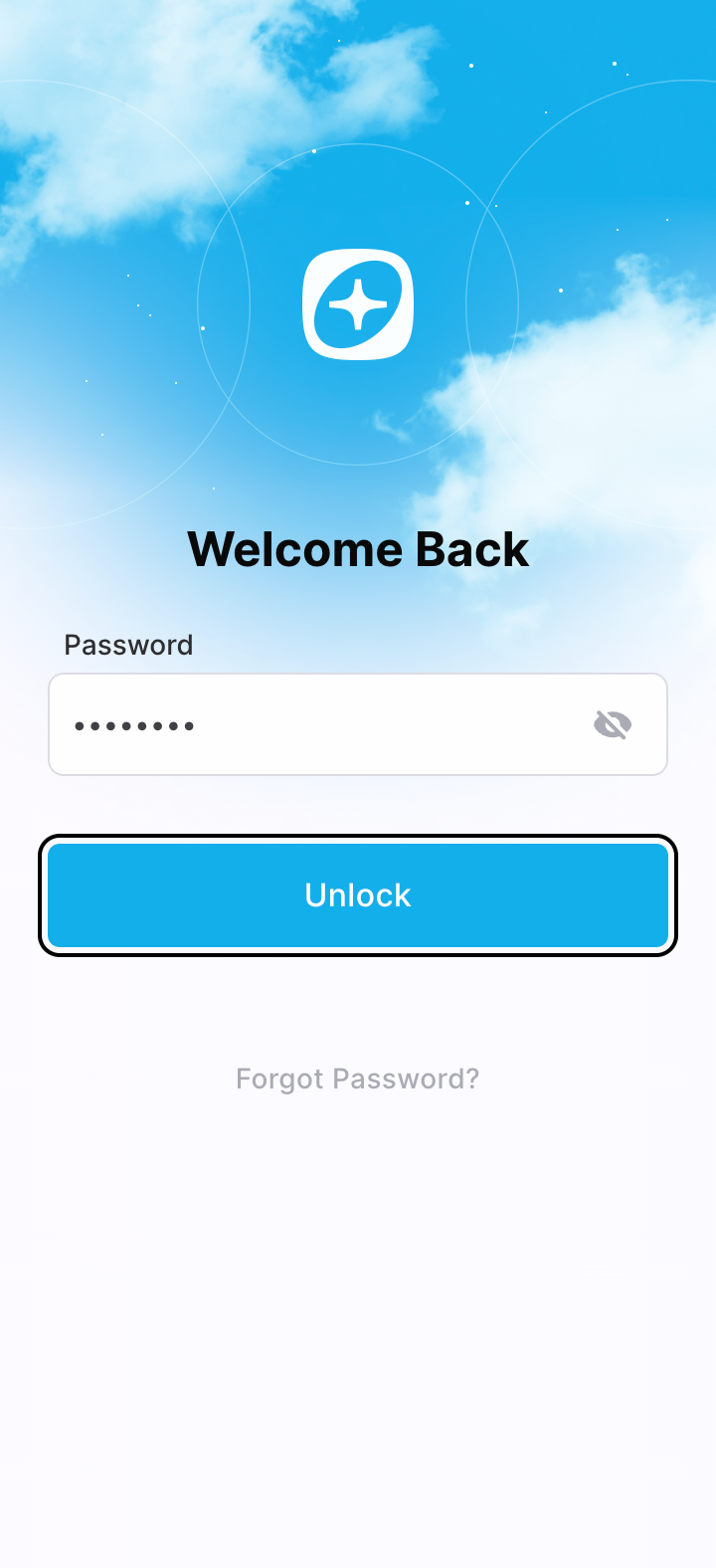
The Keplr extension opens. Type your password and press Unlock.
Keplr unlocks with your password only. Anything that asks for your recovery phrase here is not Keplr.

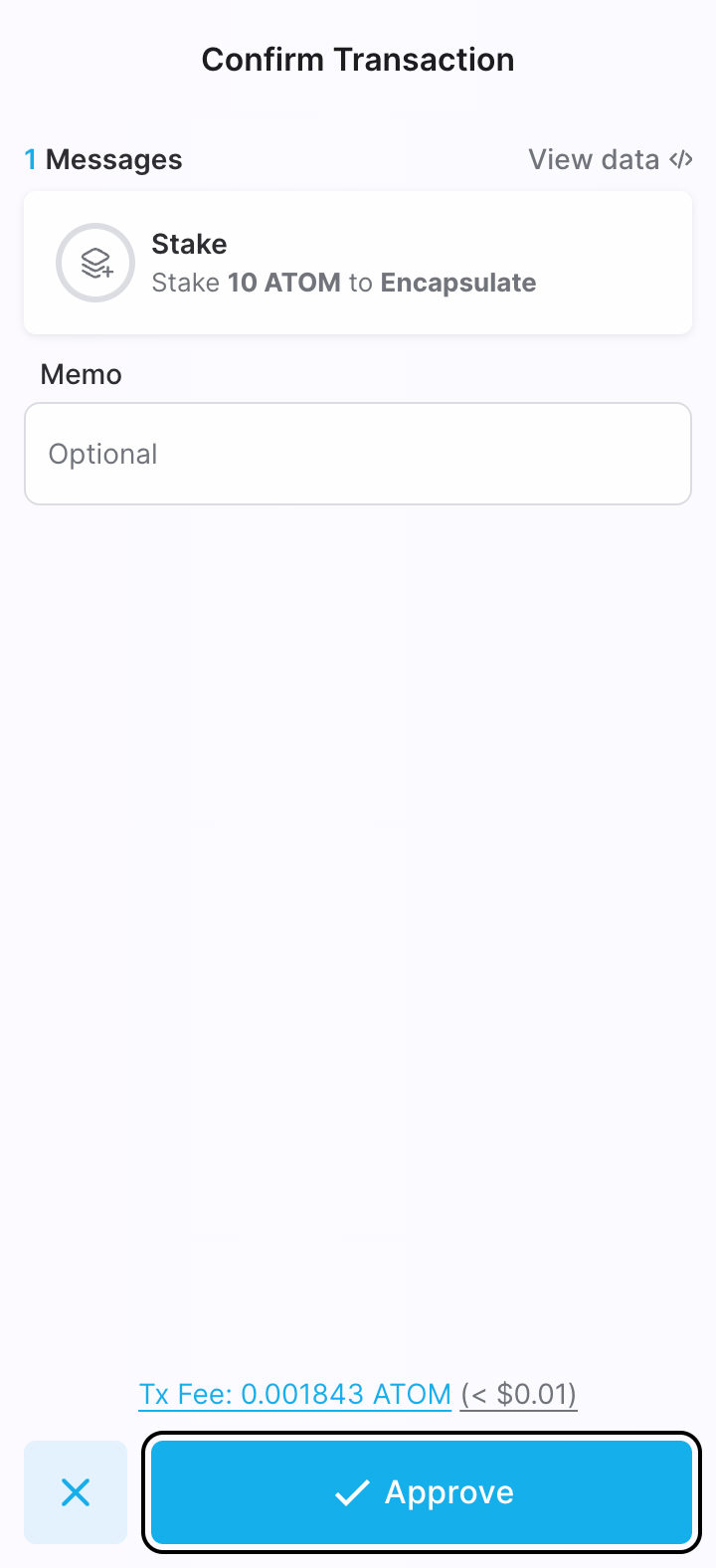
Keplr shows one message, the amount of ATOM to stake to Encapsulate, and a fee of a fraction of a cent. The memo is optional. Press Approve.
The message must read Stake … ATOM to Encapsulate. This is the last screen before it is sent.

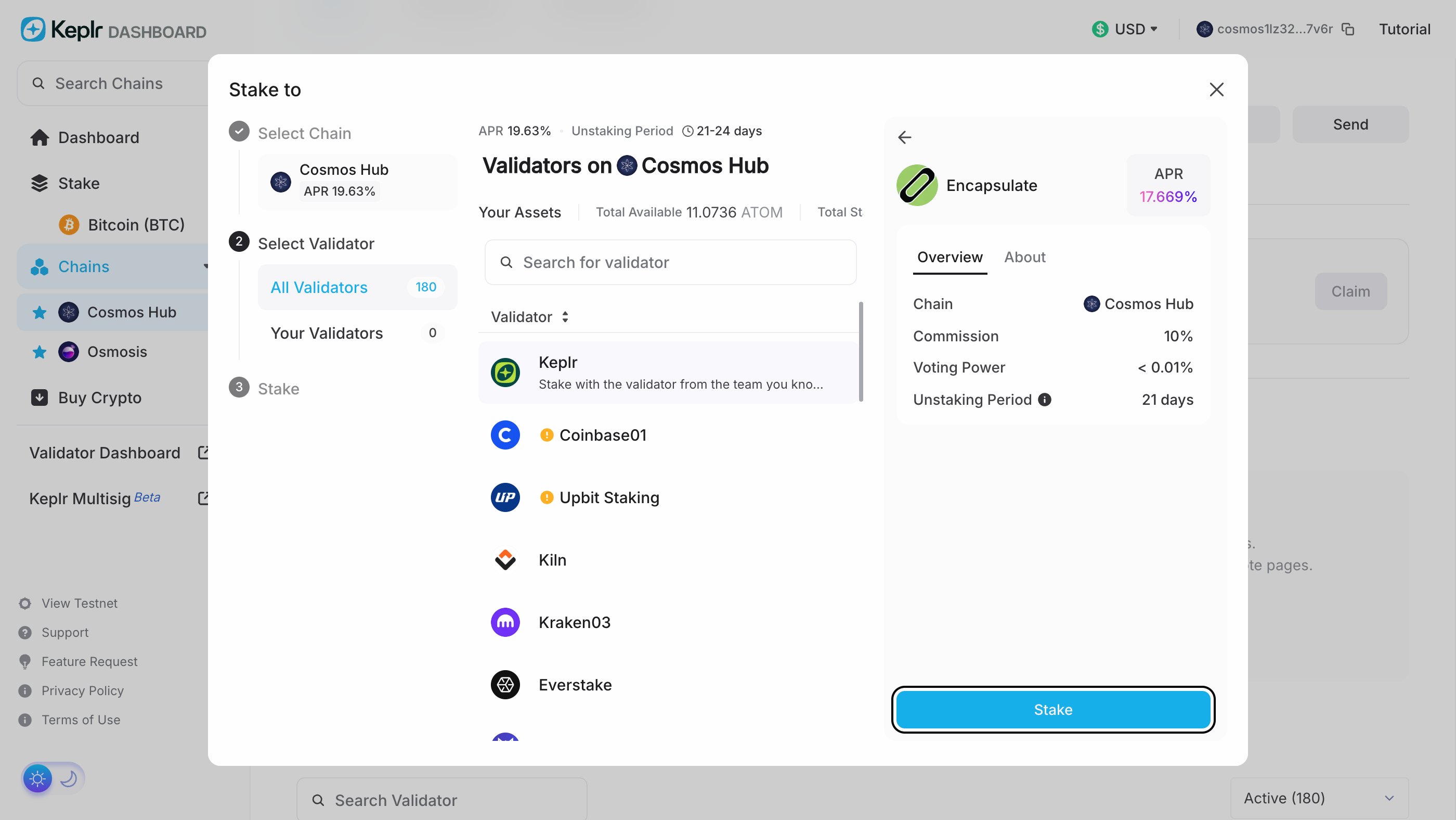
Back on the dashboard, Staking Amount shows your stake and Your Validators lists Encapsulate with our 10% commission. Rewards build up with every block and do not compound: Claim sends them to your wallet, and Stake adds more.
Unstaking takes 21 days, during which the ATOM earns nothing and cannot be moved.