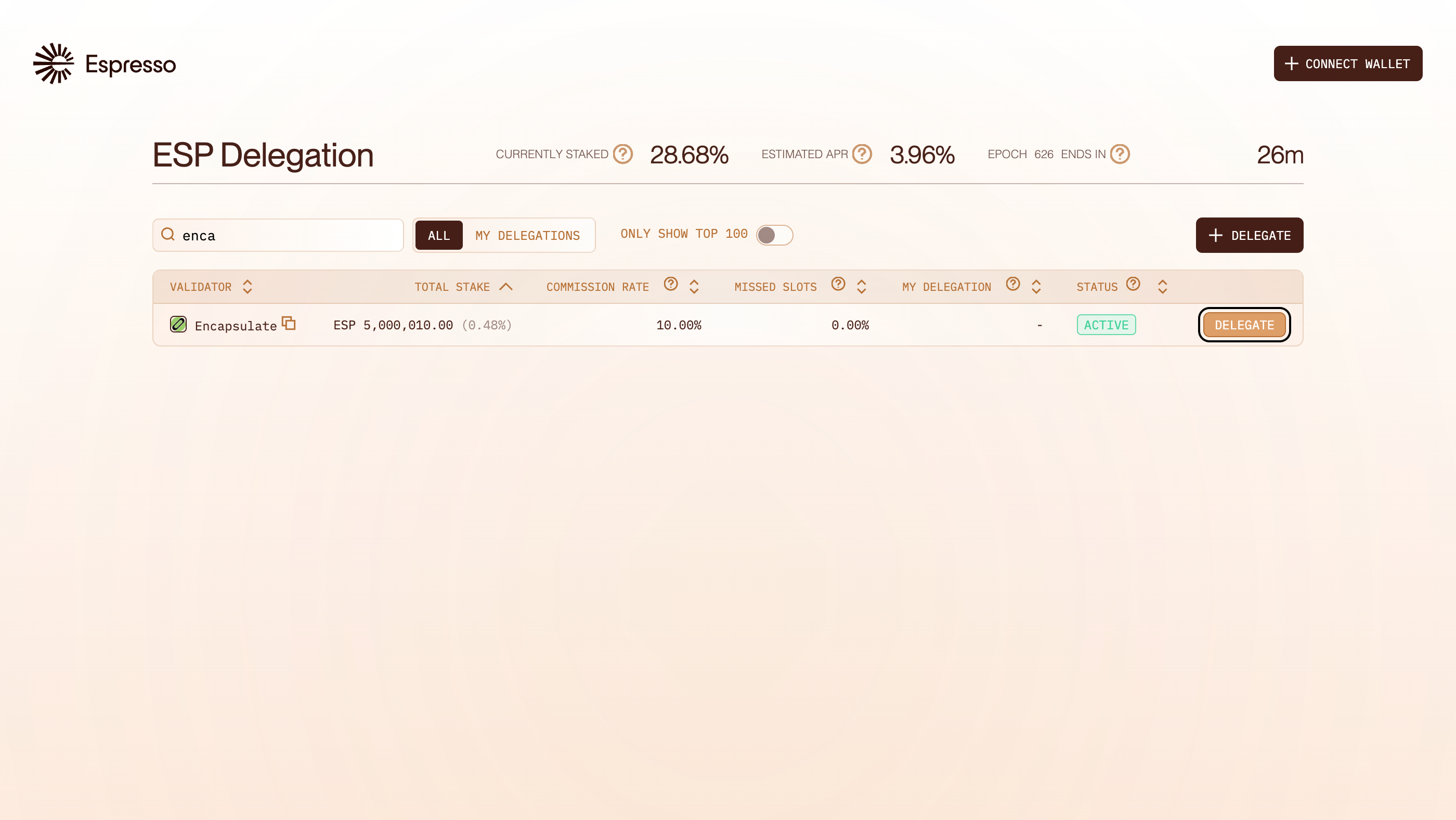
The dashboard lists every Espresso validator. Type Encapsulate in the search box and click Delegate on our row.
Check that the address bar reads stake.espresso.network. A lookalike site can copy the dashboard.

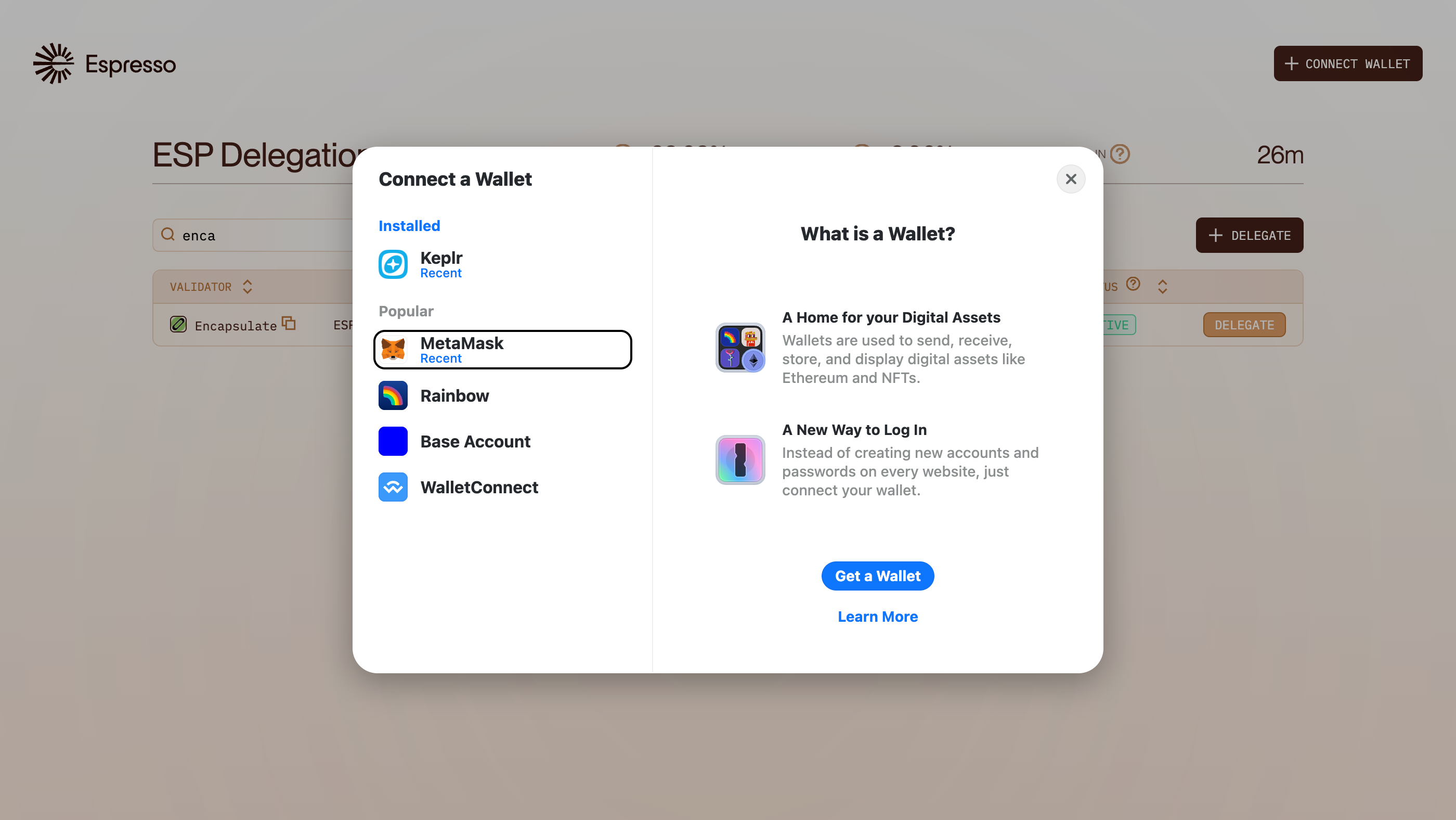
The dashboard asks for a wallet first. Choose MetaMask from the list.

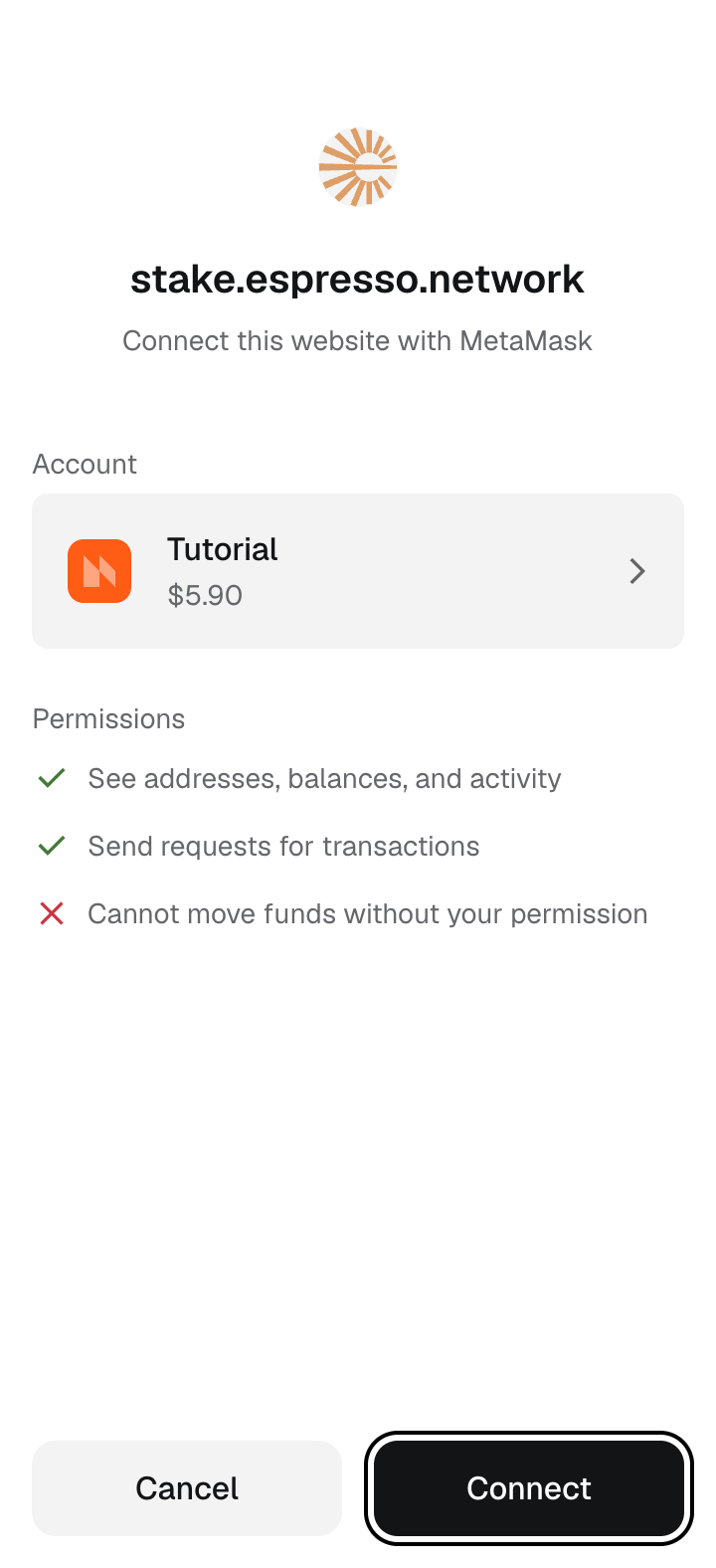
MetaMask asks to connect to stake.espresso.network. Pick the account that holds your ESP and click Connect.
Connecting lets the site see your address and ask for transactions. It cannot move funds without your approval.

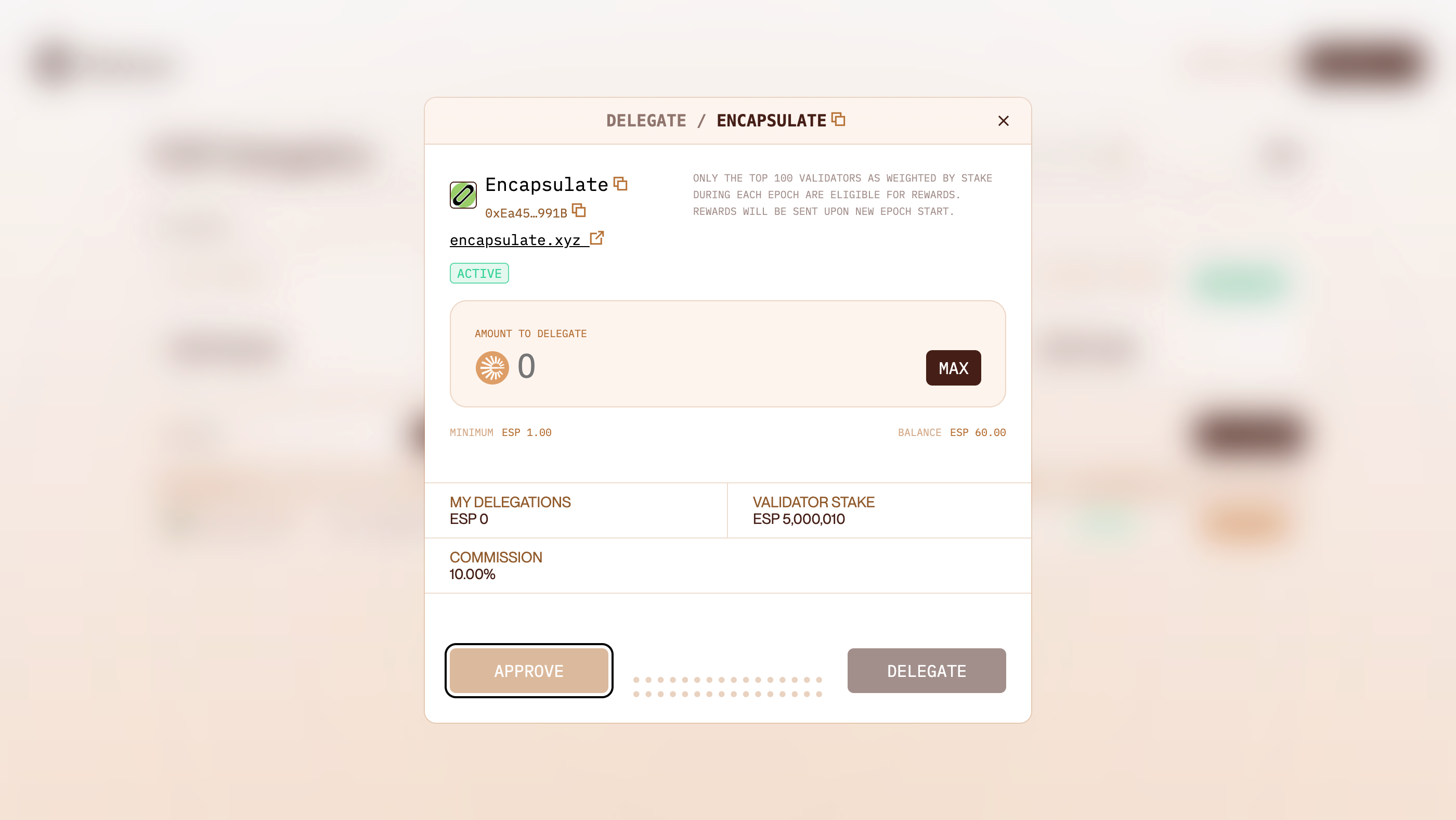
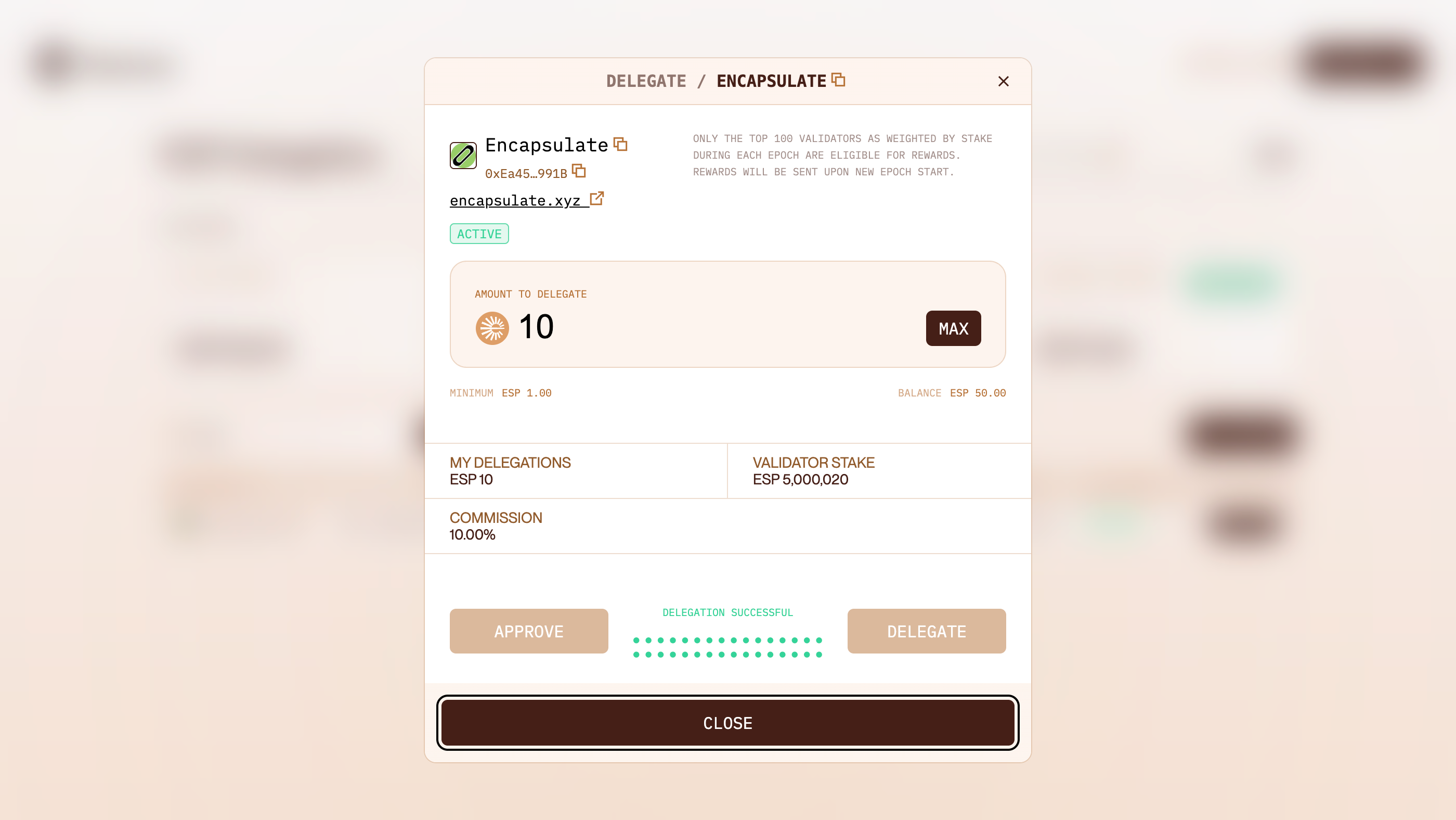
The delegate window opens on Encapsulate. Type the amount of ESP to stake, then click Approve.
Check the window reads Encapsulate, 0xEa45…991B. The minimum is 1, and also have a little ETH for fees in this wallet. Both are on Ethereum.

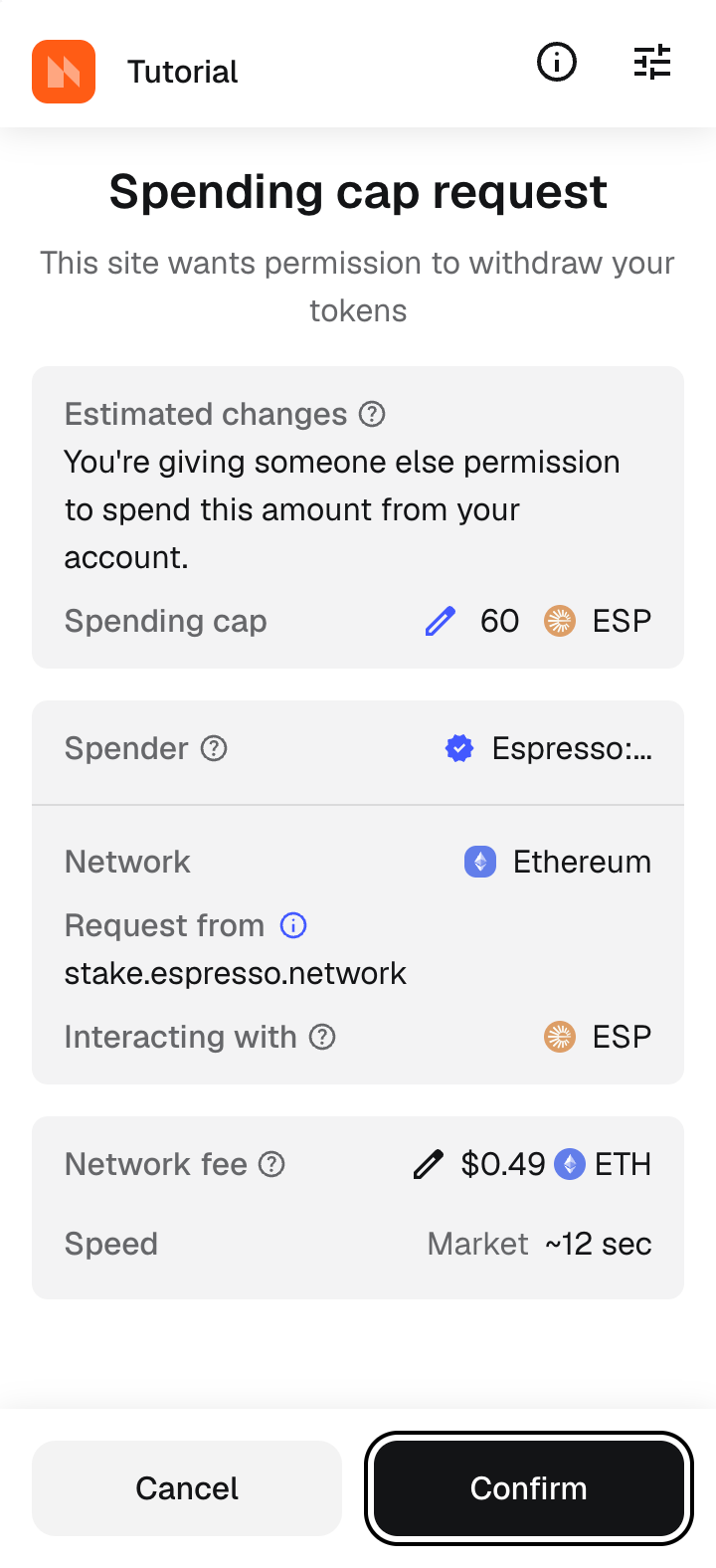
MetaMask shows a spending cap request. It is a permission, not a payment: the most ESP the staking contract may move. Click Confirm.
Check the request comes from stake.espresso.network and the cap covers your amount. The fee is paid in ETH.

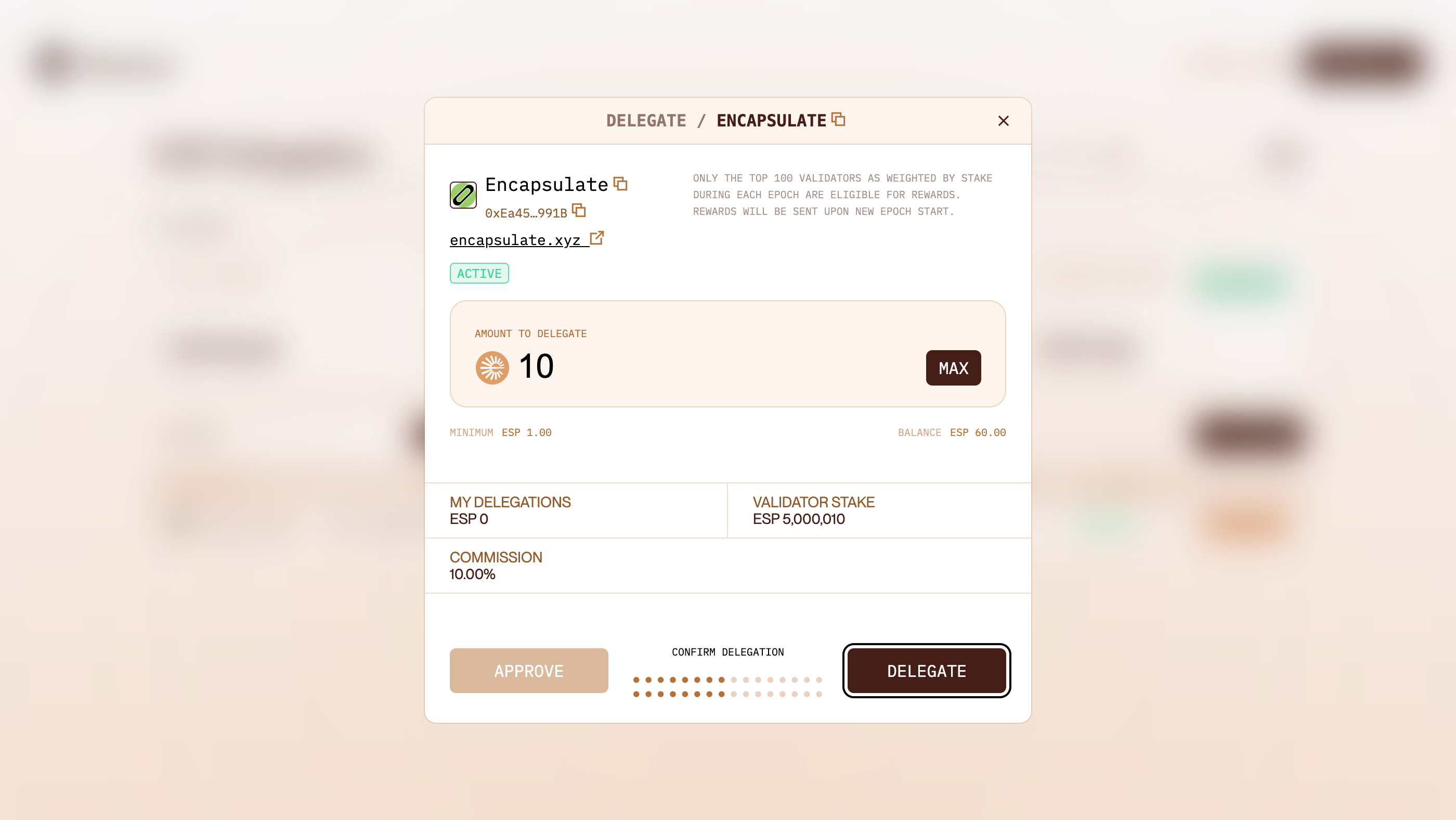
Back in the delegate window, check the amount reads what you want to stake, then click Delegate.
Staked ESP takes 7 days to come back once you undelegate.

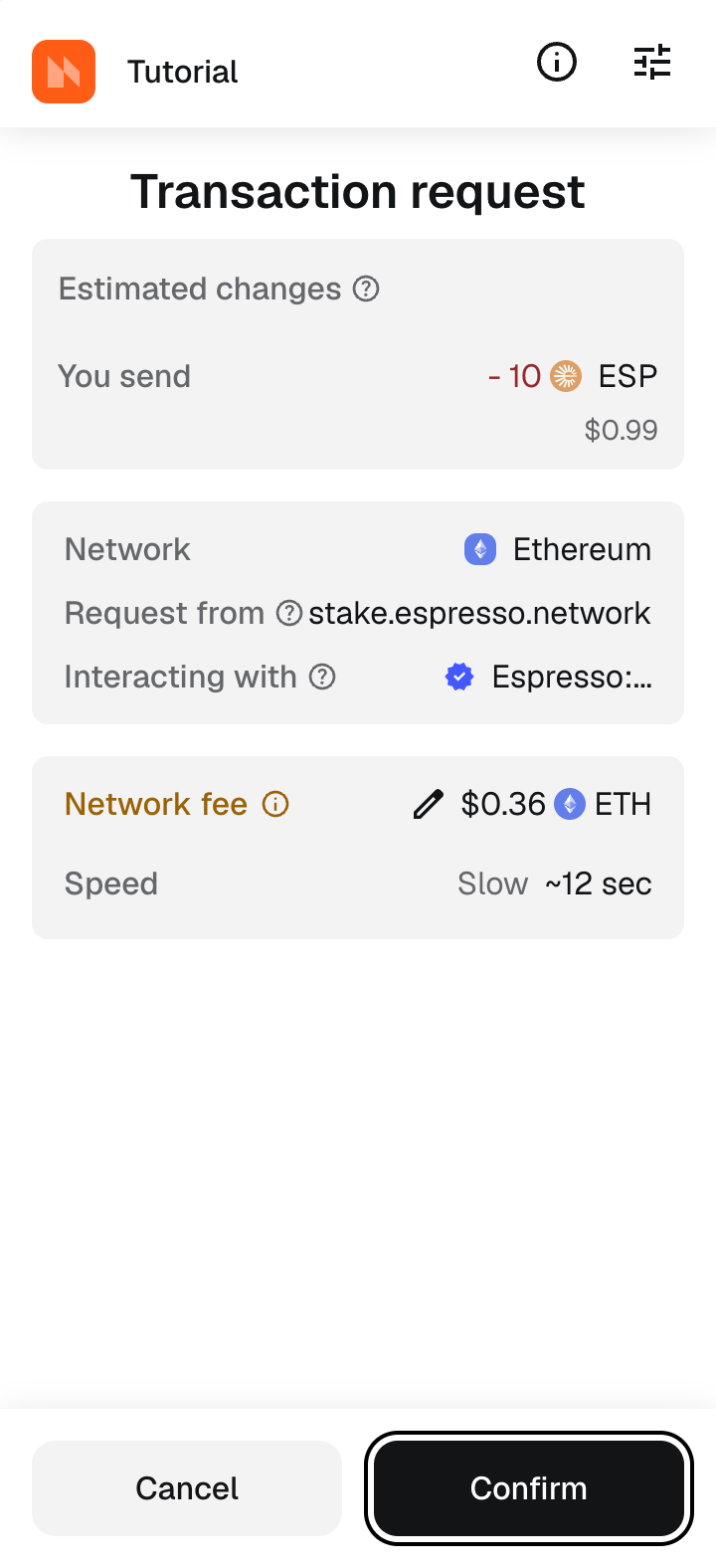
MetaMask shows the transaction: the ESP you send and the network fee. Click Confirm.
Check the amount under You send. This is the last screen where a mistake is still free.

The window reads Delegation successful, and My delegations shows your ESP. Click Close.

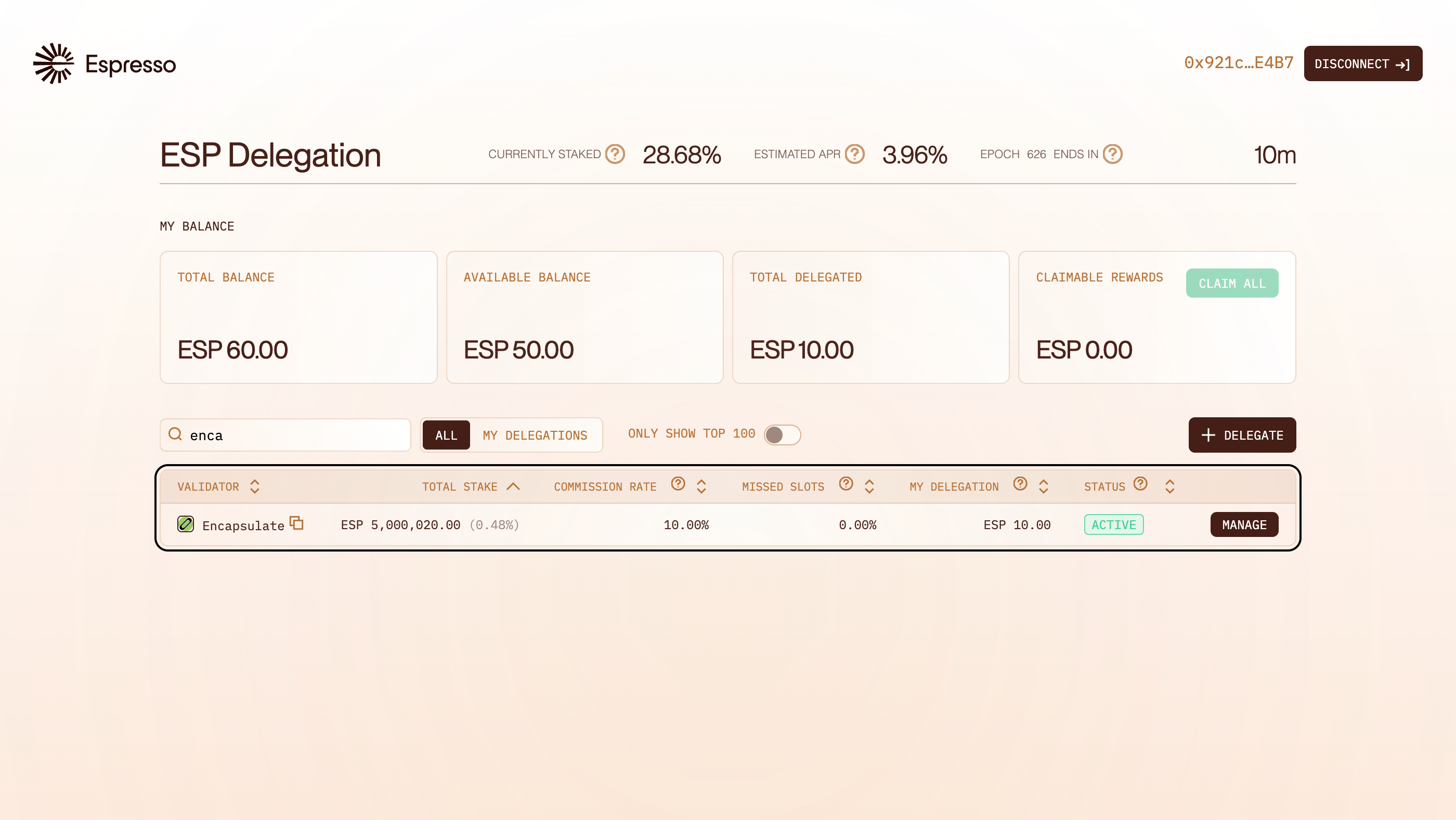
The balance cards show your Total delegated, and our row lists your ESP under My delegation. Rewards accrue with every block we propose.
Rewards do not compound. Claim them with Claim all, then delegate them to add them to your stake.