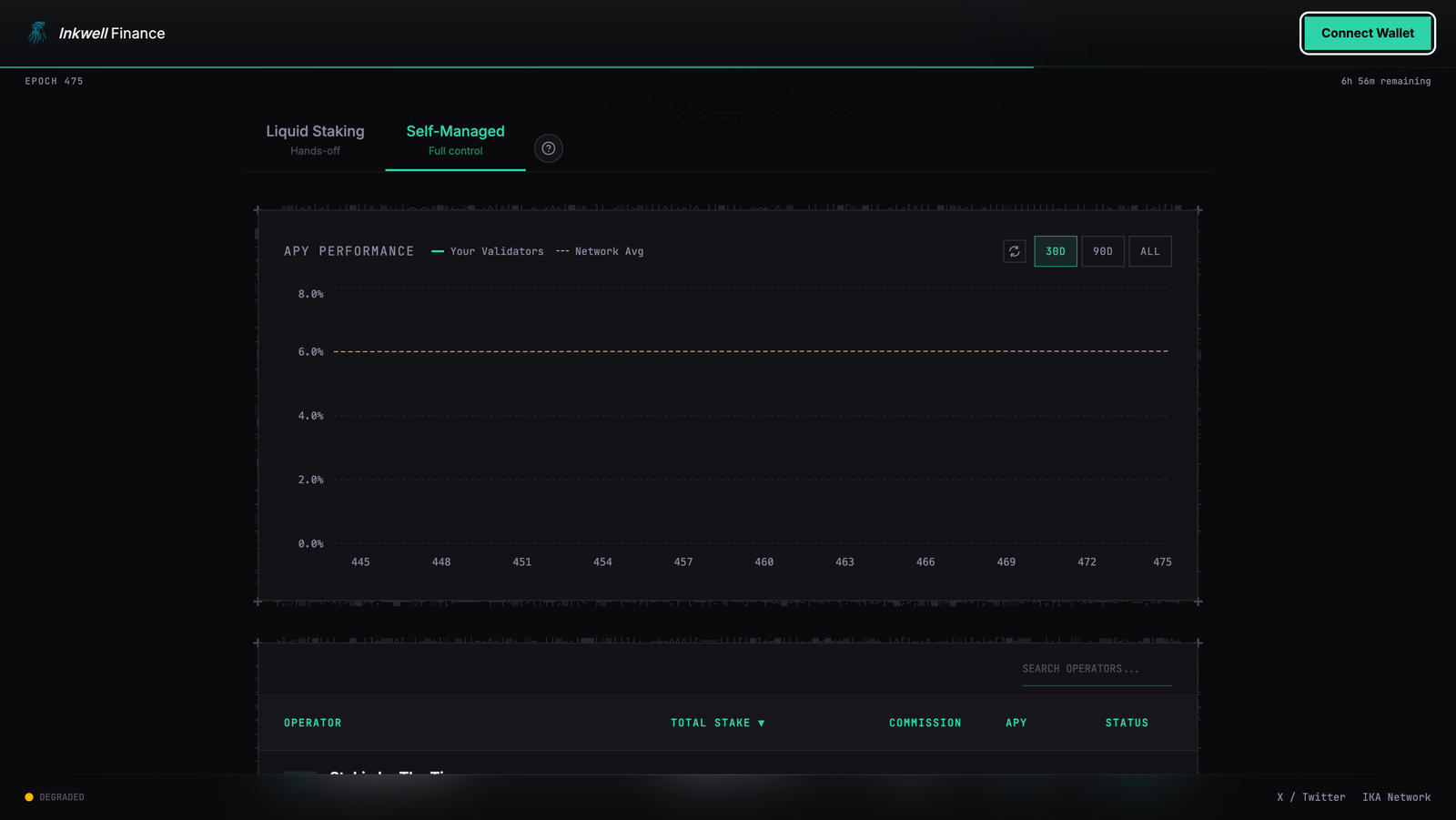
Inkwell Finance's Stake page opens on Self-Managed, where you choose the validator yourself. Press Connect Wallet.
The address bar should read inkwell.finance before you connect a wallet.
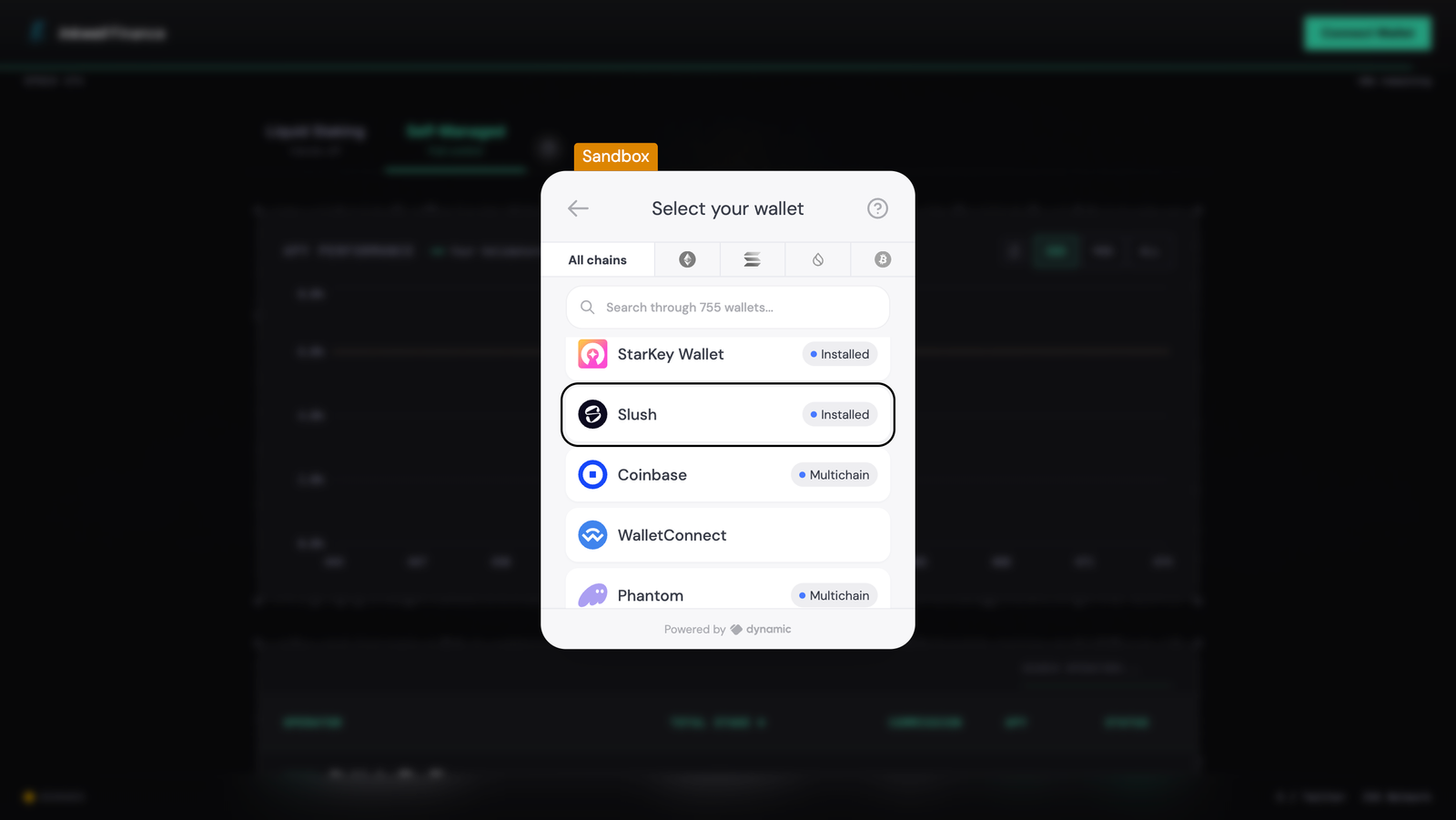
Select your wallet lists the wallets in your browser. Press Slush.
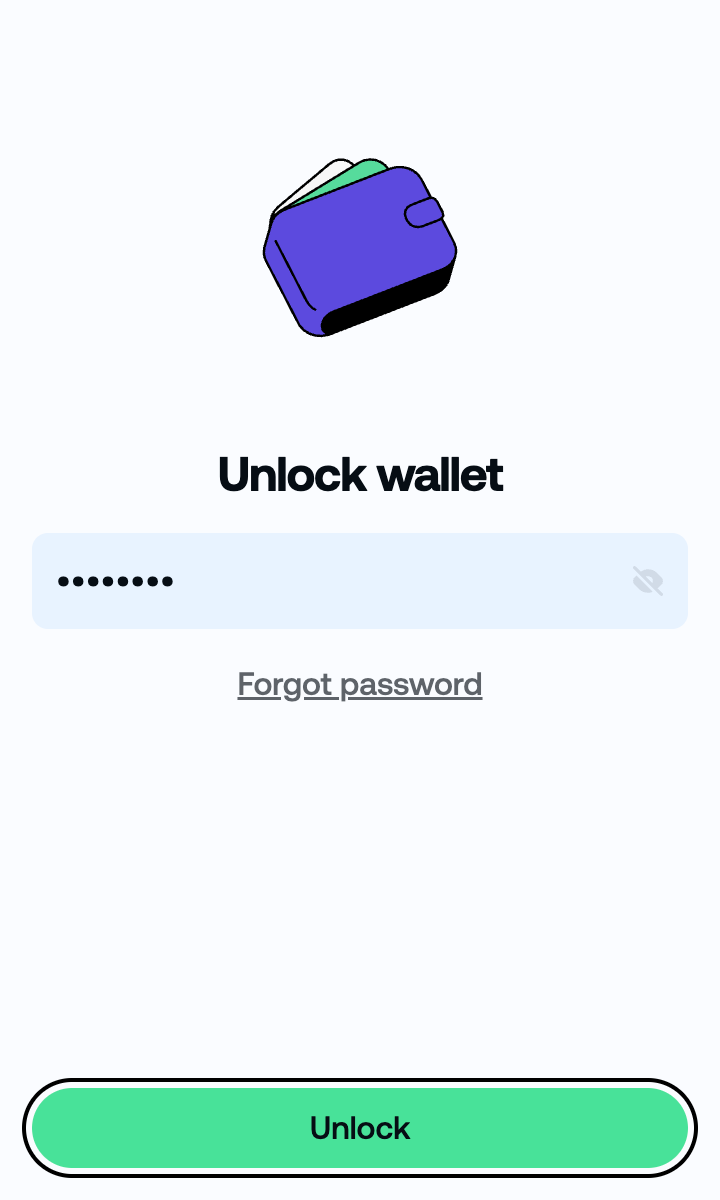
Slush opens. Type your password and press Unlock.
Slush unlocks with your password only. Anything that asks for your recovery phrase here is not Slush.
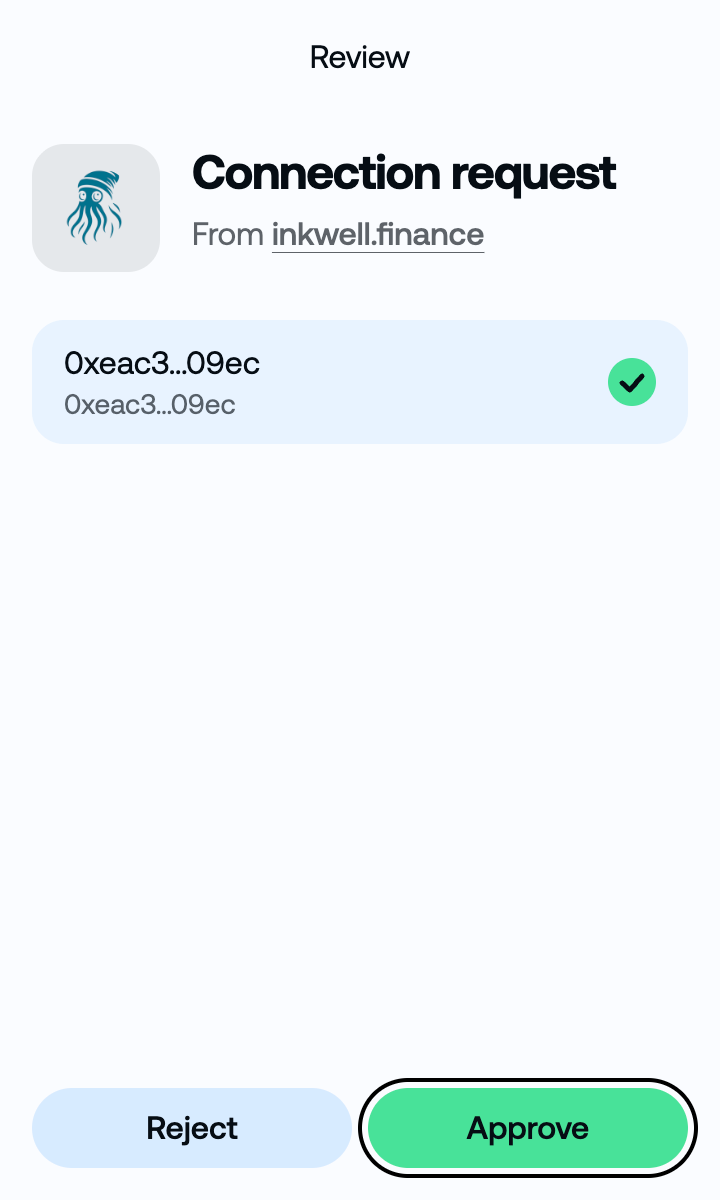
Slush shows a connection request from inkwell.finance for your account. Press Approve.
From should read inkwell.finance. Connecting shows Inkwell your address; it moves no coins.
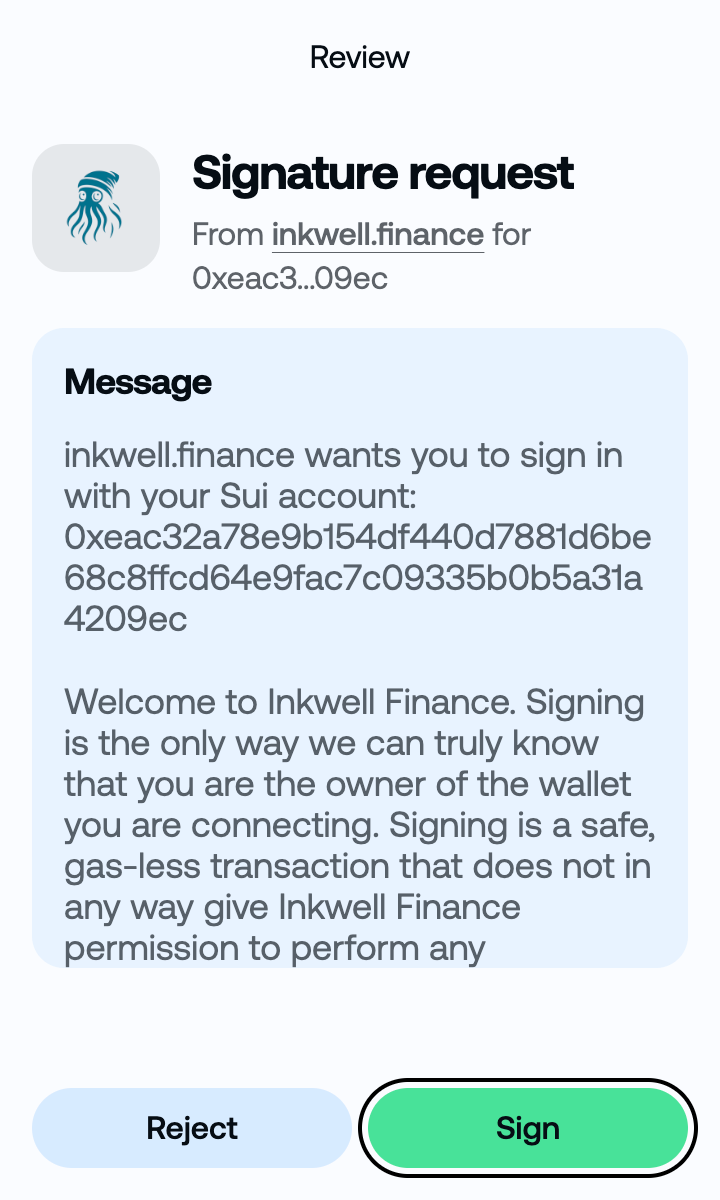
Inkwell asks you to sign a message that proves the wallet is yours: a sign-in, with no gas and no transaction. Press Sign.
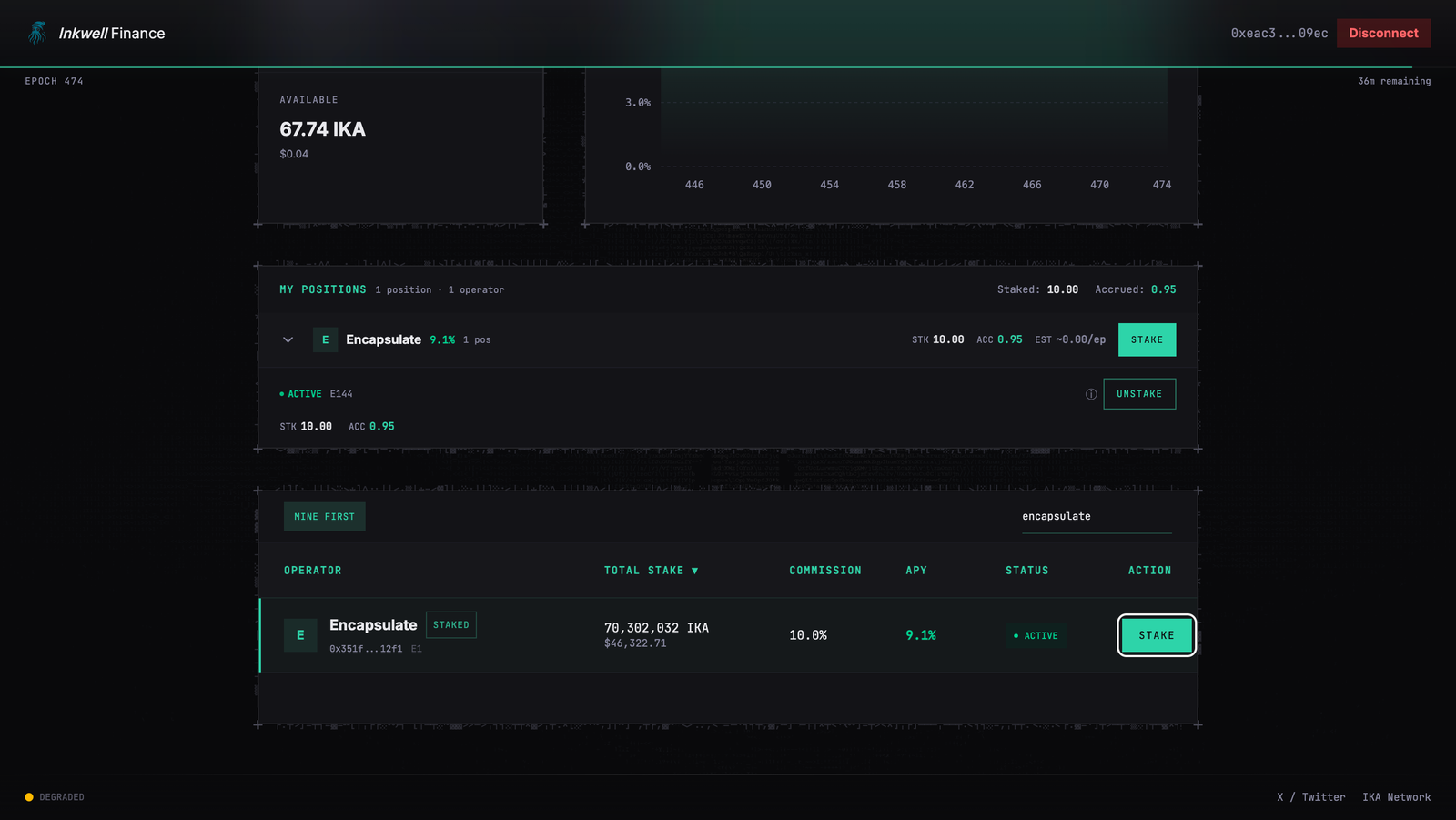
Back on Inkwell, your address shows at the top and your IKA under Available. Type encapsulate in the operator search, then press Stake on Encapsulate's row.
Anyone can name a validator Encapsulate. Ours reads 0x351f…12f1 under the name, short for 0x351f2db45c0aa849265b2605535ac84f2bed663c819044045953d579a74312f1.
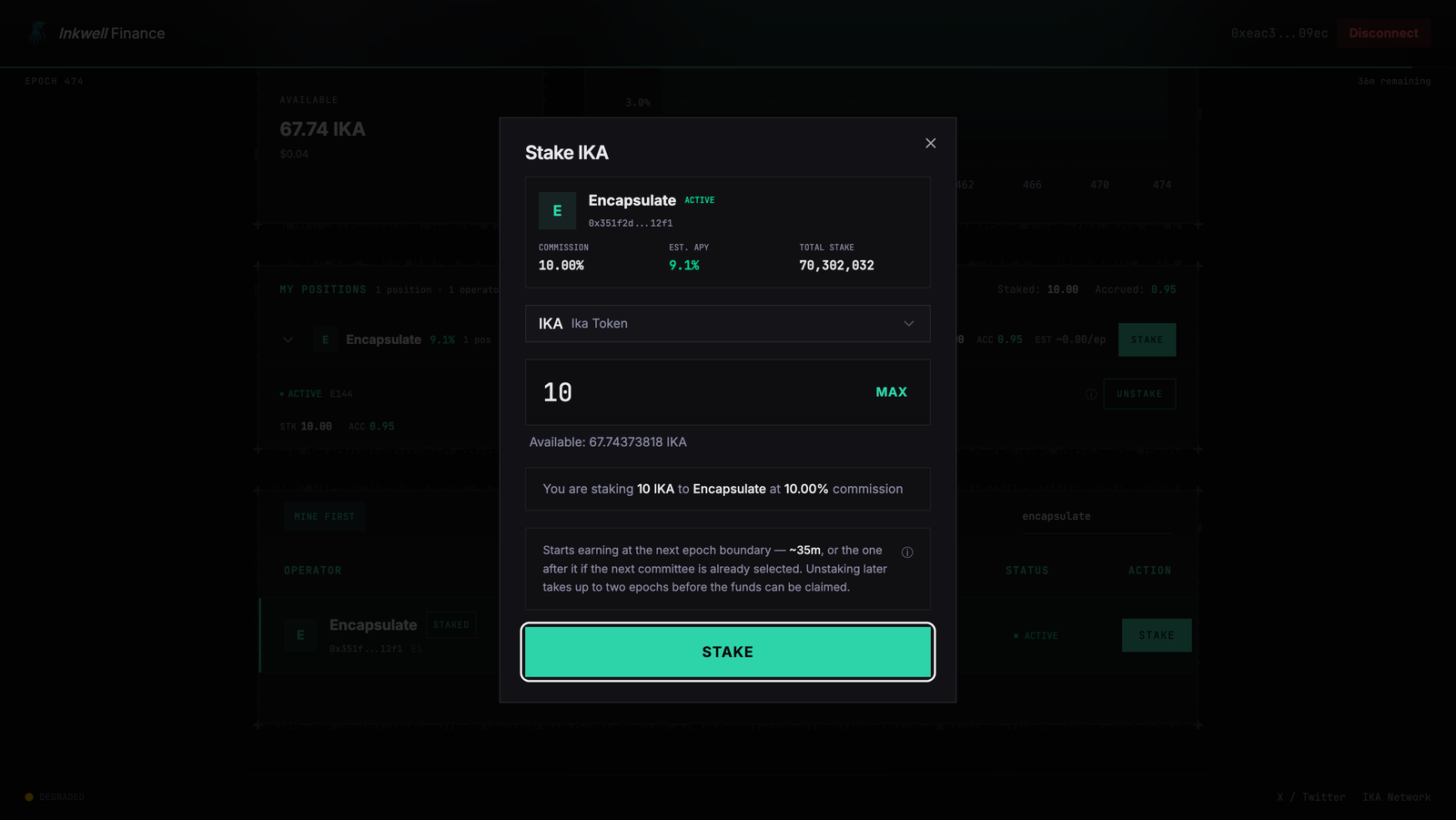
Stake IKA names Encapsulate with our 10% commission, its estimated APY and its total stake. Type how much IKA to stake; MAX fills in your whole balance. Press Stake.
The line above Stake should read your amount, Encapsulate and 10.00% commission. The minimum is 1 IKA.
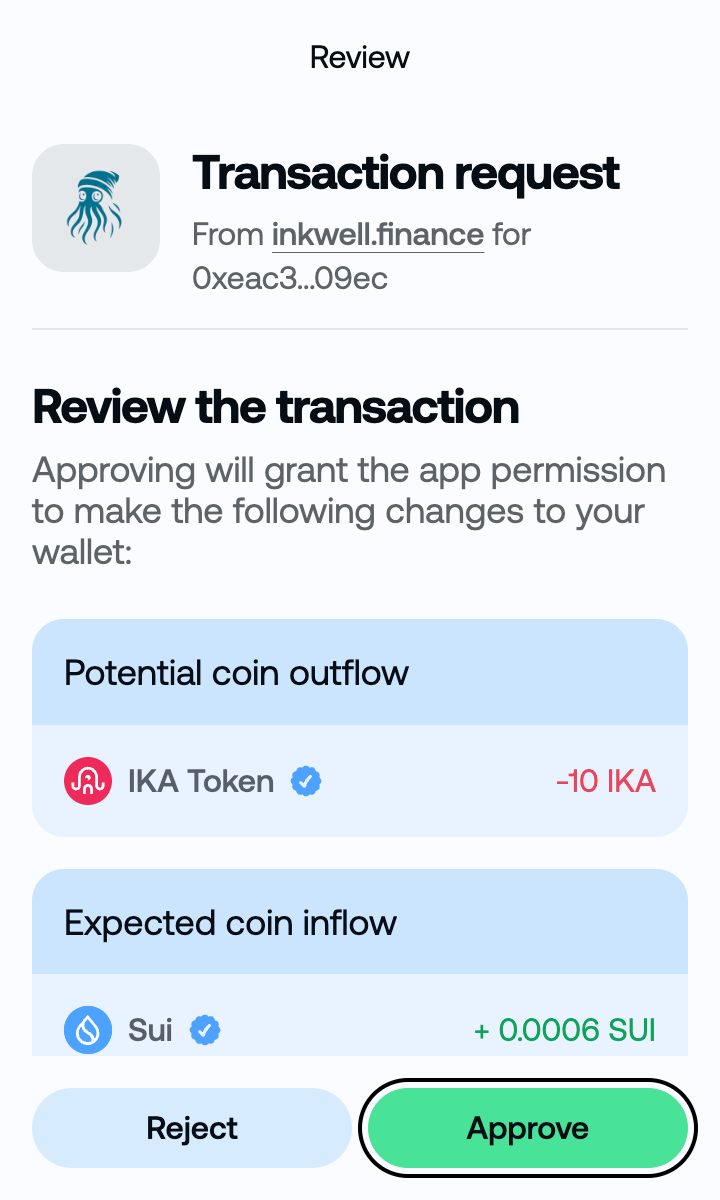
Slush shows the transaction request from inkwell.finance and what it moves: the IKA you stake goes out. Press Approve.
Potential coin outflow should be the IKA you typed and nothing more. This is the last screen before it is sent.
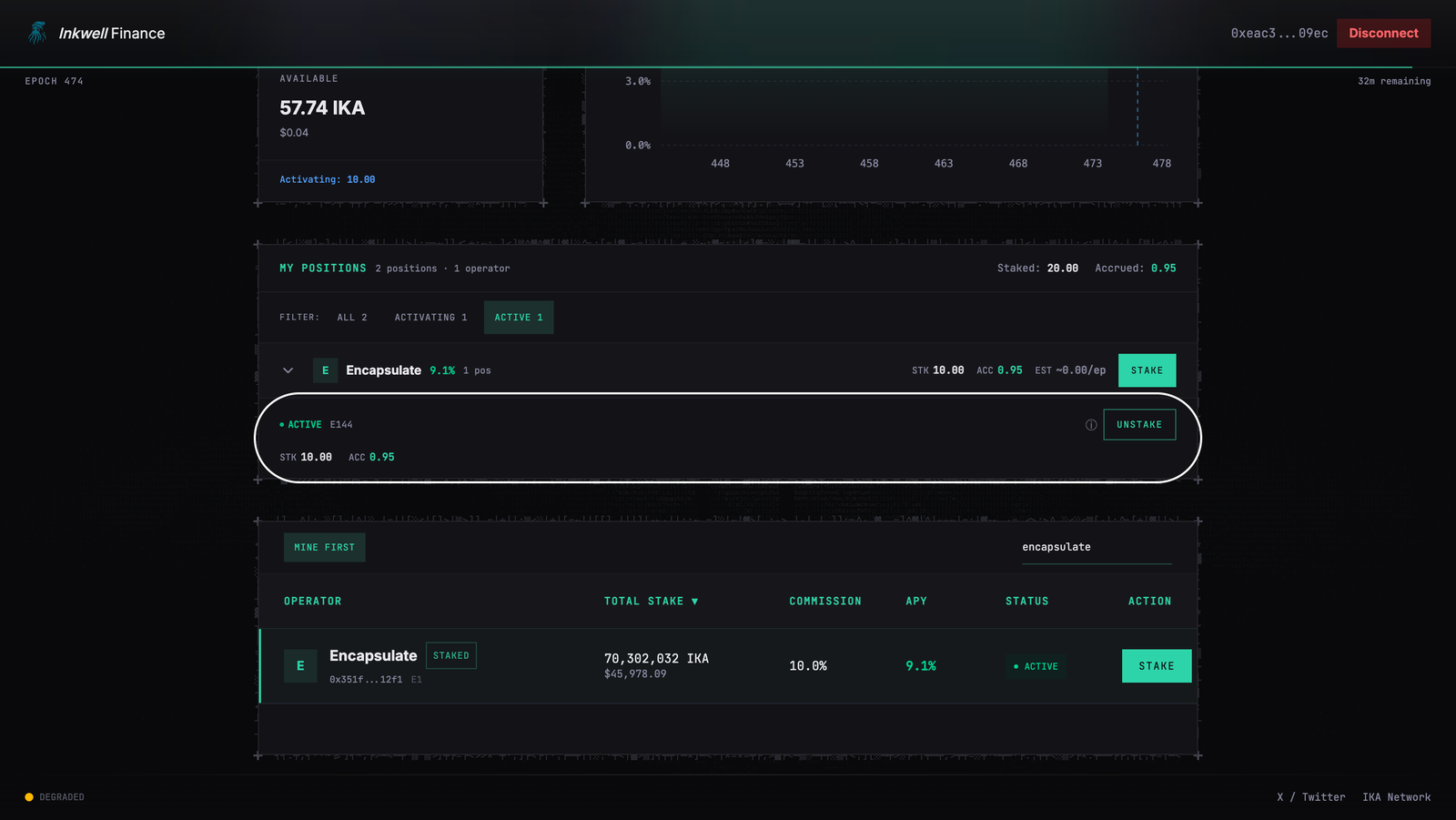
Under Available, Activating shows the IKA you staked. It starts earning at the next epoch boundary, or the one after, and moves to Active under My Positions, with Encapsulate. Rewards are added every epoch, about 24 hours, and compound on their own.
Unstaking takes up to two epochs, 12 to 36 hours: press Unstake, then claim your IKA once it is ready.
