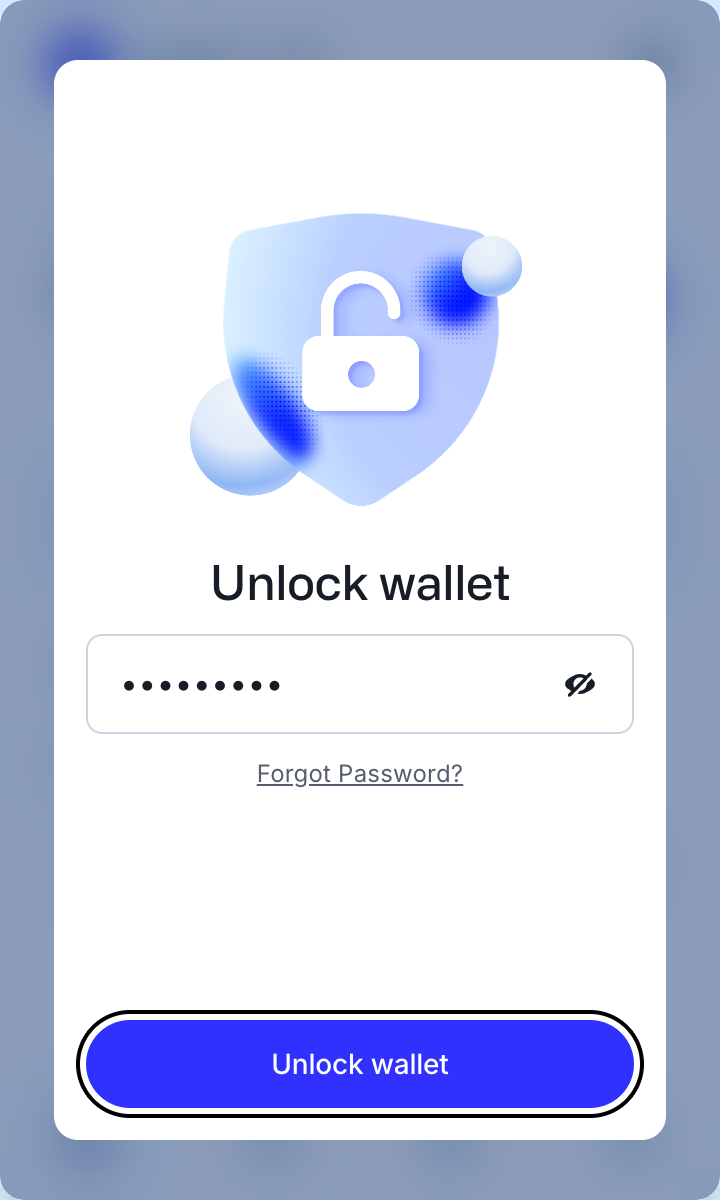
Open the IOTA Wallet extension. Type your password and press Unlock wallet.
IOTA Wallet unlocks with your password only. Anything that asks for your recovery phrase here is not IOTA Wallet.

The home screen shows your IOTA balance and the coins you hold. Press Start Staking.


Select a Validator opens. Type encapsulate in the search and pick Encapsulate.
Anyone can name a validator Encapsulate. Ours reads 0xedd6…c9ab under the name, short for 0xedd654b226cbfbdfd2f7329928ba1b8784493354f92326e9d368494a9227c9ab.


Encapsulate's row turns grey once it is picked. Press Next.


Stake IOTA shows Encapsulate's staking APY, our 8% commission, its share of all staked IOTA and how much you already stake with it. Type how much IOTA to stake; Max fills in your whole balance. Press Stake.
Stake sends it at once: no screen follows to approve it. Check the amount, and leave a little IOTA for fees; this stake cost about 0.002 IOTA. The minimum is 1 IOTA.


Successfully sent, with Encapsulate, the IOTA you staked and the gas fee. Staking Rewards Start counts down to the next epoch, when your stake starts earning; Redeem Rewards to the epoch after, when its first rewards can be withdrawn. Press View on Explorer.


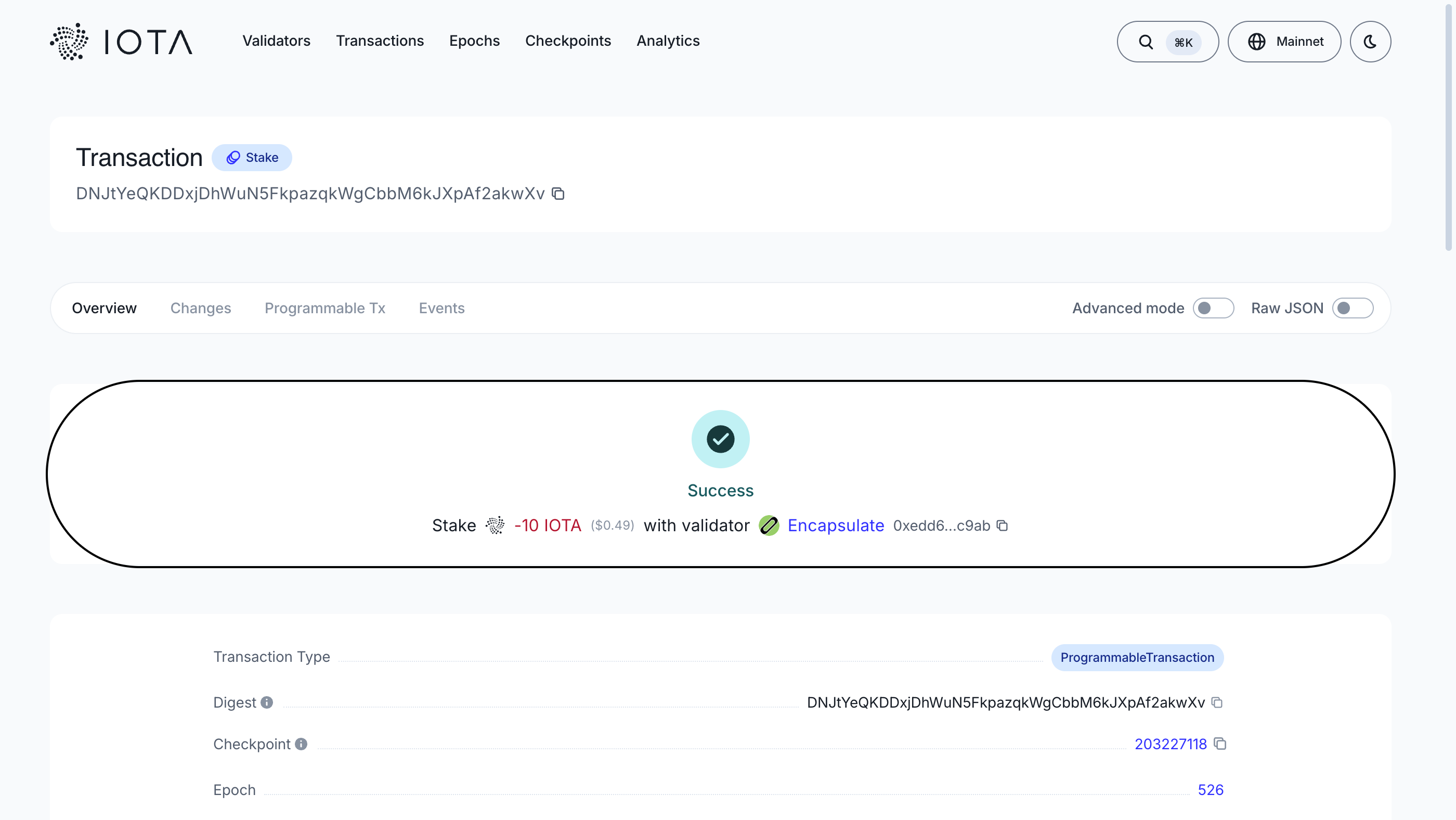
The IOTA explorer shows the transaction as a Stake: Success, the IOTA you staked and Encapsulate, 0xedd6…c9ab. From the next epoch, rewards are added to your stake every 24 hours and compound on their own.
Unstaking returns your IOTA at once. You give up only the current epoch's rewards.