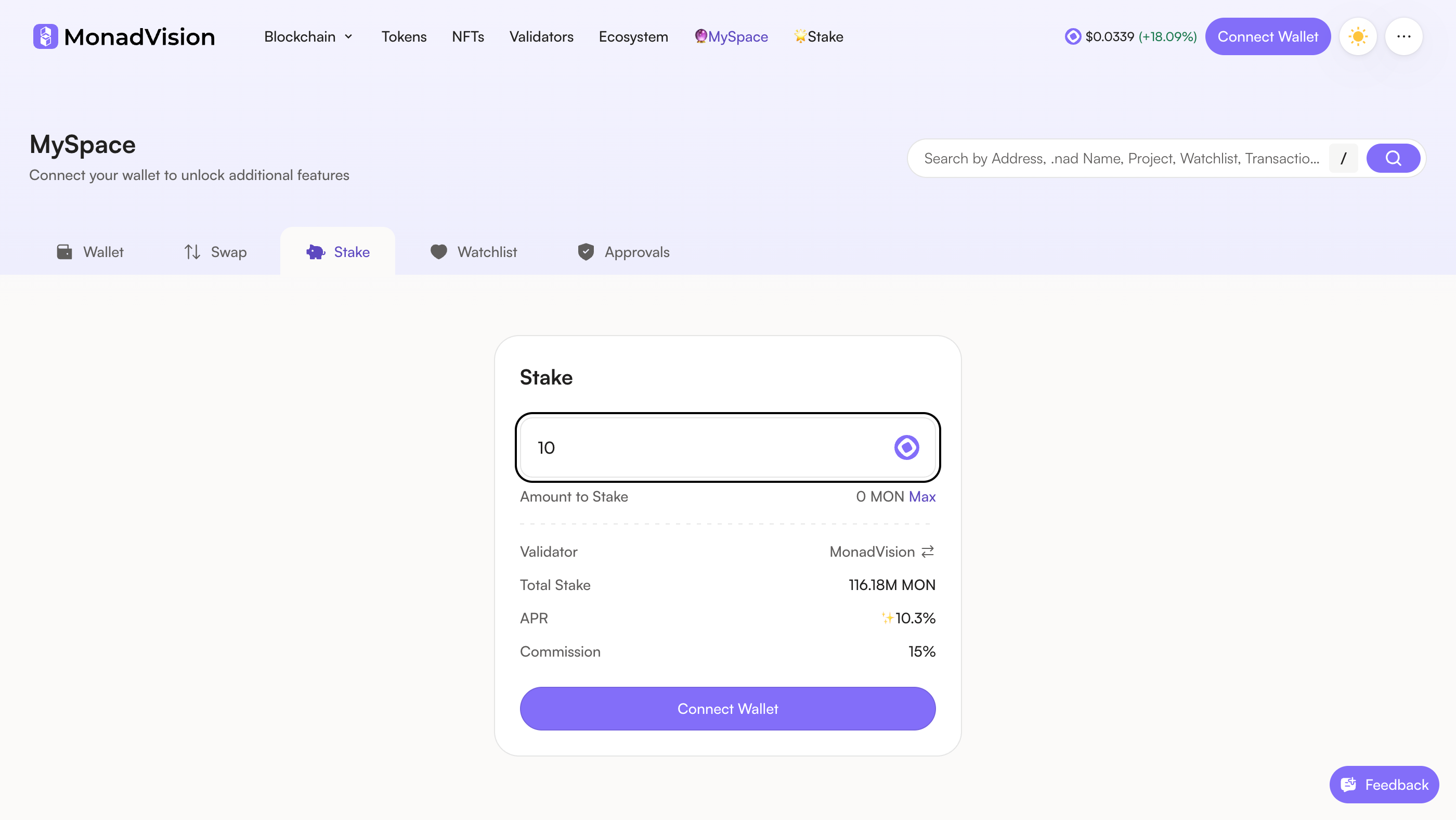
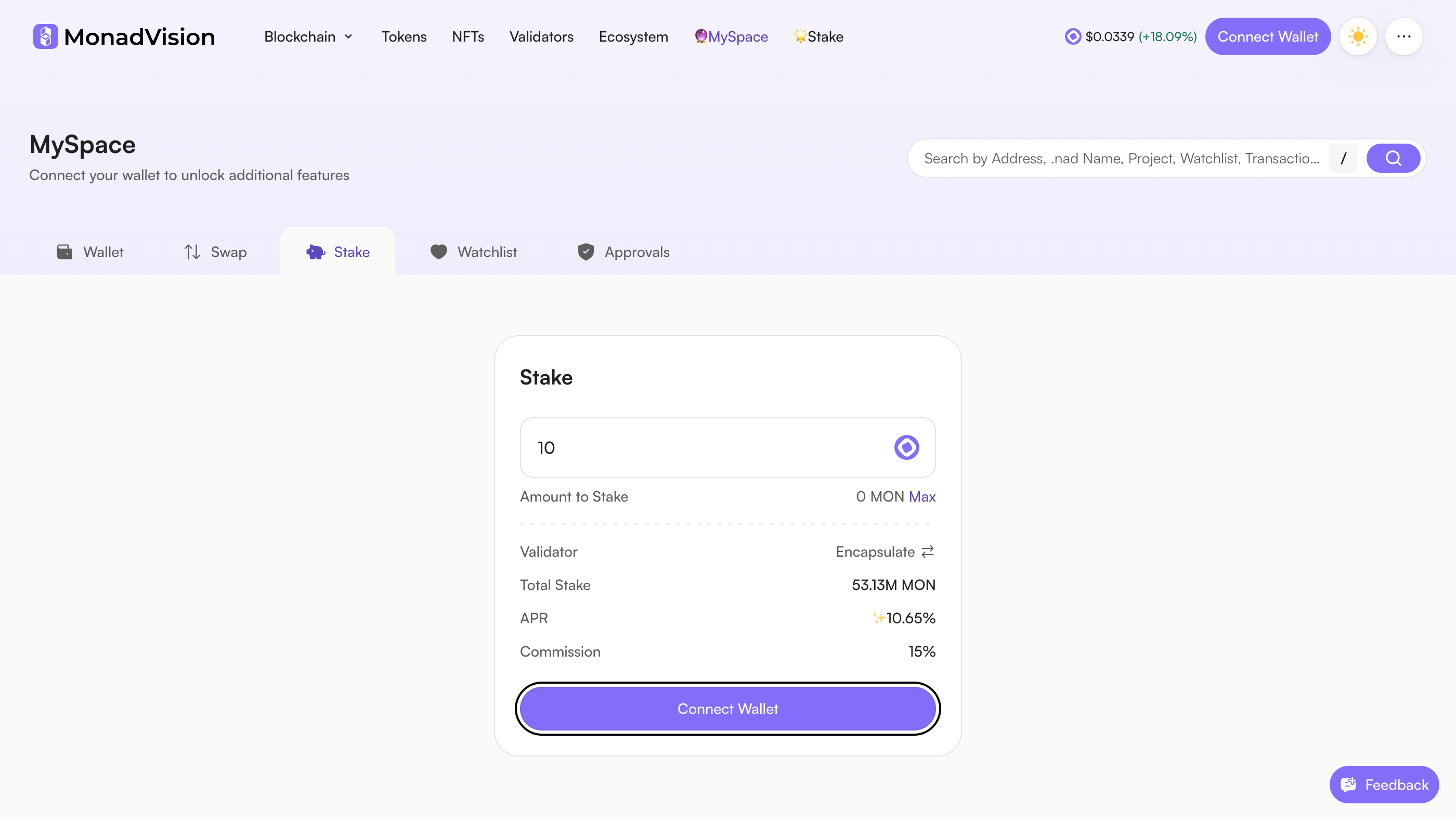
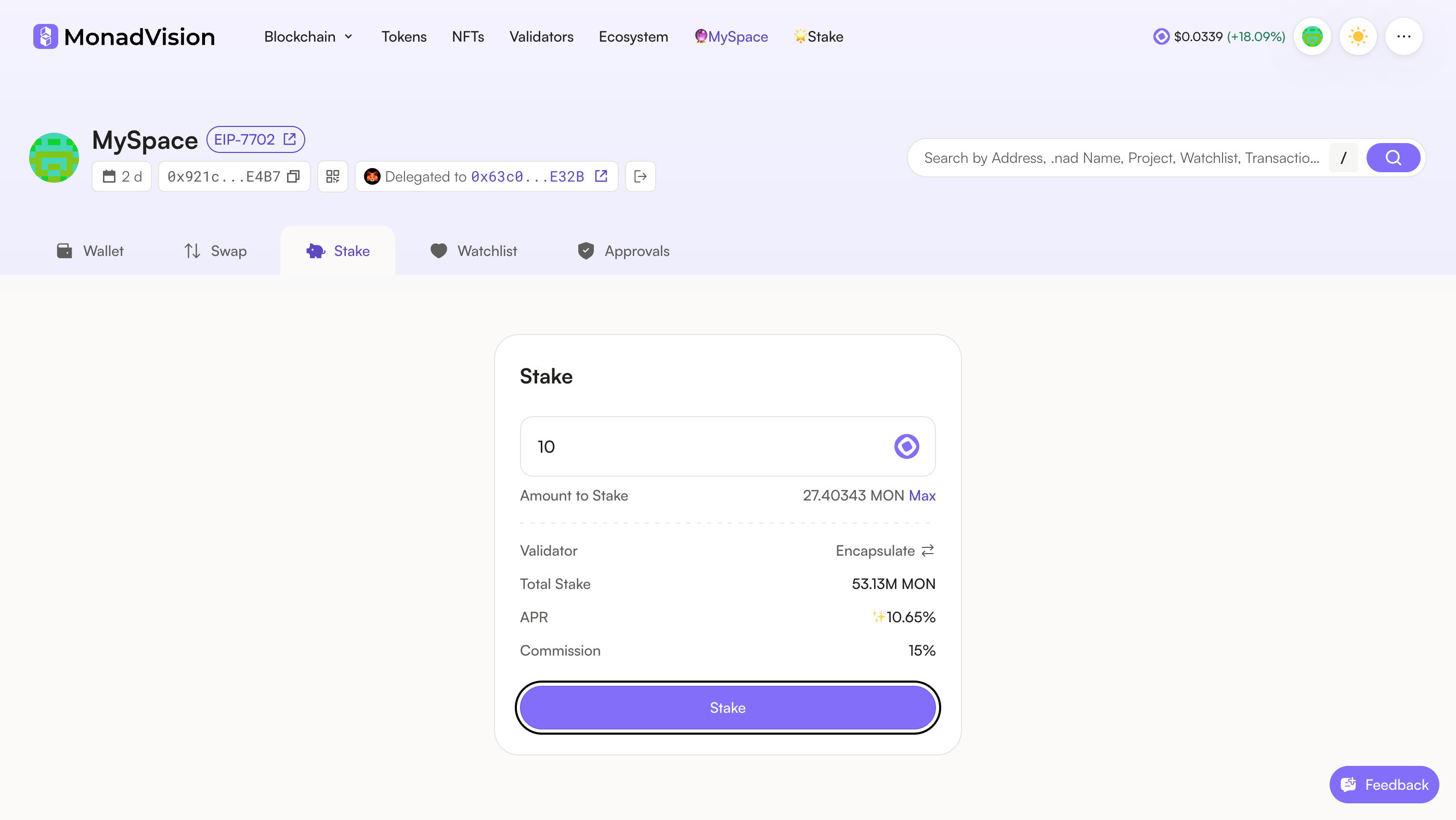
Open MonadVision's MySpace on its Stake tab and type how much MON to stake; Max fills in your balance. There is no minimum.
The address bar reads monadvision.com — a copy of this page would ask for the same wallet.

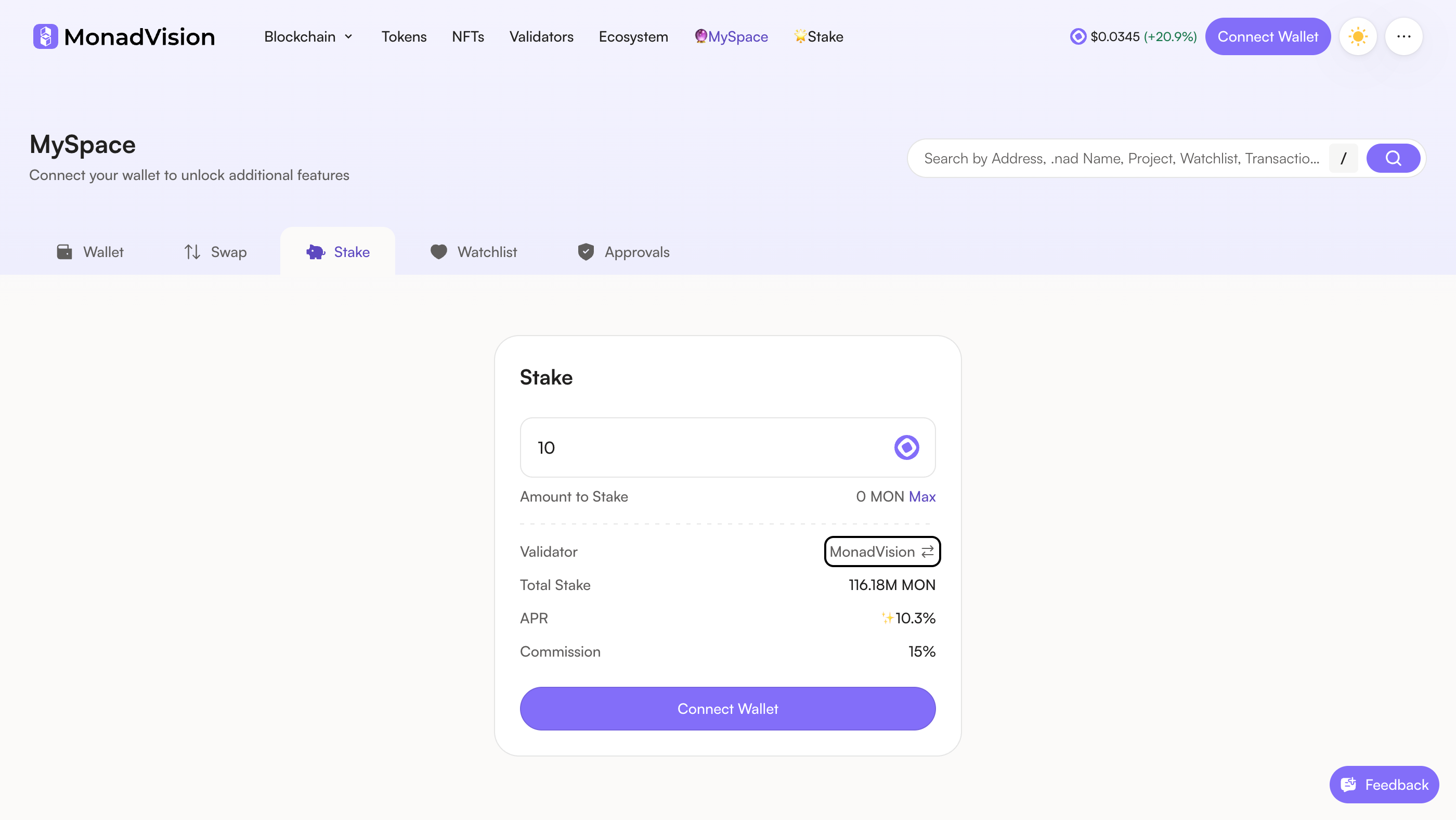
The Validator line shows MonadVision, the site's own validator, and the card stakes with whichever validator this line shows. Press its name, or the ⇄ beside it, to choose another.

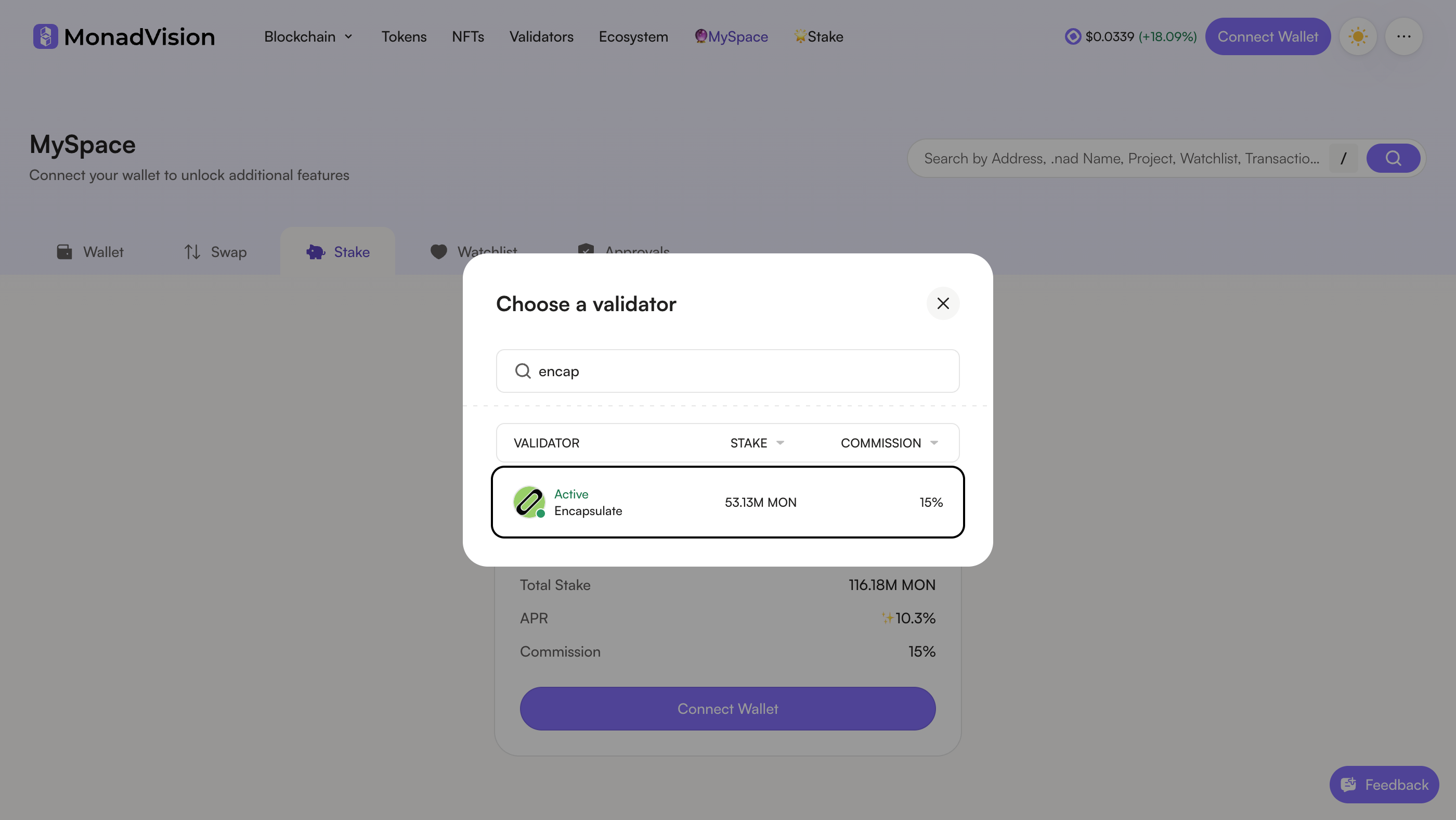
In Choose a validator, type encap in the search and pick Encapsulate: it shows as Active, with its stake and our 15% commission.
Pick the row named Encapsulate. The card stakes with whichever validator it shows.

The Validator line now reads Encapsulate, with our total stake, APR and commission. Press Connect Wallet.

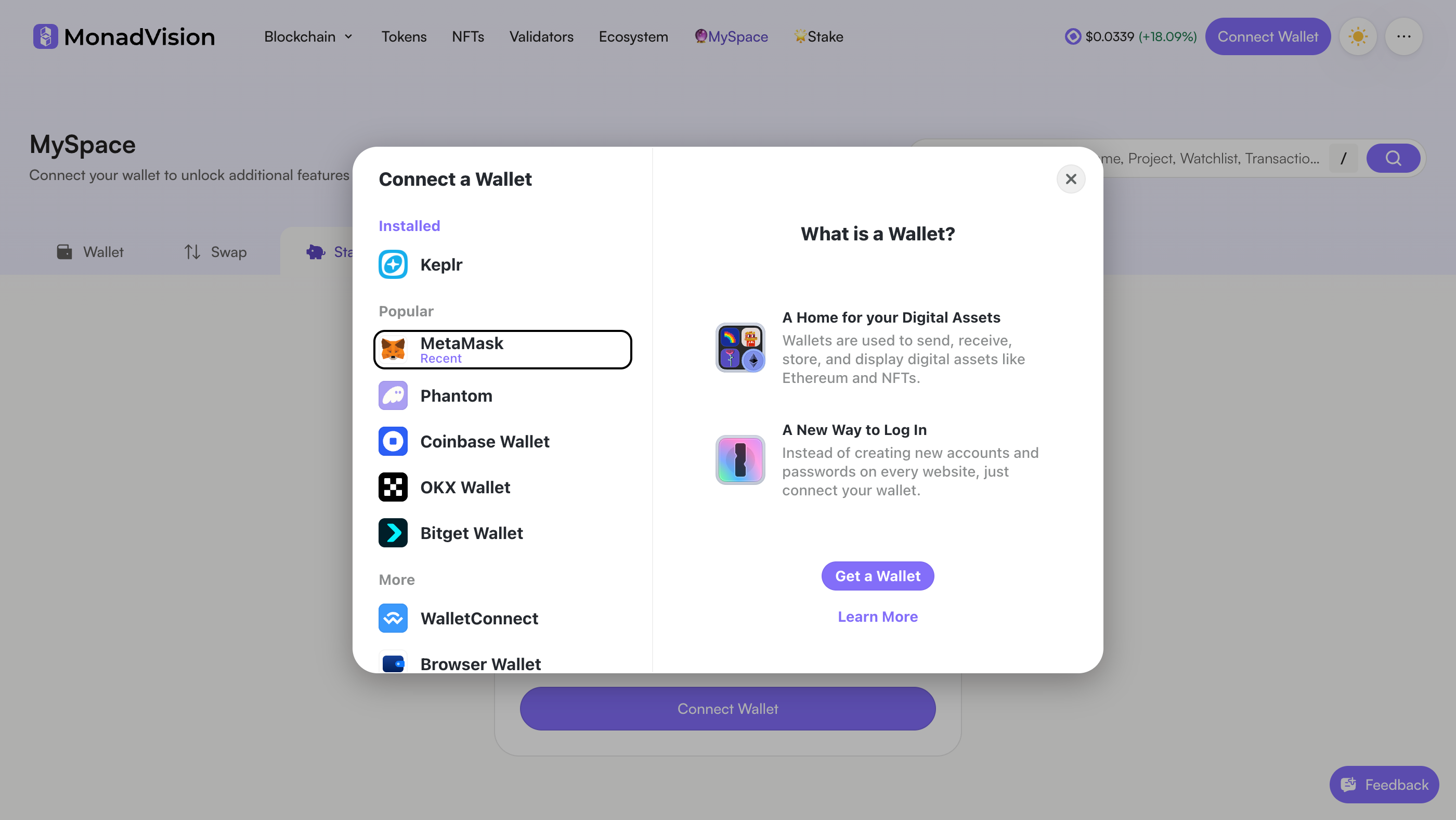
In Connect a Wallet, choose MetaMask. Keplr, Phantom and the others work the same way; this guide follows MetaMask.

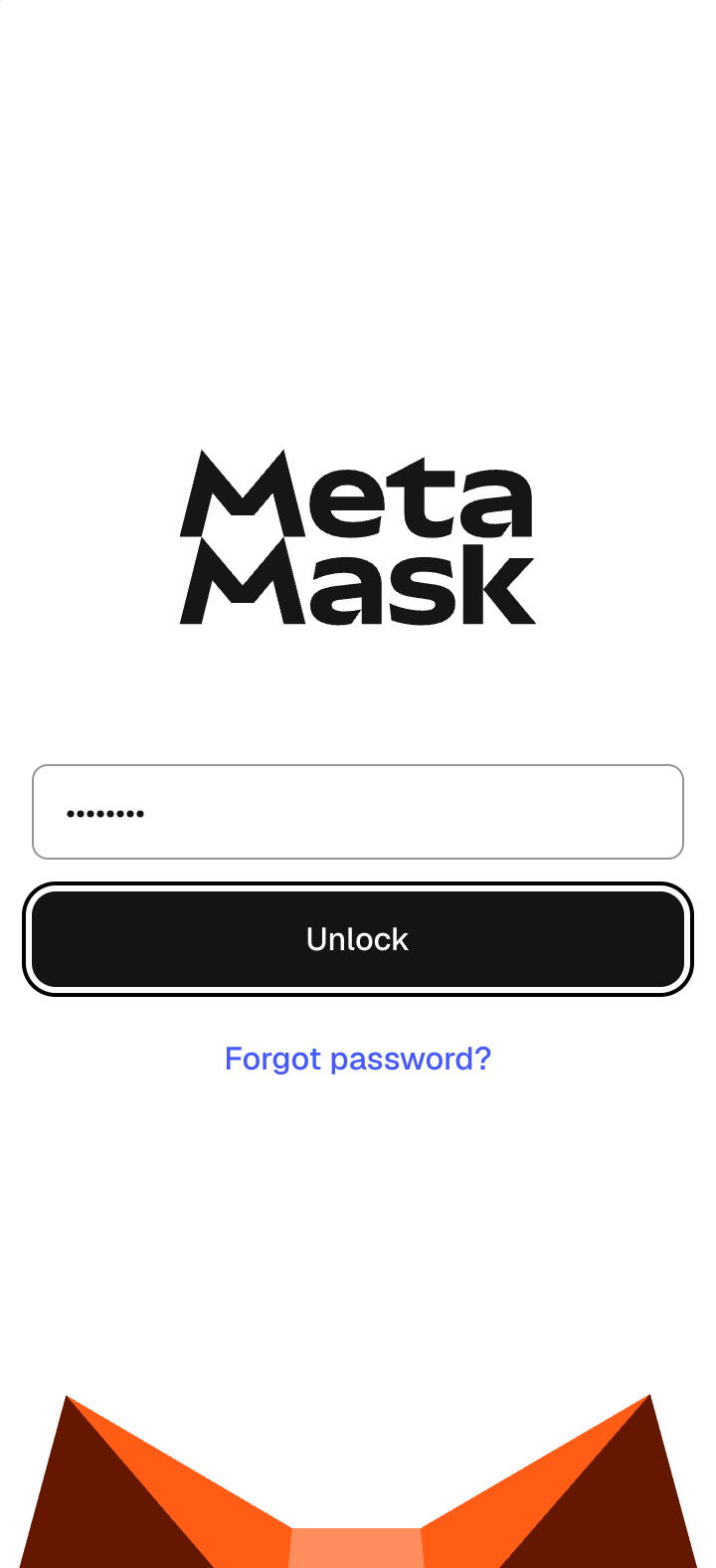
MetaMask opens. Type your password and press Unlock.
MetaMask unlocks with your password only. Anything that asks for your recovery phrase here is not MetaMask.

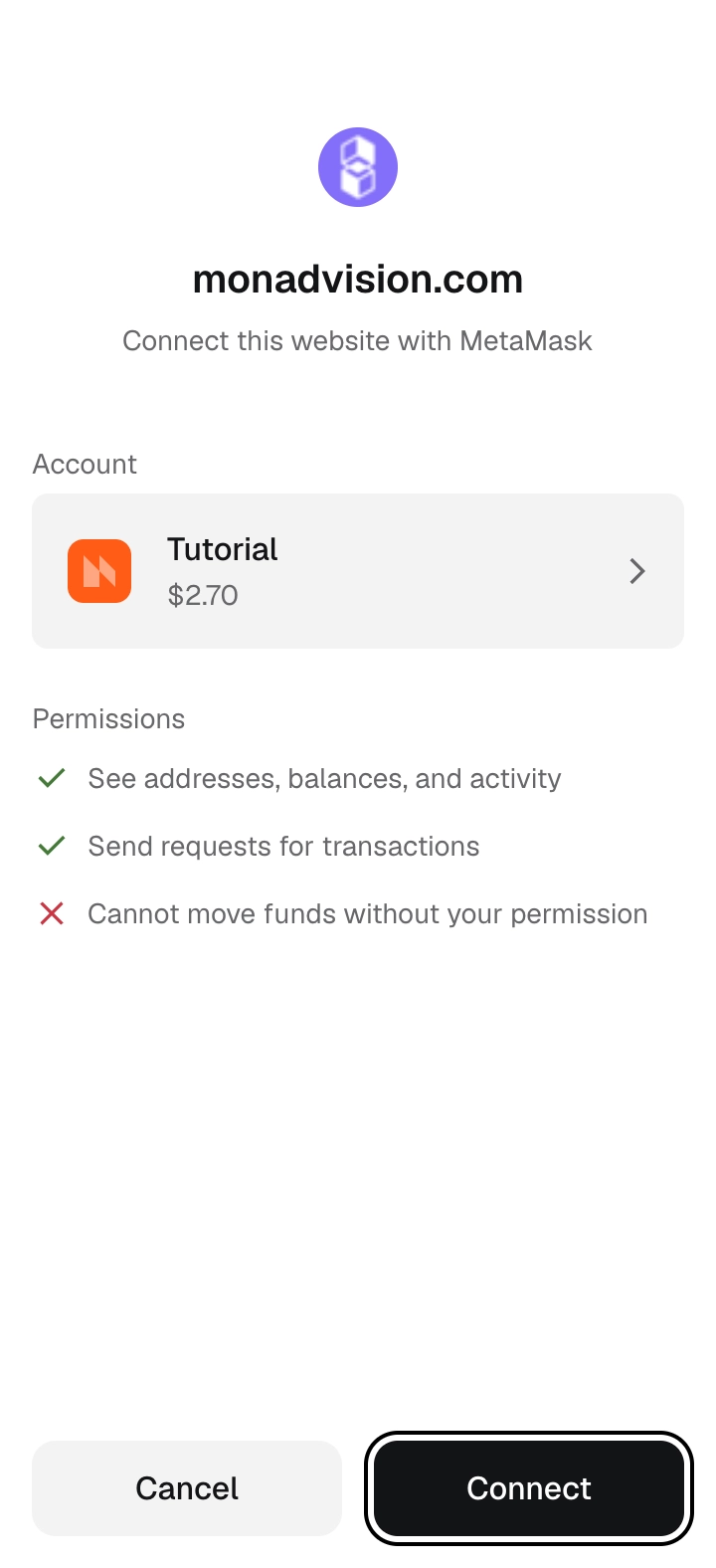
MetaMask shows monadvision.com and the account it will connect. The site can see your addresses and balances and send you transaction requests; it cannot move funds without your permission. Press Connect.
The site named at the top is monadvision.com.

Back on MonadVision your wallet is connected, and your balance shows beside Max. With your amount in and Encapsulate on the Validator line, press Stake.
The Validator line must still read Encapsulate before you press Stake.

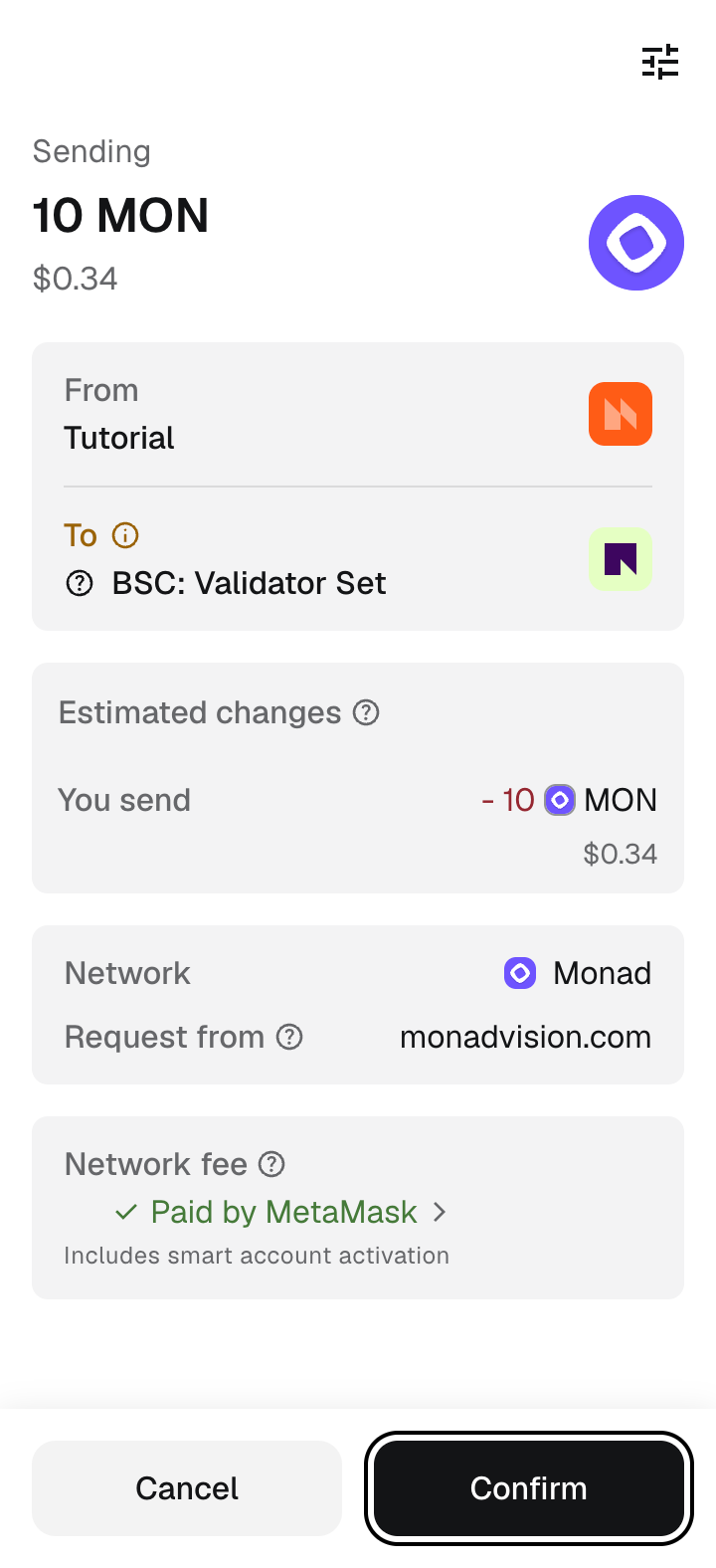
MetaMask shows the MON you are sending, the request from monadvision.com on the Monad network and the network fee, which MetaMask may pay for you. Press Confirm.
MetaMask names the recipient "BSC: Validator Set": its label for this address on BNB Chain, where the same address is another contract. On Monad it is the staking contract. Check that the network reads Monad and the request comes from monadvision.com.

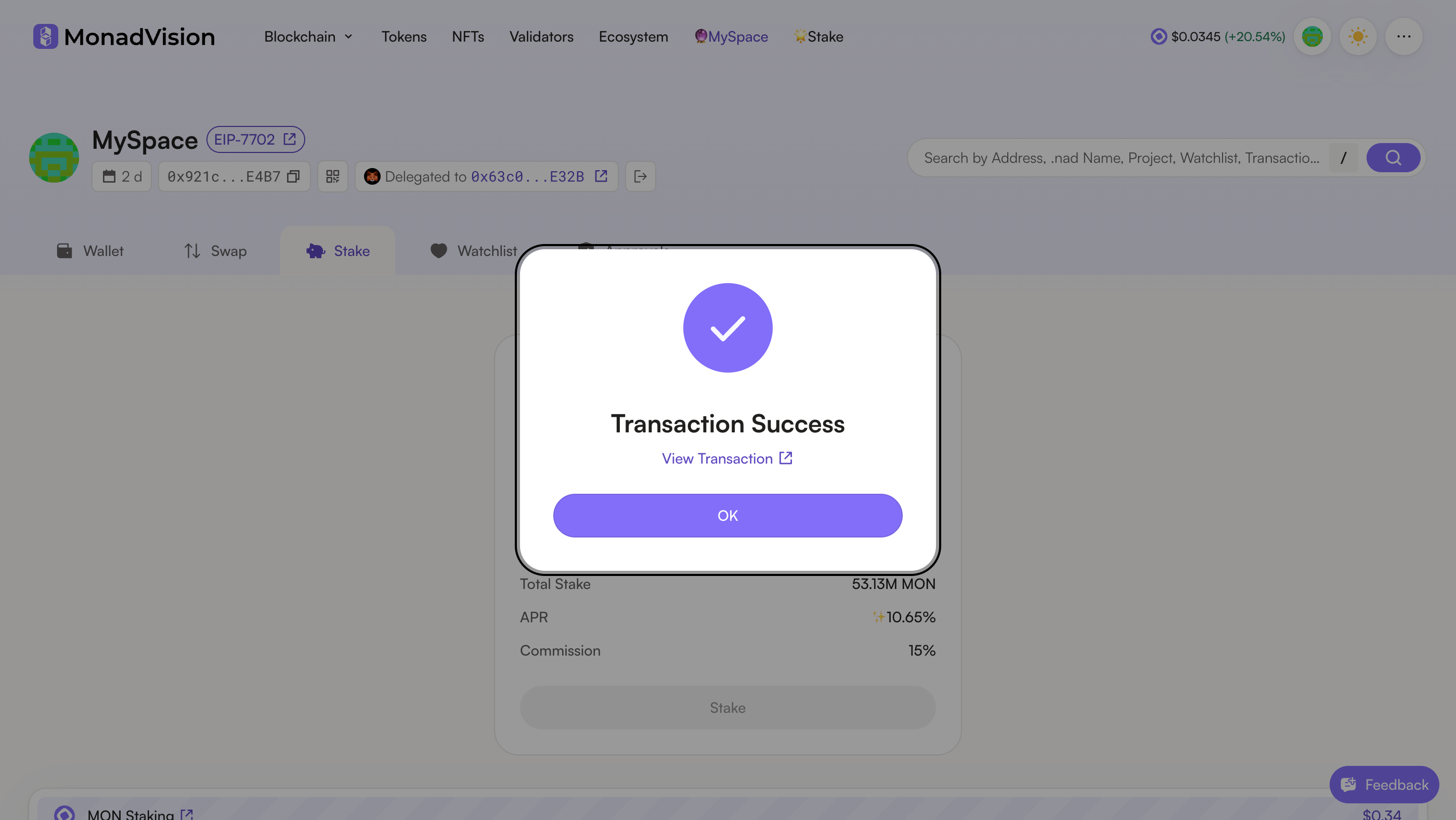
The stake lands in about a second and MonadVision shows Transaction Success. View Transaction opens it on the explorer; OK closes the notice.

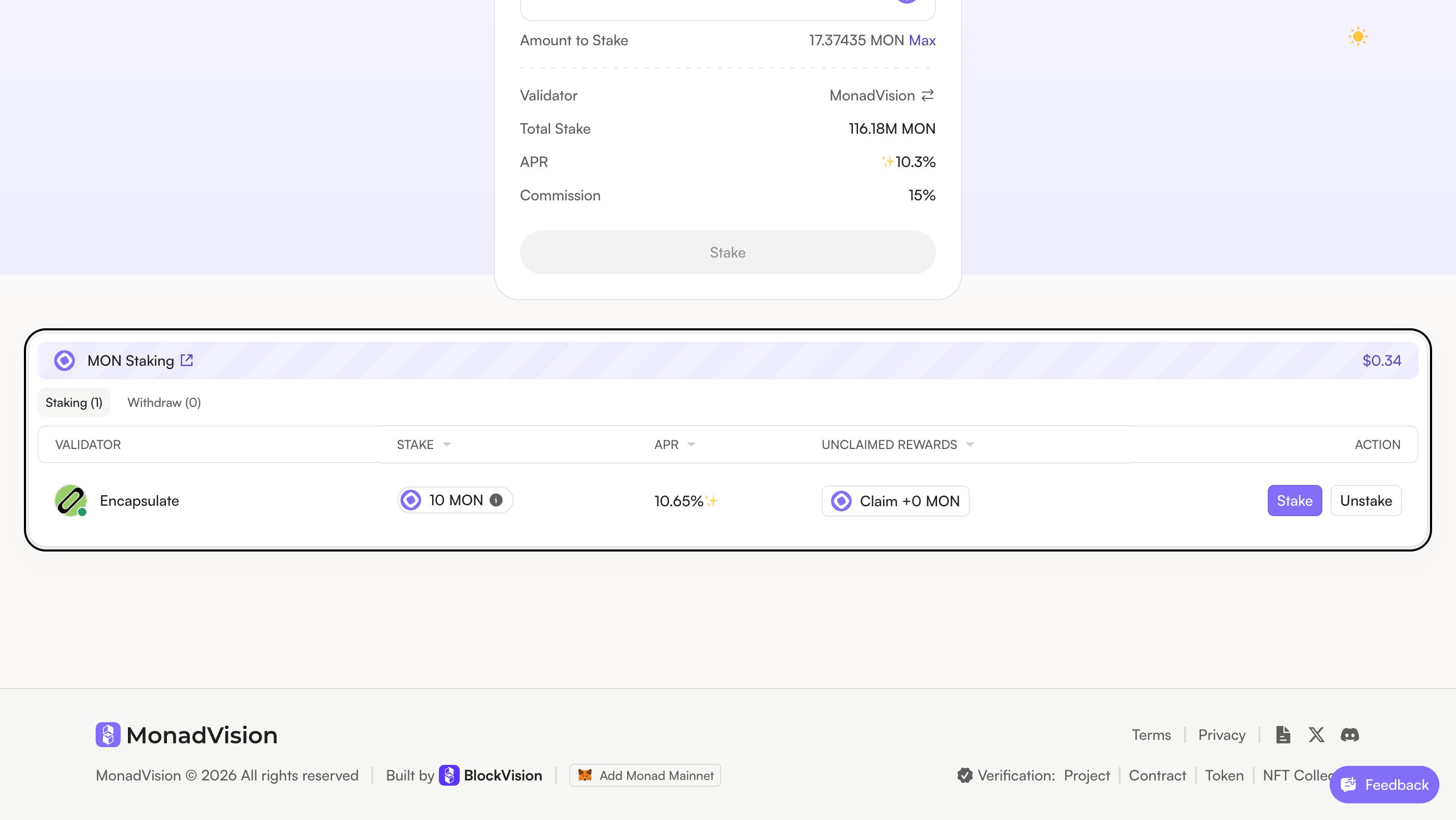
Scroll down to MON Staking: Encapsulate is listed with your stake, its APR and the rewards waiting to be claimed. Rewards build up with every block we propose and do not compound: Claim sends them to your wallet, Stake adds more, and Unstake starts a withdrawal you can collect 7 to 9 hours later.
The Stake card above goes back to MonadVision after each stake. Choose Encapsulate again before you stake more.