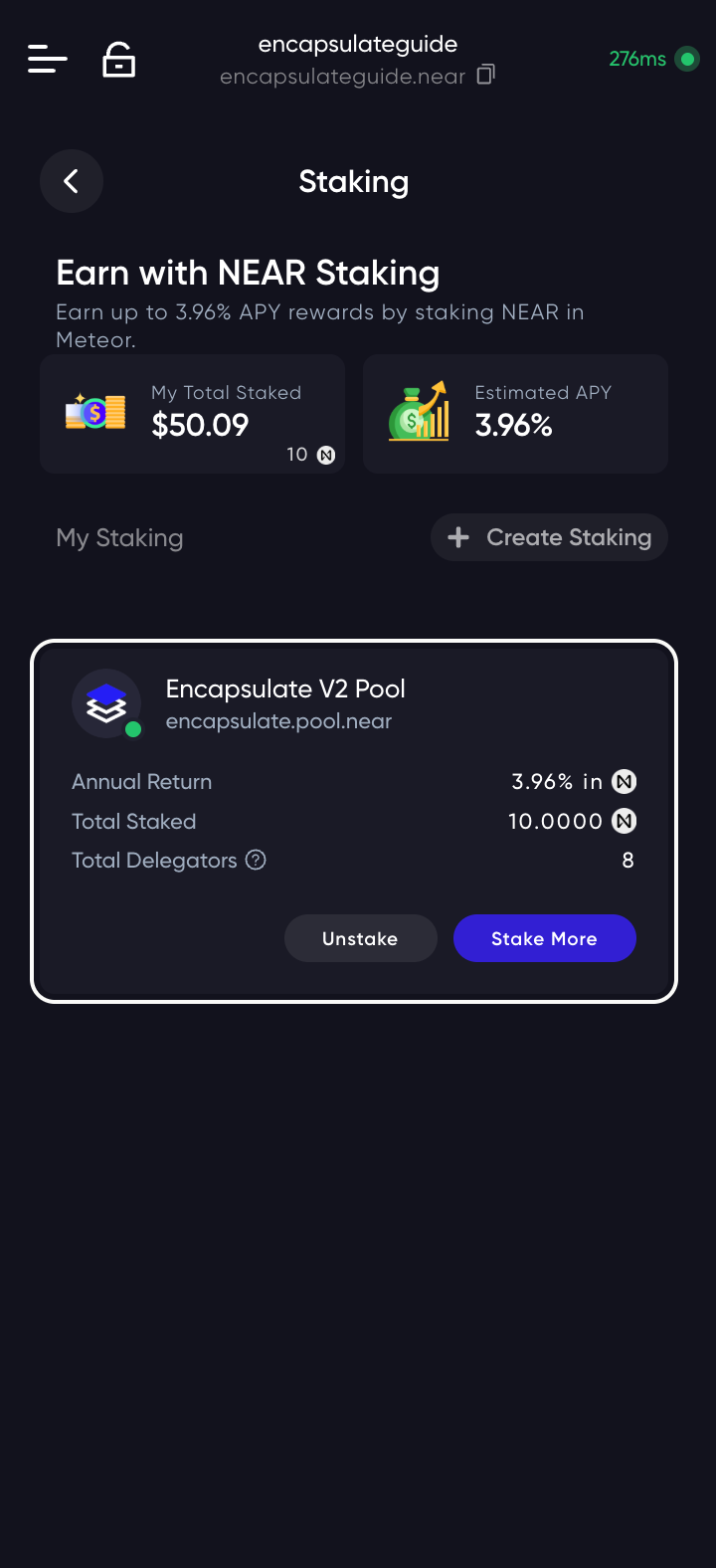
Open the Meteor wallet at wallet.meteorwallet.app. Type your password and press Unlock.
Check that the address bar reads wallet.meteorwallet.app before you type your password. A lookalike site can show the same page.
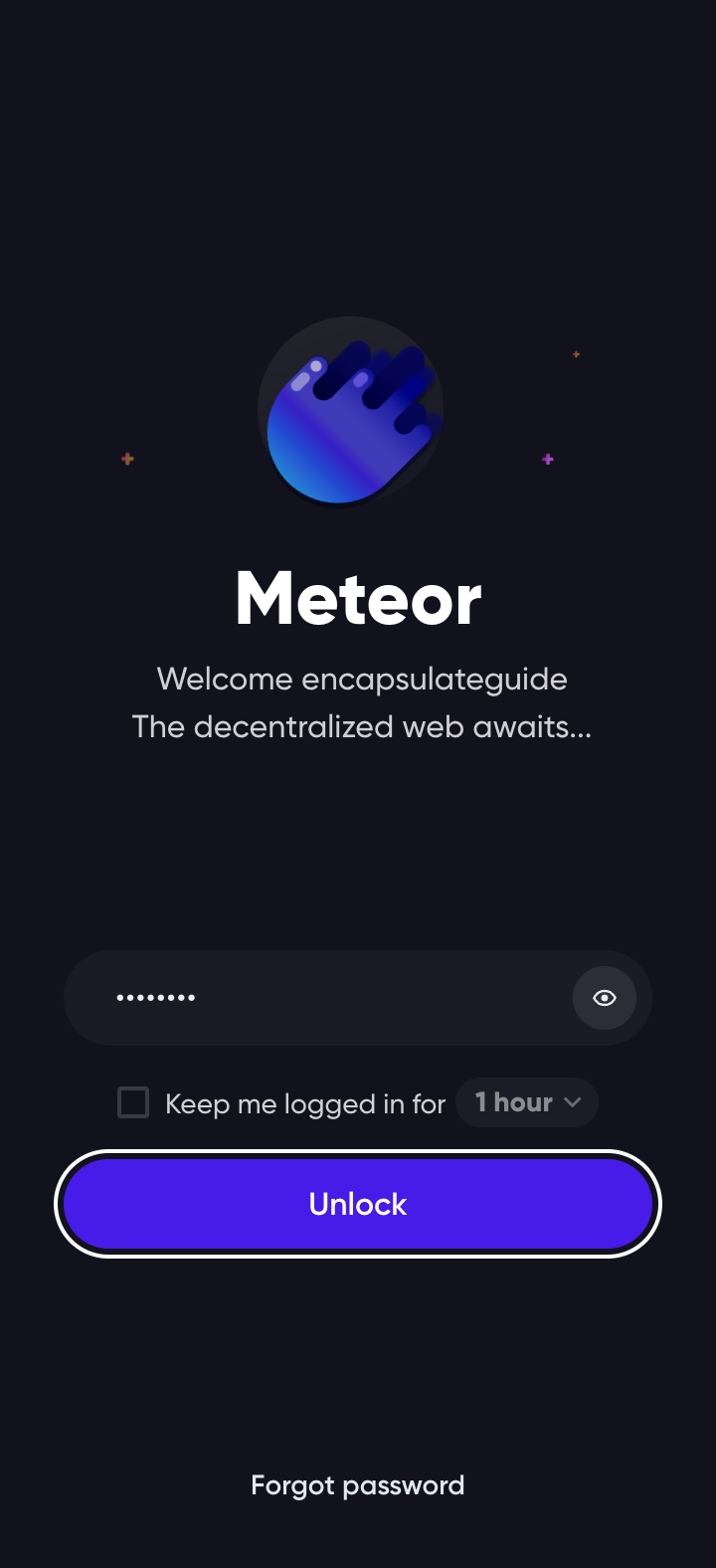

Meteor opens on your account, with your NEAR under My Assets. Press Stake.
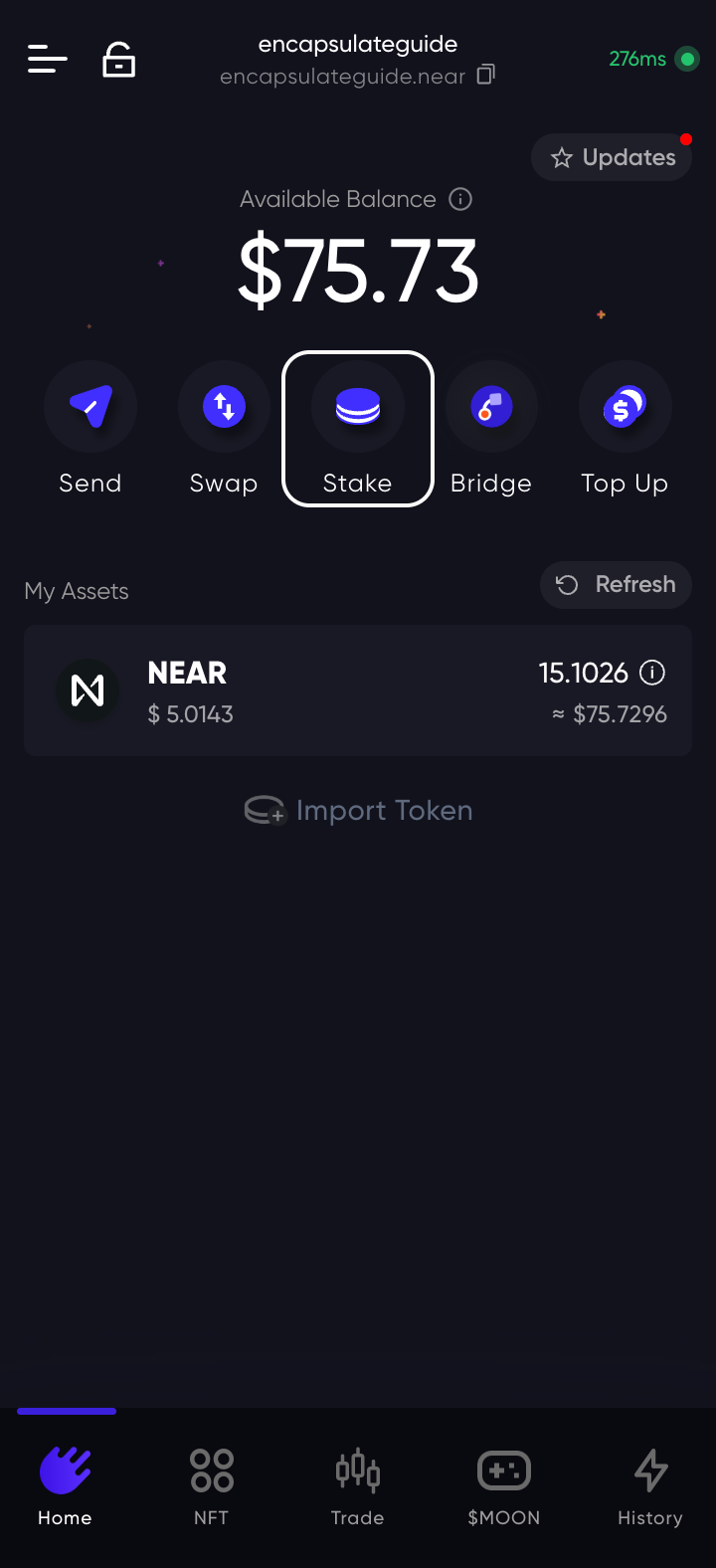

Staking lists the pools Meteor offers by default and what you have staked so far. Press Create Staking to choose your own validator.
Stake Now & Start Earning stakes with Dew Finance, not with us. Use Create Staking.

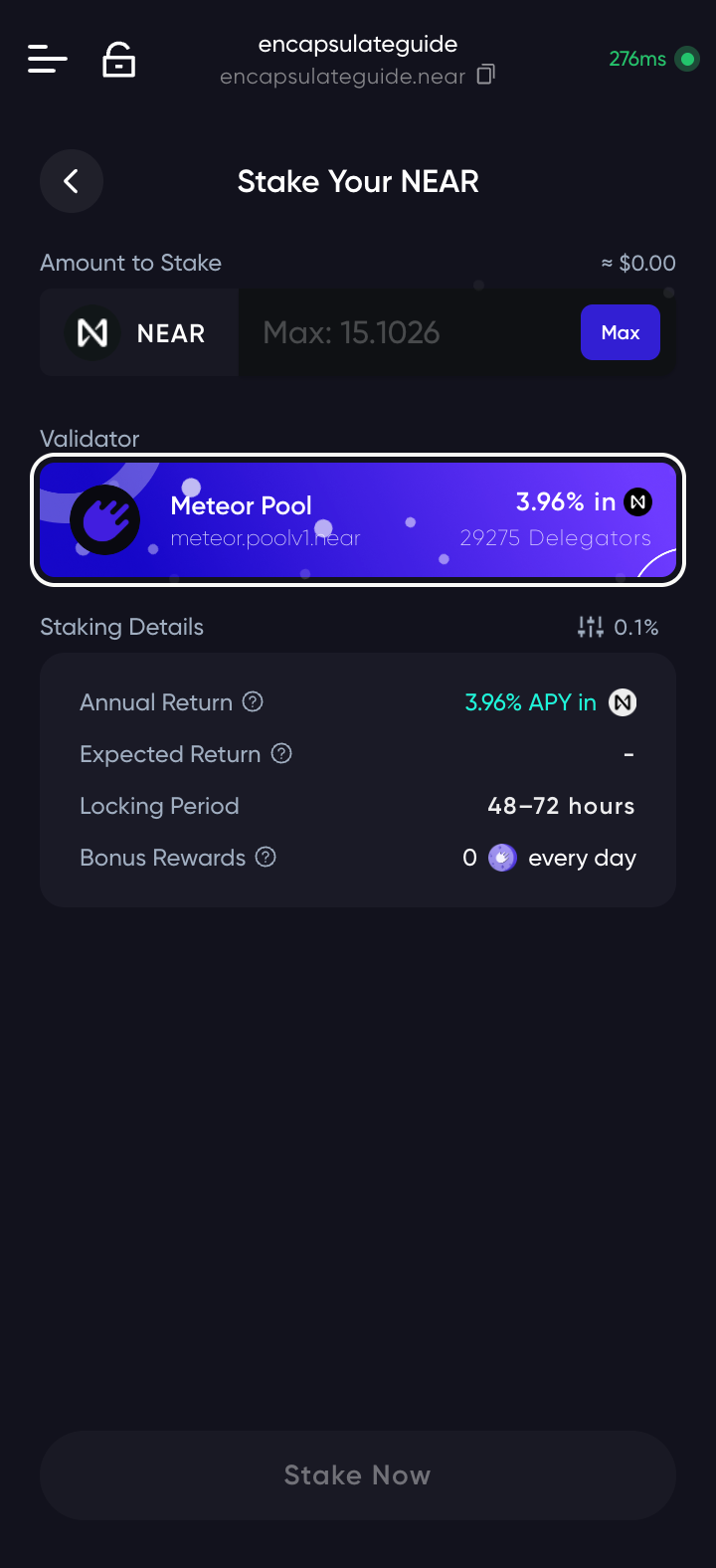
Stake Your NEAR opens with Meteor Pool already chosen as the validator. Press the validator card to change it.
Staked from here unchanged, your NEAR goes to Meteor's own pool.

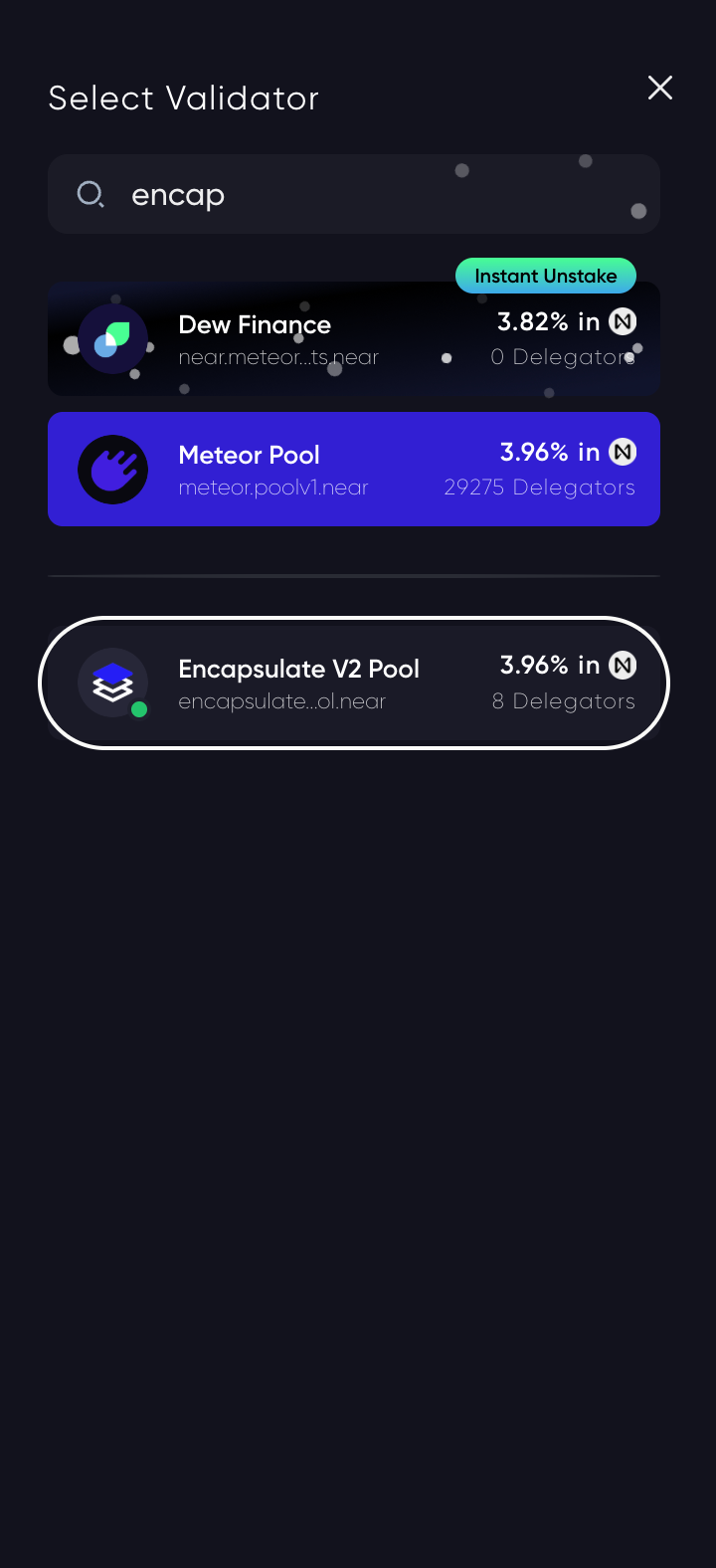
Select Validator opens. Type encap in the search and pick Encapsulate V2 Pool.
Anyone can name a pool Encapsulate. Ours is encapsulate.pool.near; the list shortens it to encapsulate…ol.near.

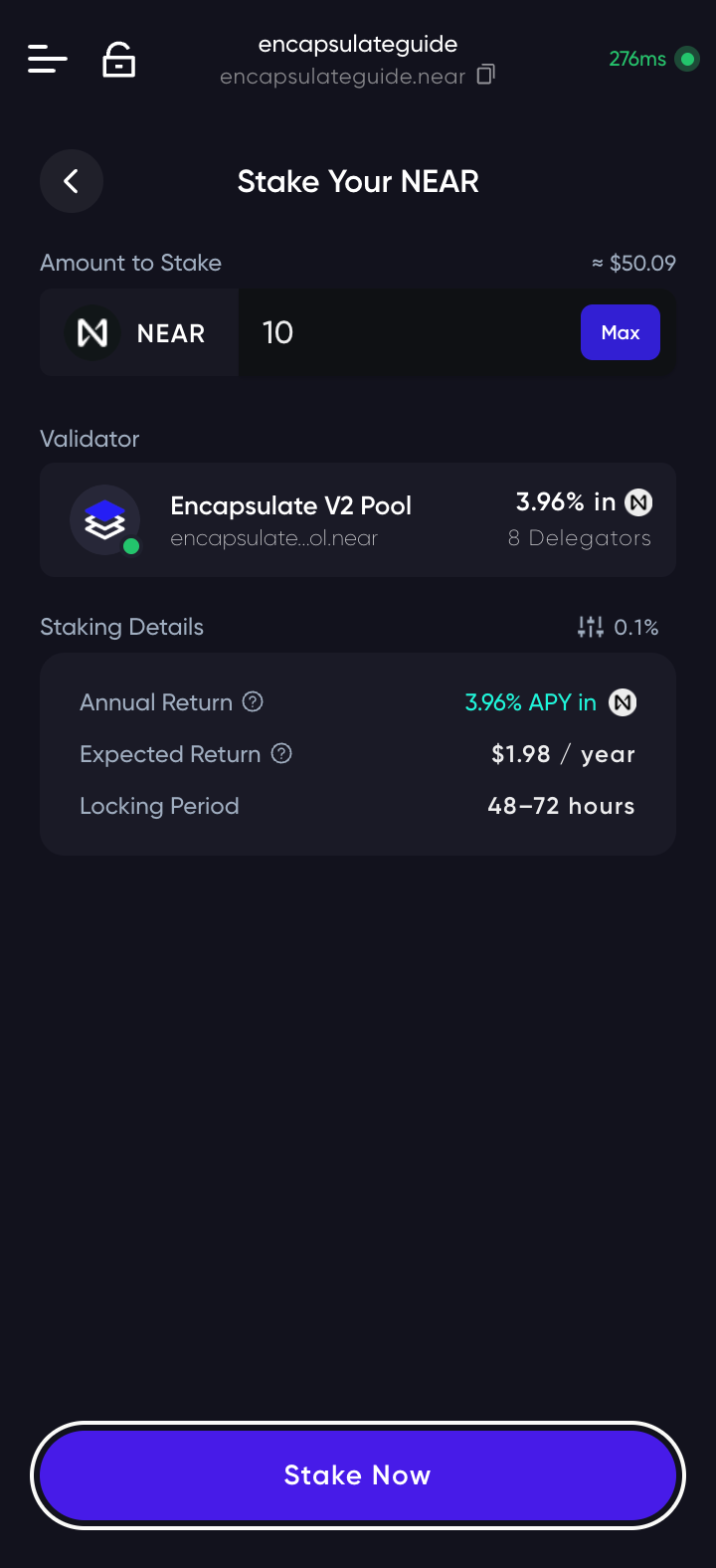
The validator card now reads Encapsulate V2 Pool. Type how much NEAR to stake; Max fills in your whole balance, so leave a little for later fees. Press Stake Now.
Meteor sends the stake the moment you press Stake Now; there is no confirmation screen after this one. Check the amount and the pool first.

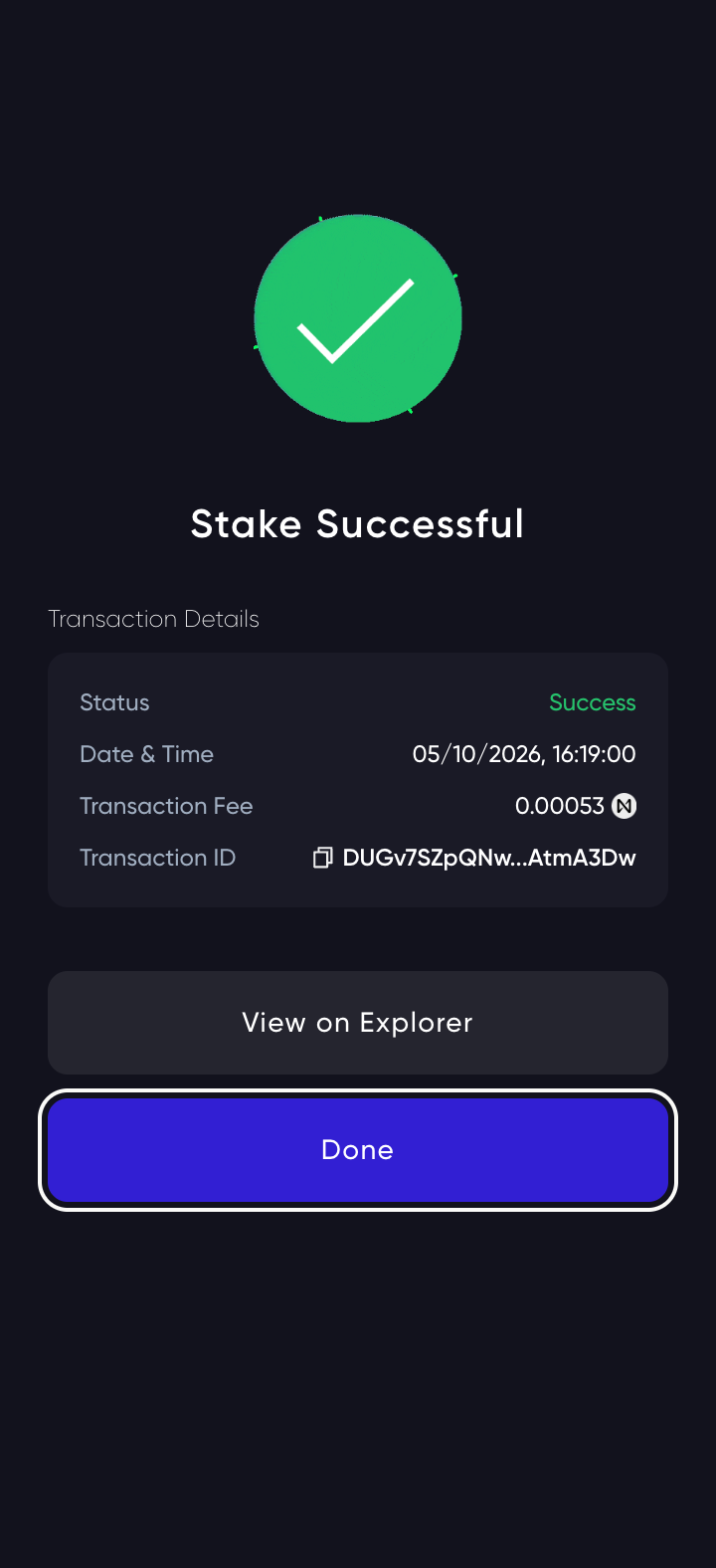
Meteor shows Stake Successful with the fee, a fraction of a cent, and the transaction ID; View on Explorer opens the transaction. Press Done.

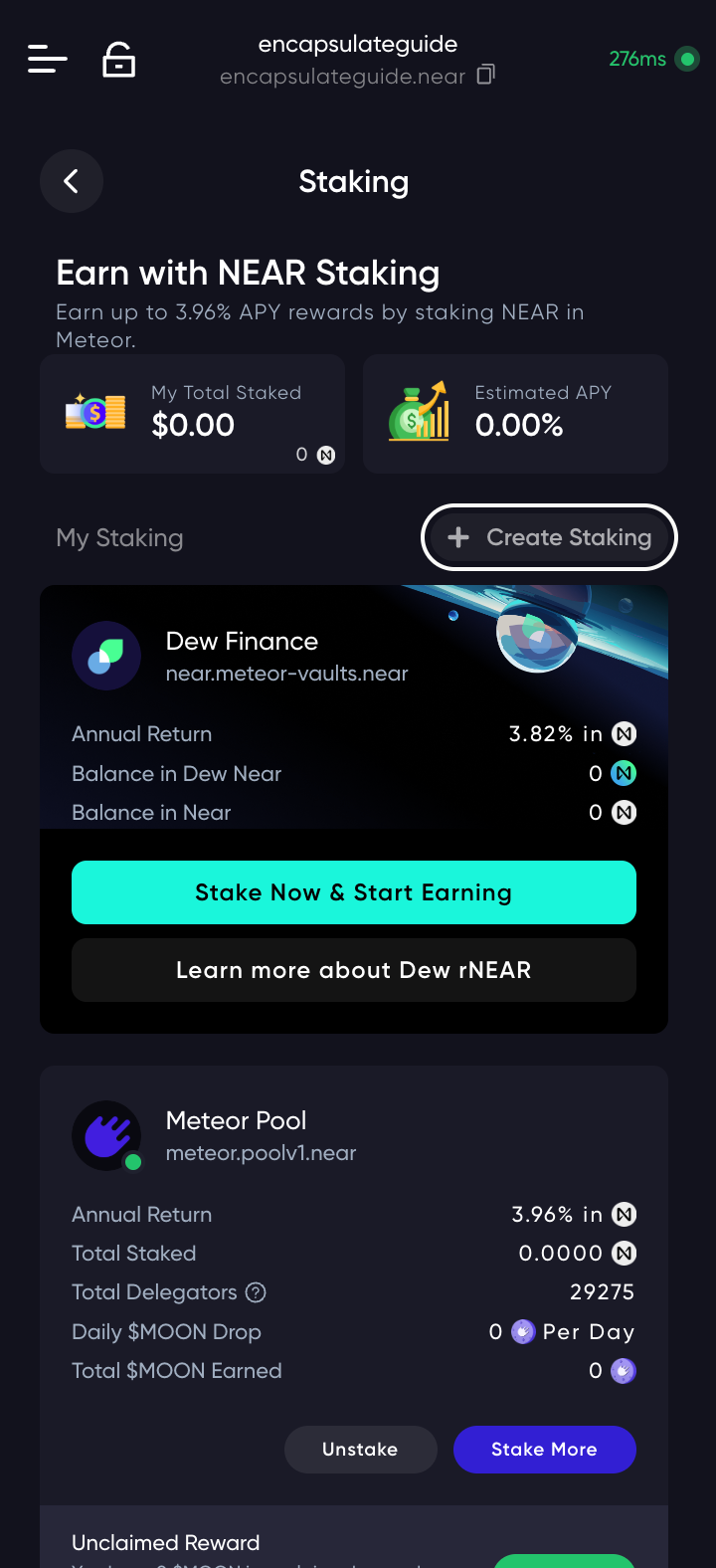
Back on Staking, My Total Staked shows your stake and My Staking lists Encapsulate V2 Pool, encapsulate.pool.near. Rewards are added to your stake every epoch, about 7 hours, so they compound on their own; Stake More adds to it.
Unstaking takes four epochs, 22 to 30 hours at today's pace (Meteor quotes 48–72), and the NEAR earns nothing while it waits. Withdraw it once it unlocks.