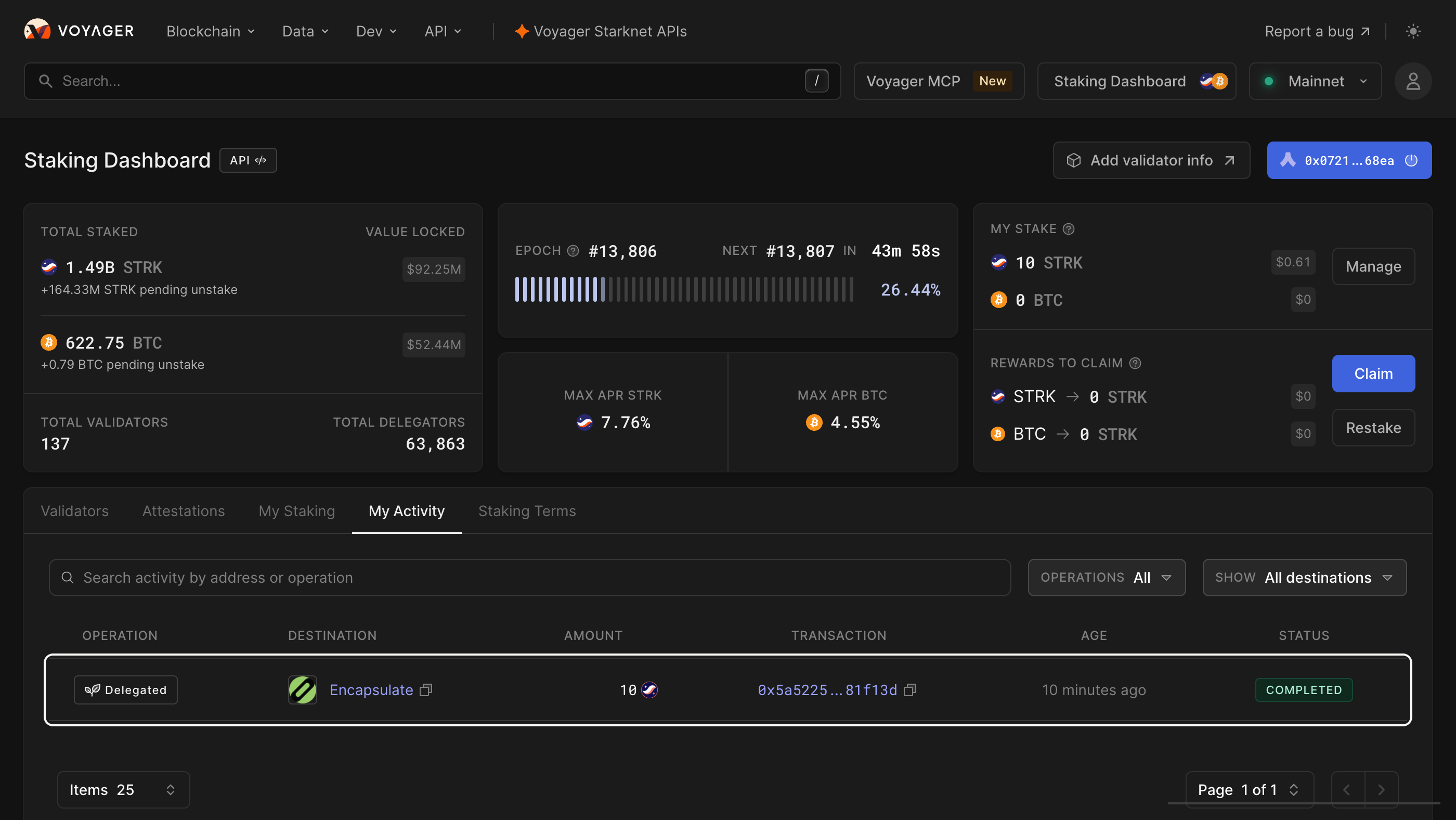
Voyager’s Staking Dashboard lists every Starknet validator. Press Connect Wallet at the top right.
Check that the address bar reads voyager.online and the network reads Mainnet. A lookalike site can copy the dashboard.
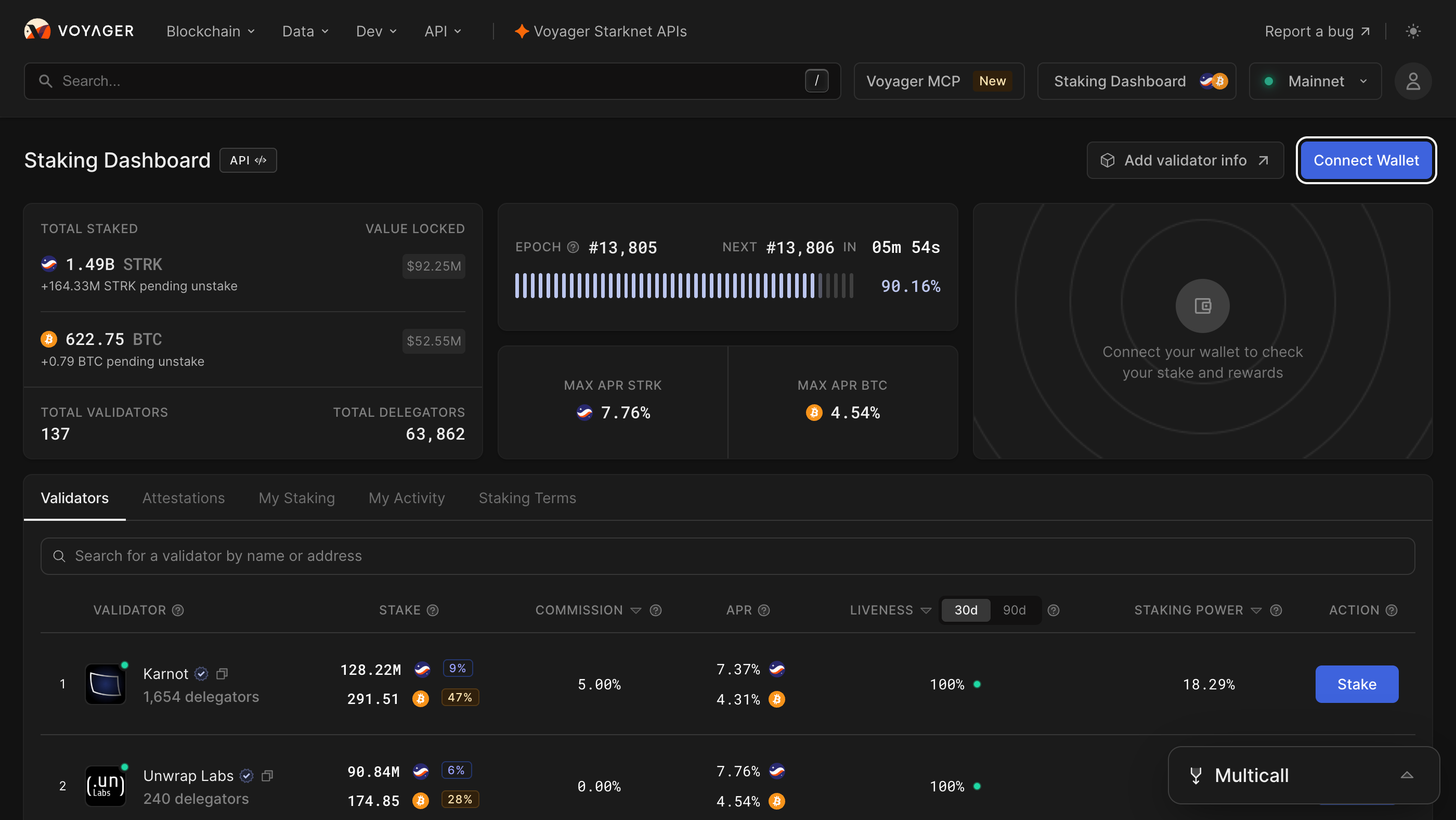

In Select a wallet provider, choose Ready X wallet.
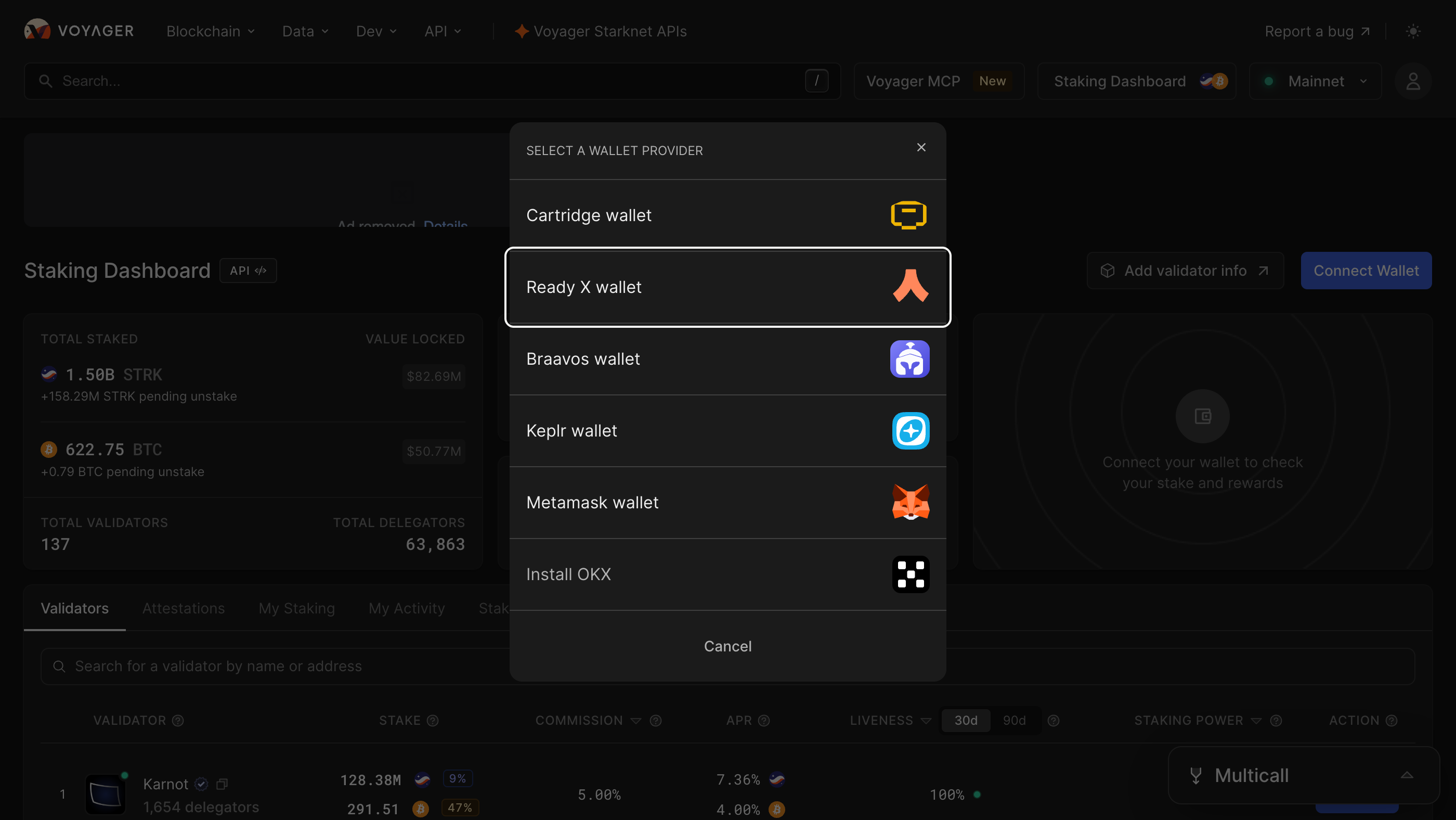

Ready X opens. Type your password and press Unlock.
Ready X unlocks with your password only. Anything that asks for your recovery phrase here is not Ready X.

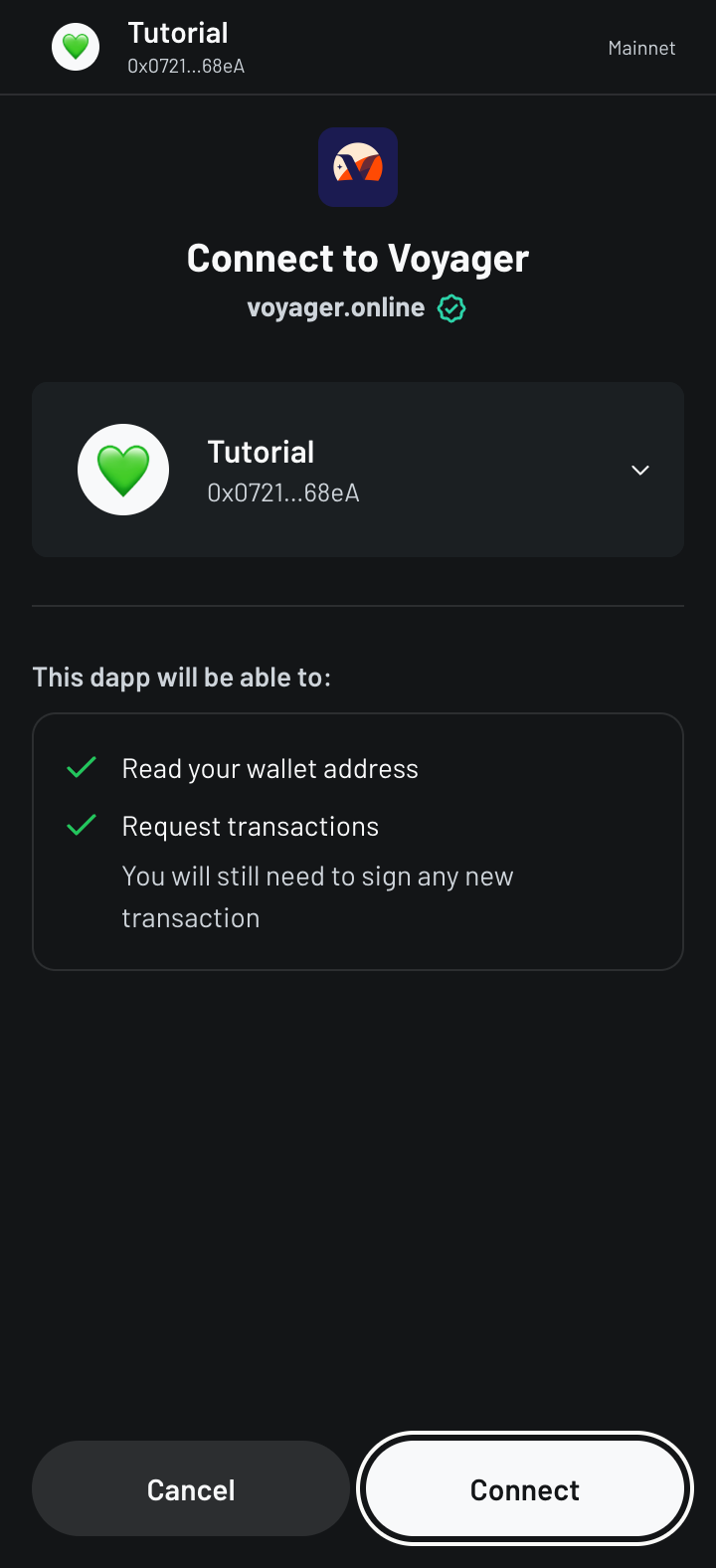
Ready X asks to connect to Voyager. Pick the account that holds your STRK and press Connect.
Check that the request comes from voyager.online, with its verified tick.

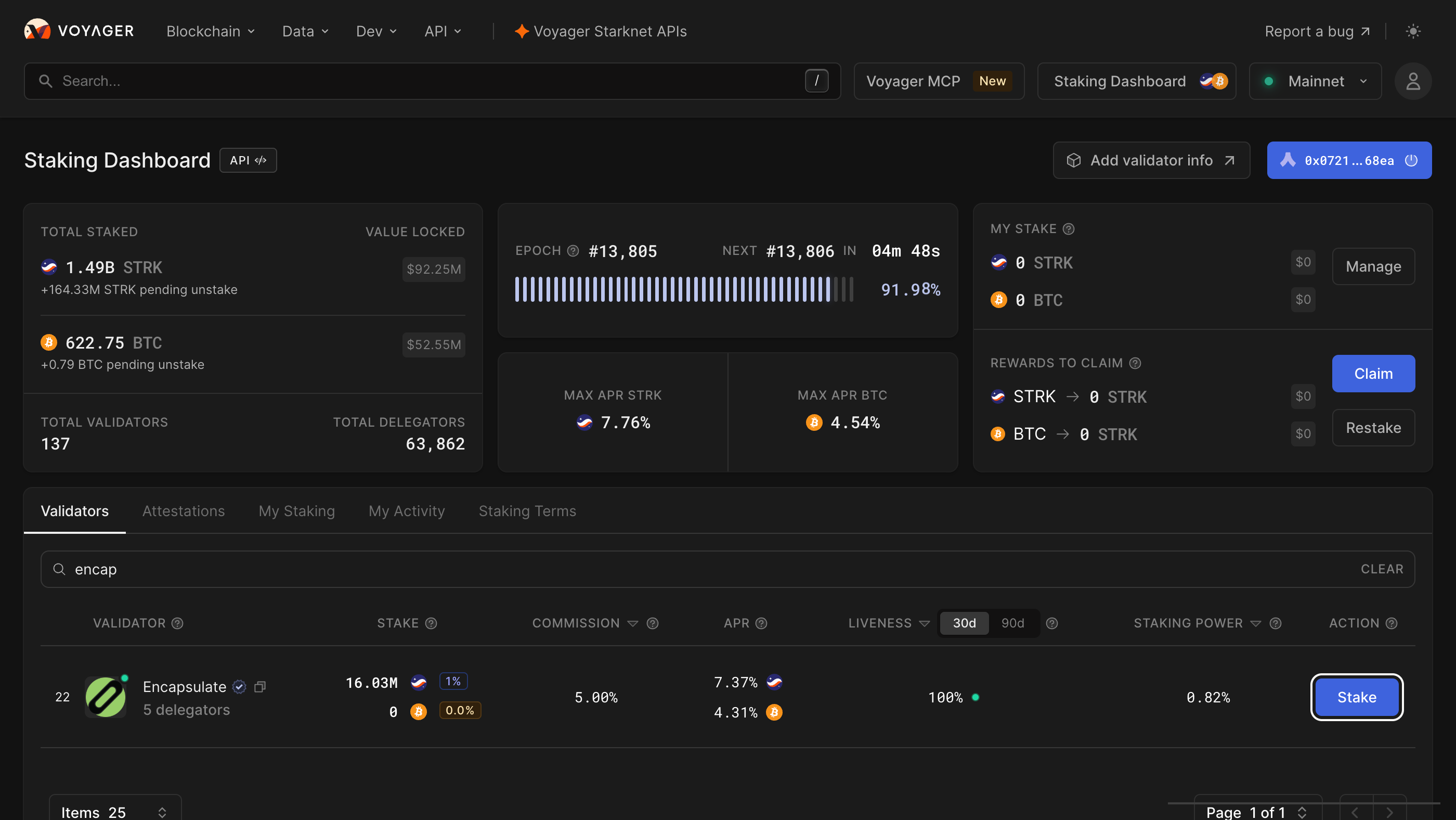
Your address now shows at the top right. Type encap in the validator search and press Stake on our row.
Our row reads Encapsulate, with the verified tick and a 5.00% commission. Searching our address, 0x0359e252e663765989b04c266a4daec77662b506ce5f026994cb8ad53628df2a, finds only us.

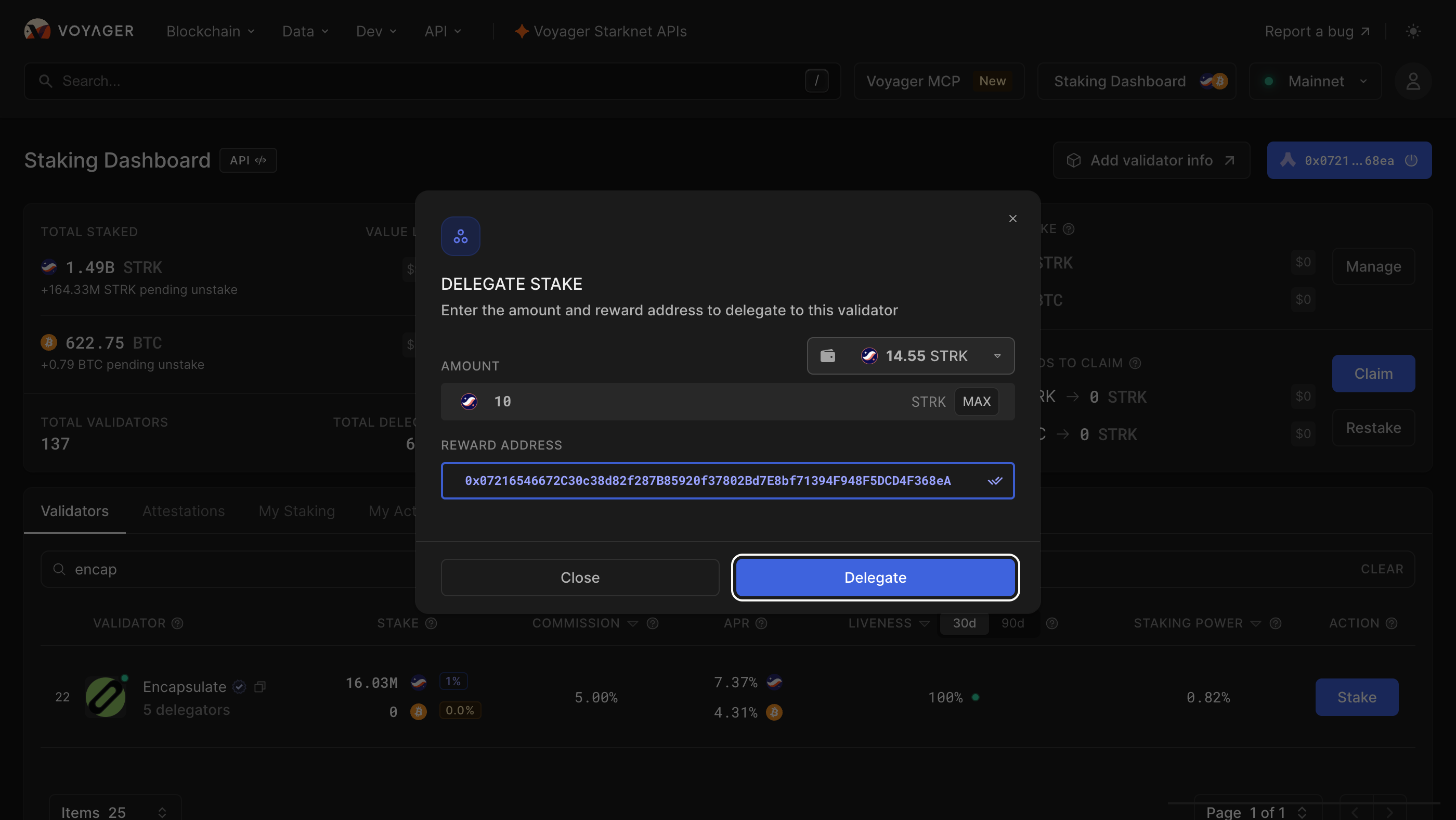
Delegate Stake opens for the validator you picked. Type how much STRK to stake, leaving a little for the fee, then press Delegate. There is no minimum.
Rewards are paid to the Reward address, filled in with the wallet you connected. Change it only to an address you control.

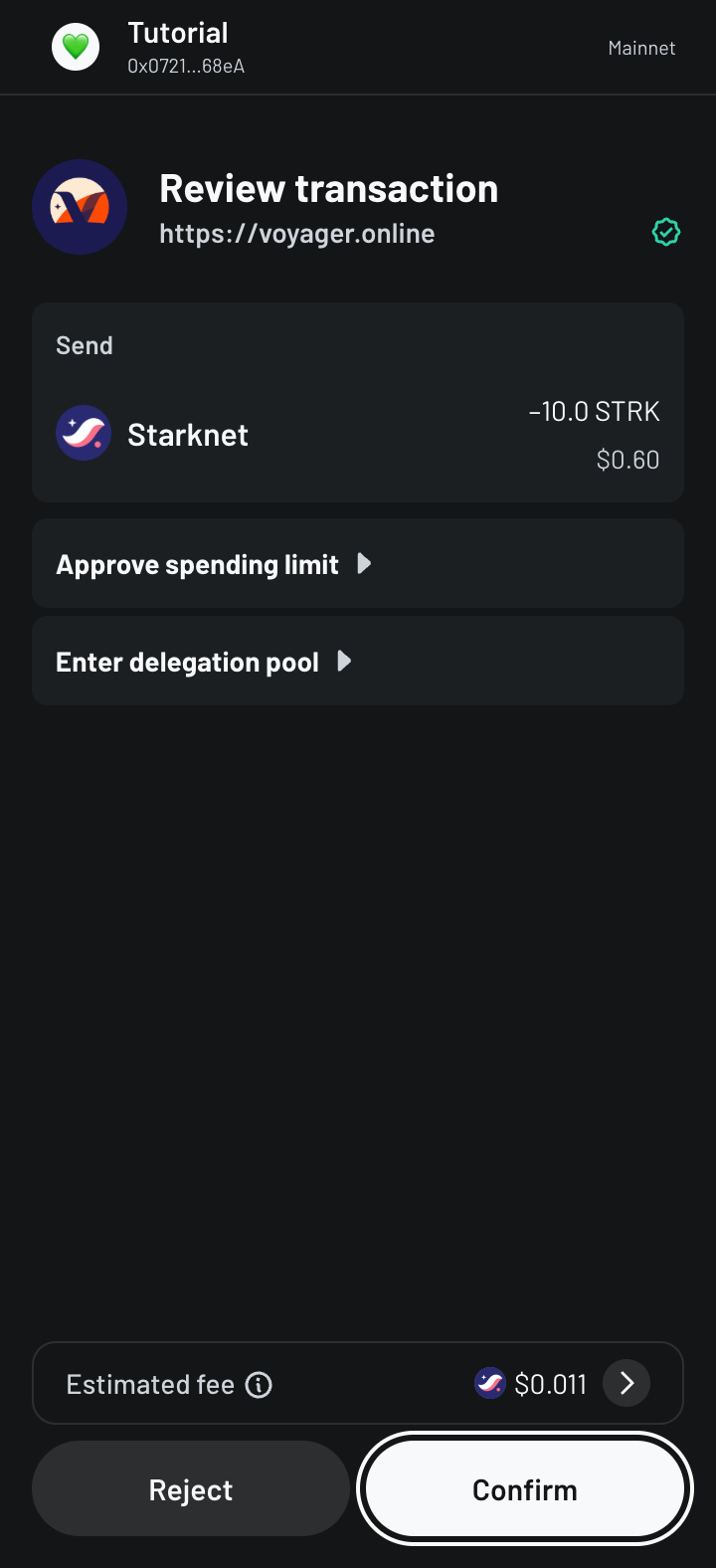
Ready X shows the request from voyager.online: the STRK you send, its two calls, Approve spending limit and Enter delegation pool, and the fee, paid in STRK. Press Confirm.
Check that the request comes from voyager.online and sends the amount you typed. This is the last screen where a mistake is still free.

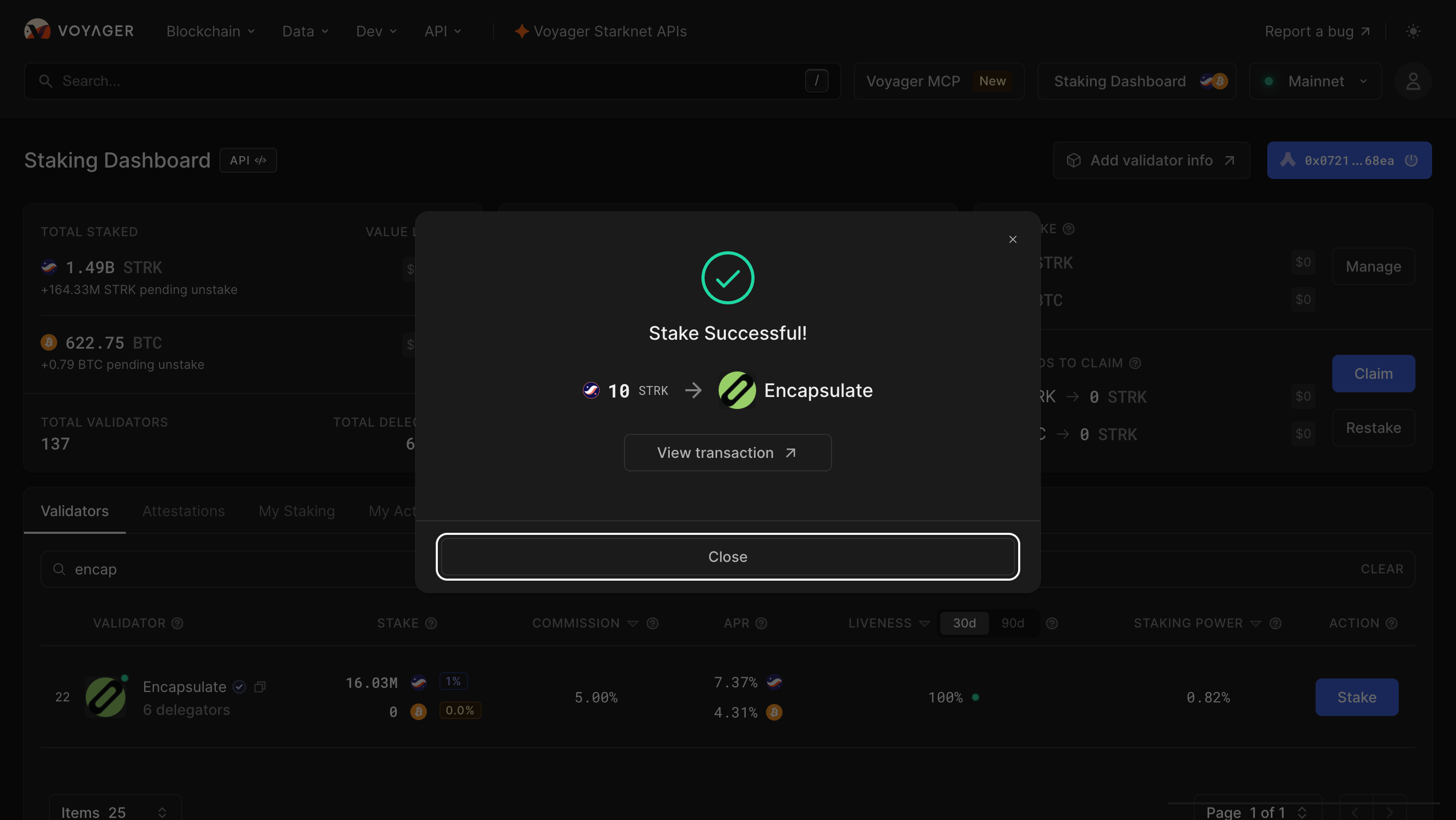
Voyager shows Stake Successful, your STRK going to Encapsulate. View transaction opens it on the explorer; Close returns to the dashboard.

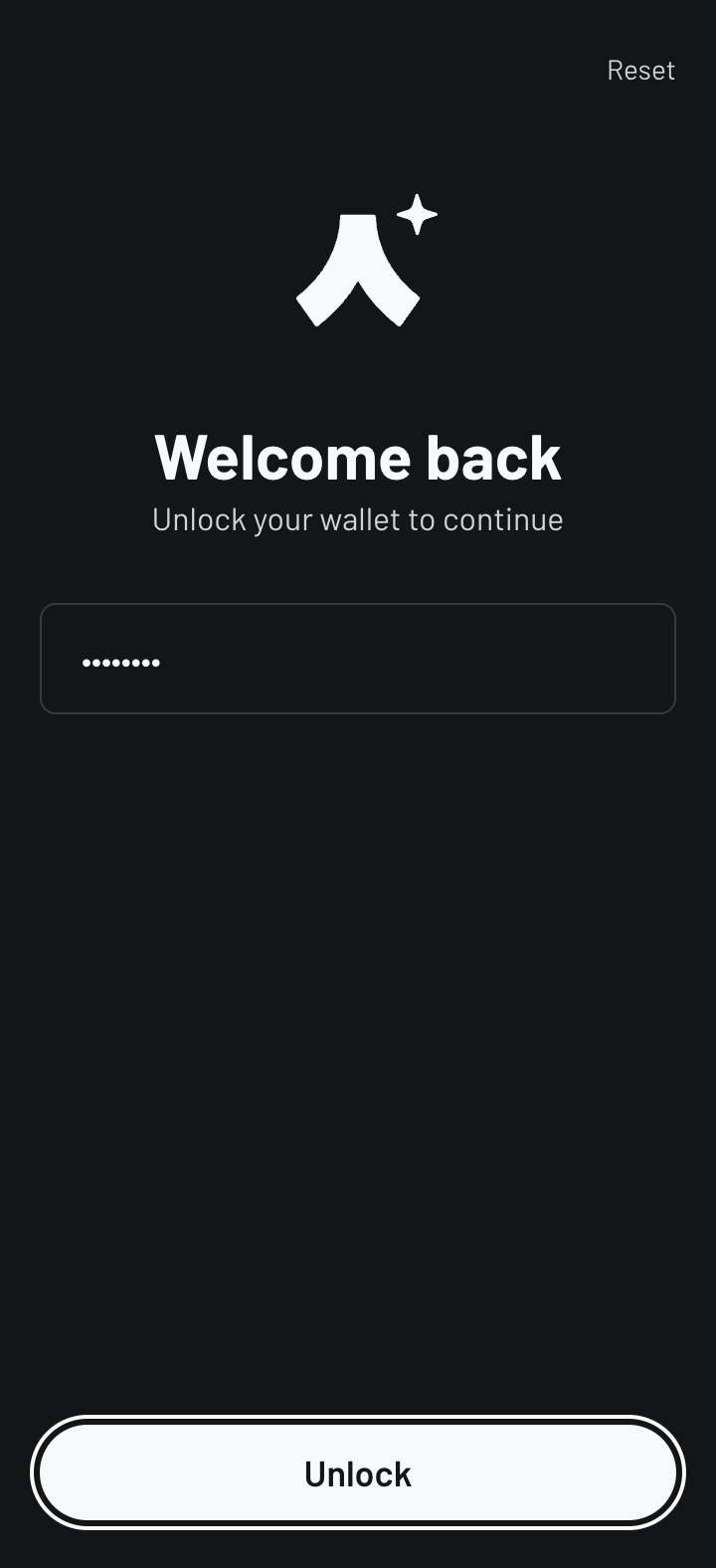
Open My Activity: the delegation reads Delegated, Encapsulate, your amount and Completed, and My Stake shows your STRK. Rewards arrive every epoch, about an hour, and wait under Rewards to Claim: Claim sends them to your reward address, Restake adds them to your stake.
Rewards stop the moment you unstake, and your STRK can be withdrawn 7 days later.