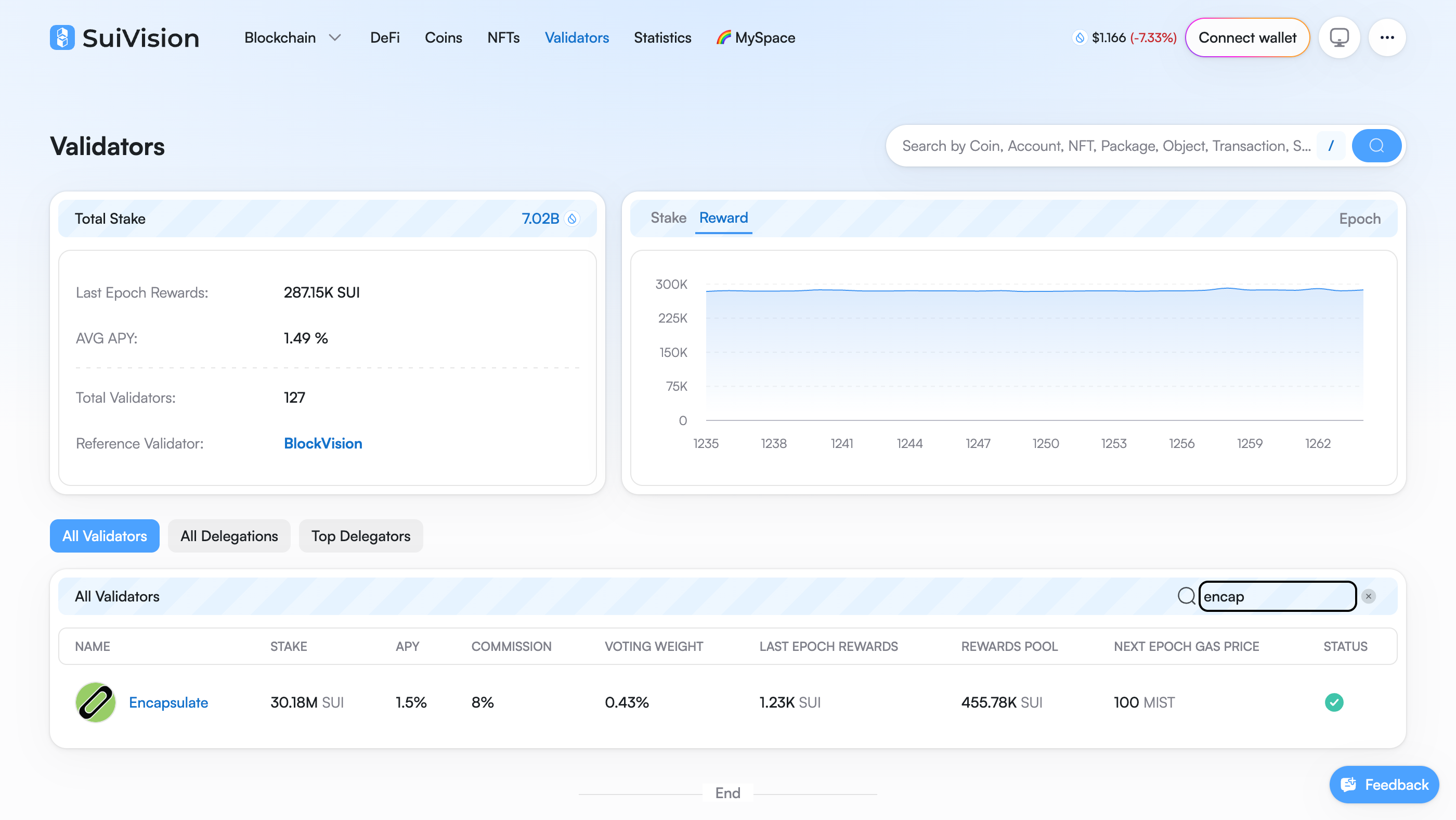
The dashboard shows the Sui validator list and staking details. Search for Encapsulate and open our row.

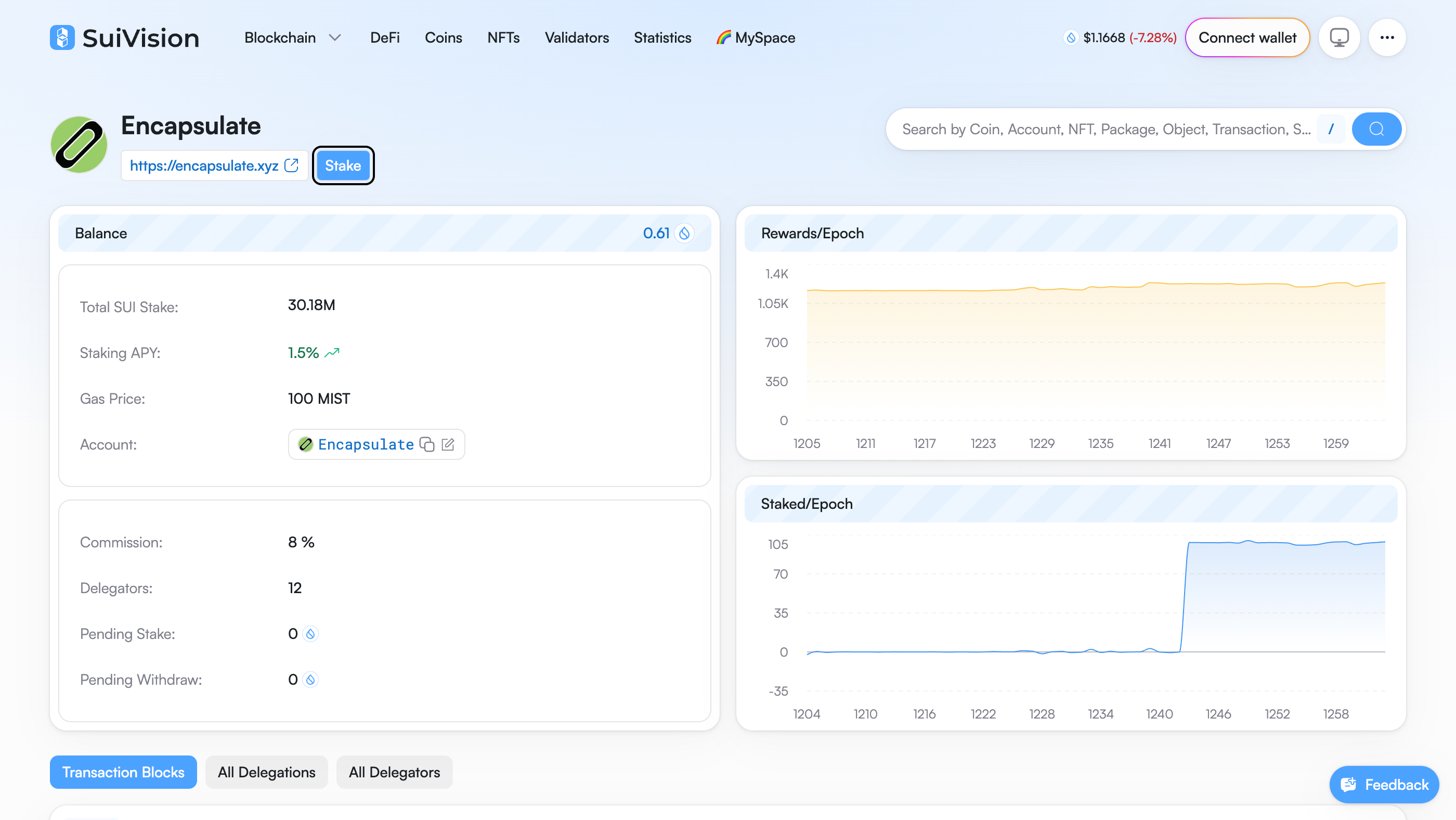
Our profile shows the staking APY, commission and total stake. Read them, then click Stake.
Commission is 8%. We keep 8% of the rewards, never of your stake.

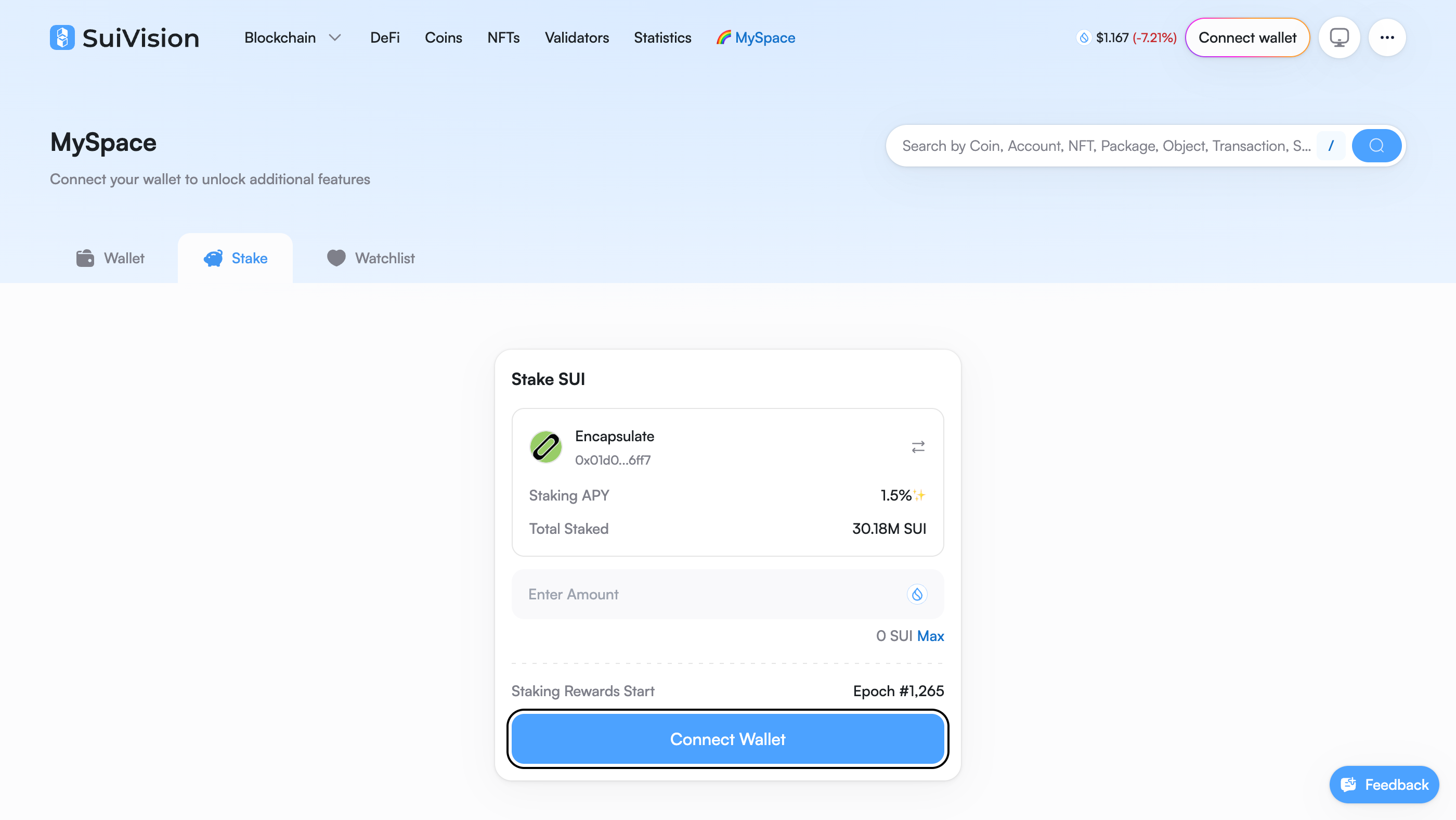
Open the Stake tab and click Connect Wallet.
Check the card reads Encapsulate, 0x01d0…6ff7. Anyone can name a validator Encapsulate.

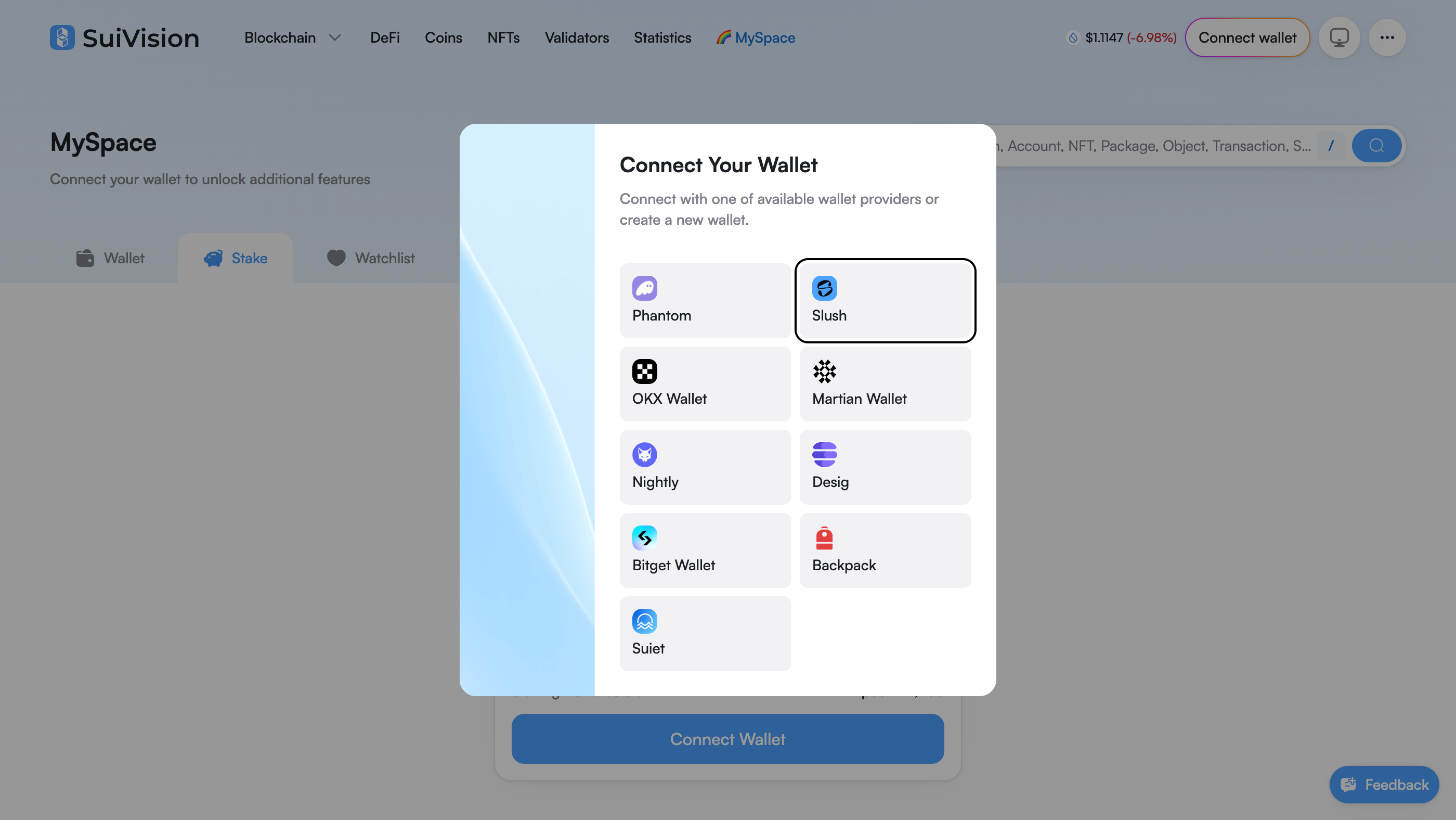
Choose Slush from the wallet list.

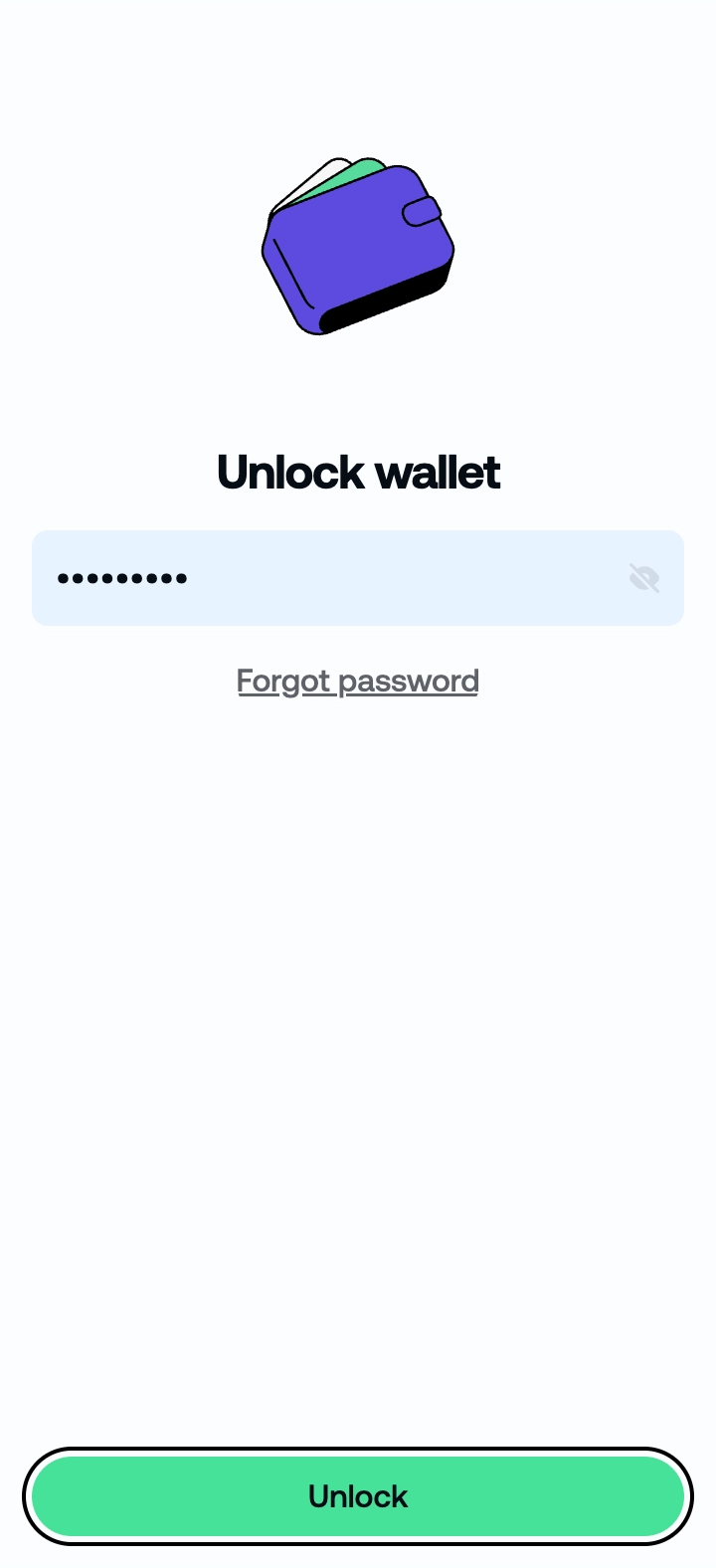
Enter your password and click Unlock.

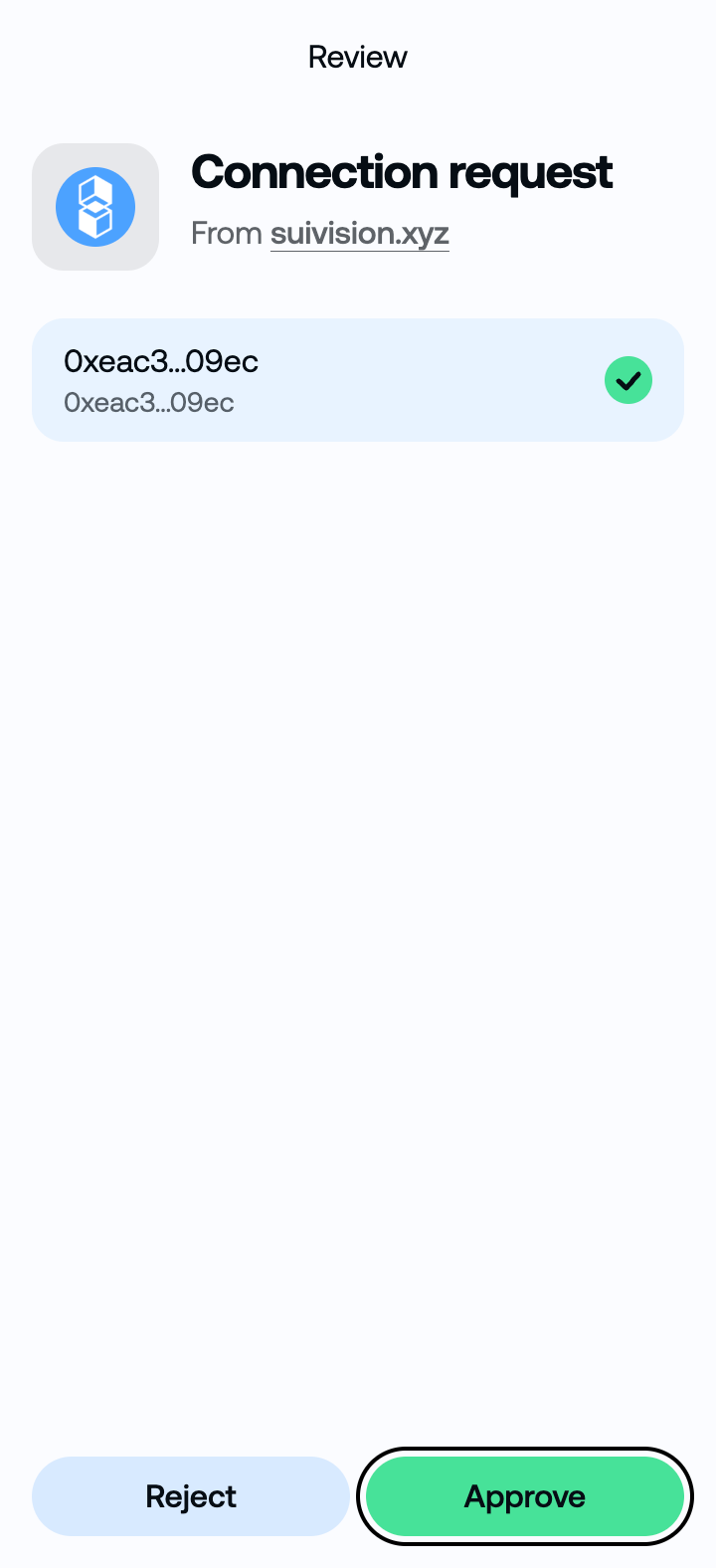
Review the connection request from SuiVision, then approve it.
Check that the displayed account is the one you want to use.

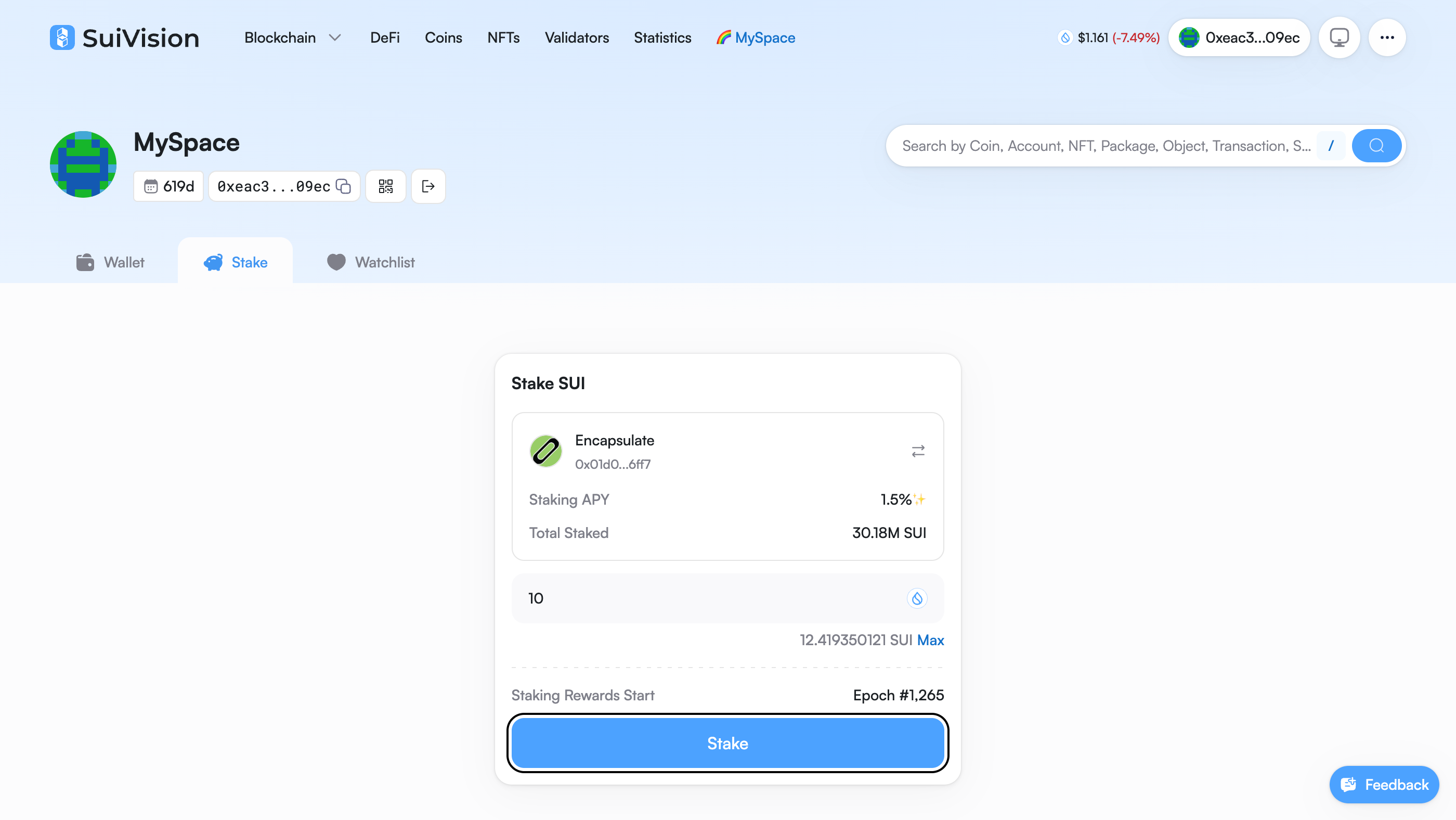
Type the amount of SUI to stake with Encapsulate, then click Stake.
Keep a little SUI back for fees. This stake cost about 0.01 SUI. Max stakes the whole balance. The minimum is 1 SUI.

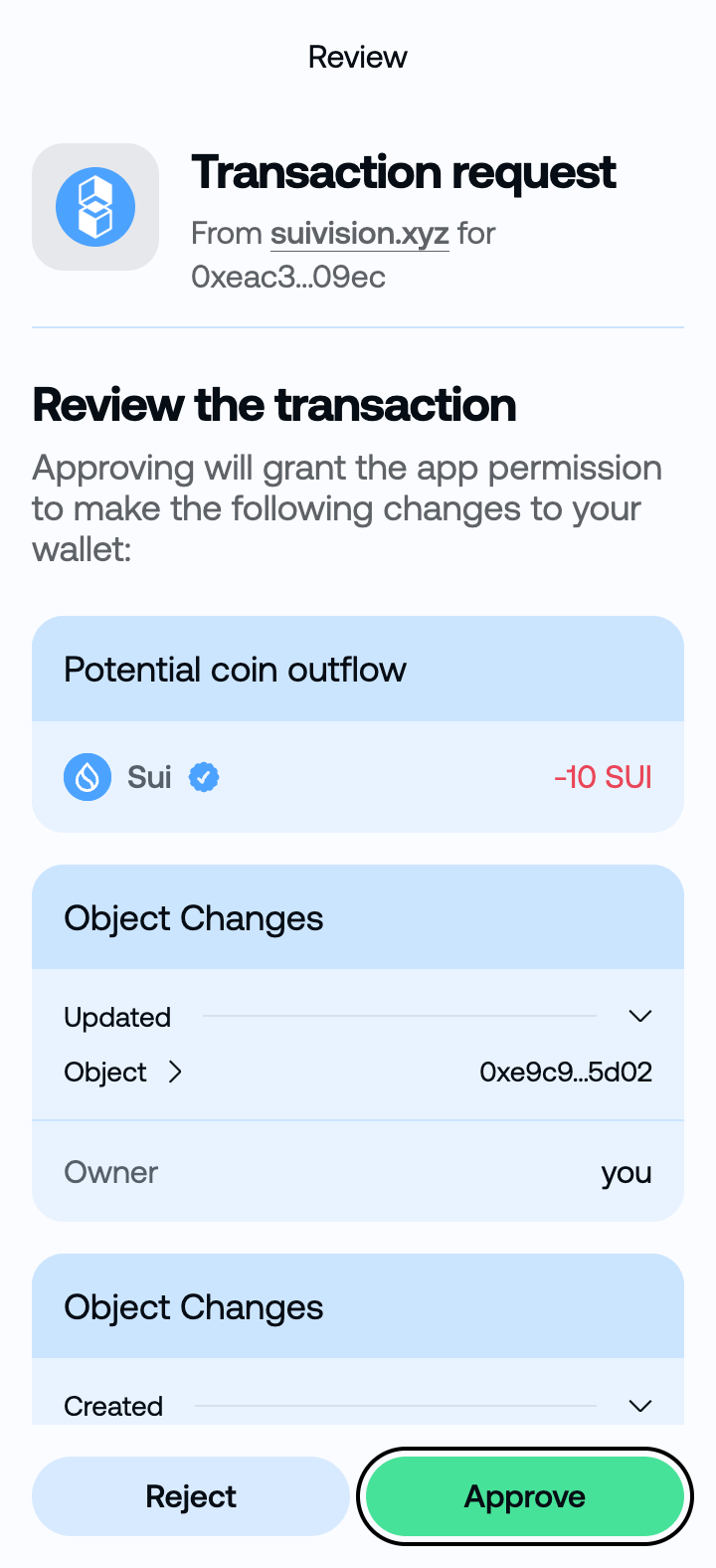
Review the transaction request. Approve it to stake your SUI with Encapsulate.
Check the SUI amount before approving.

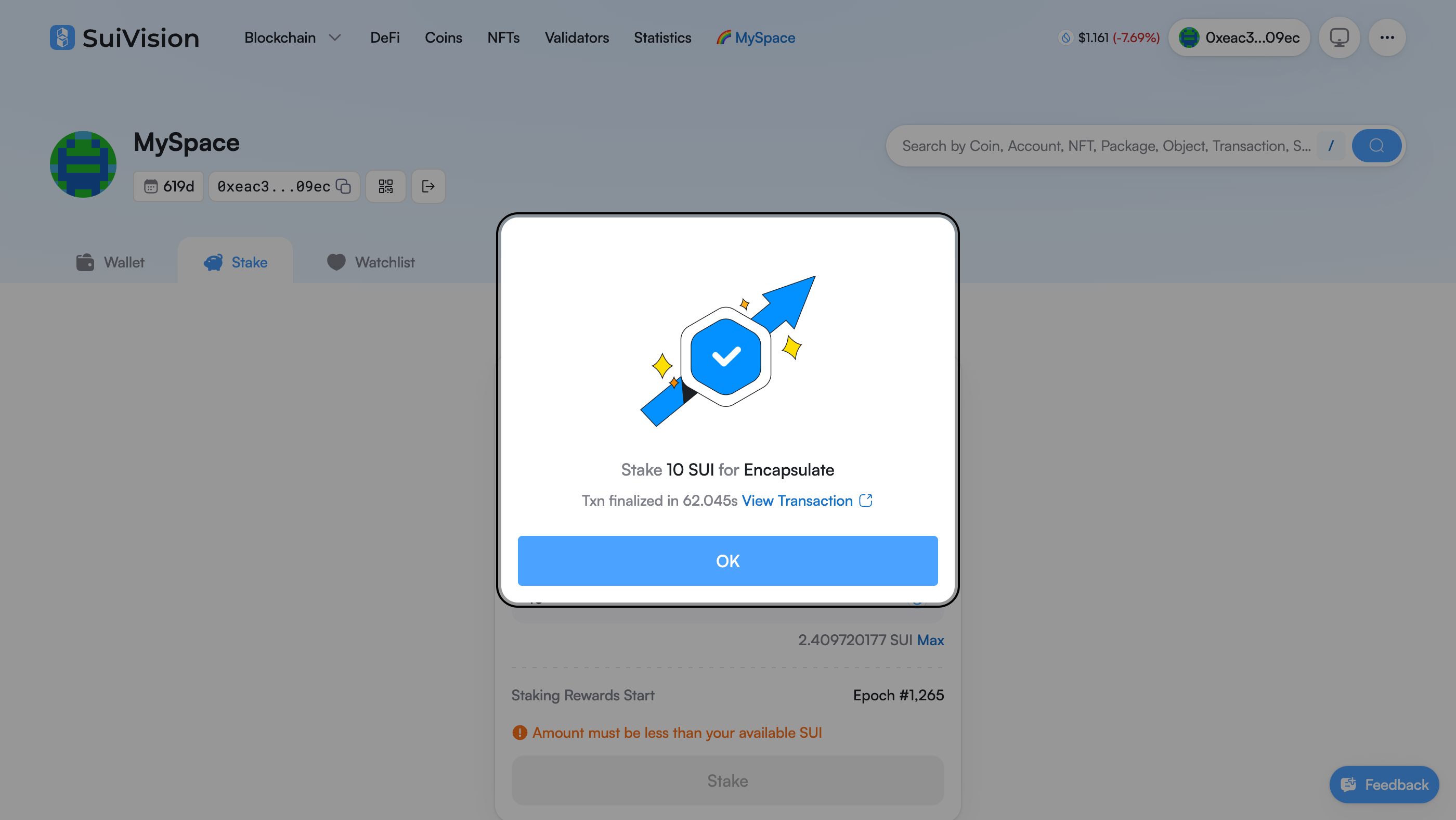
The confirmation shows the amount staked with Encapsulate. Click OK to close it.
Make sure the transaction is finalized.

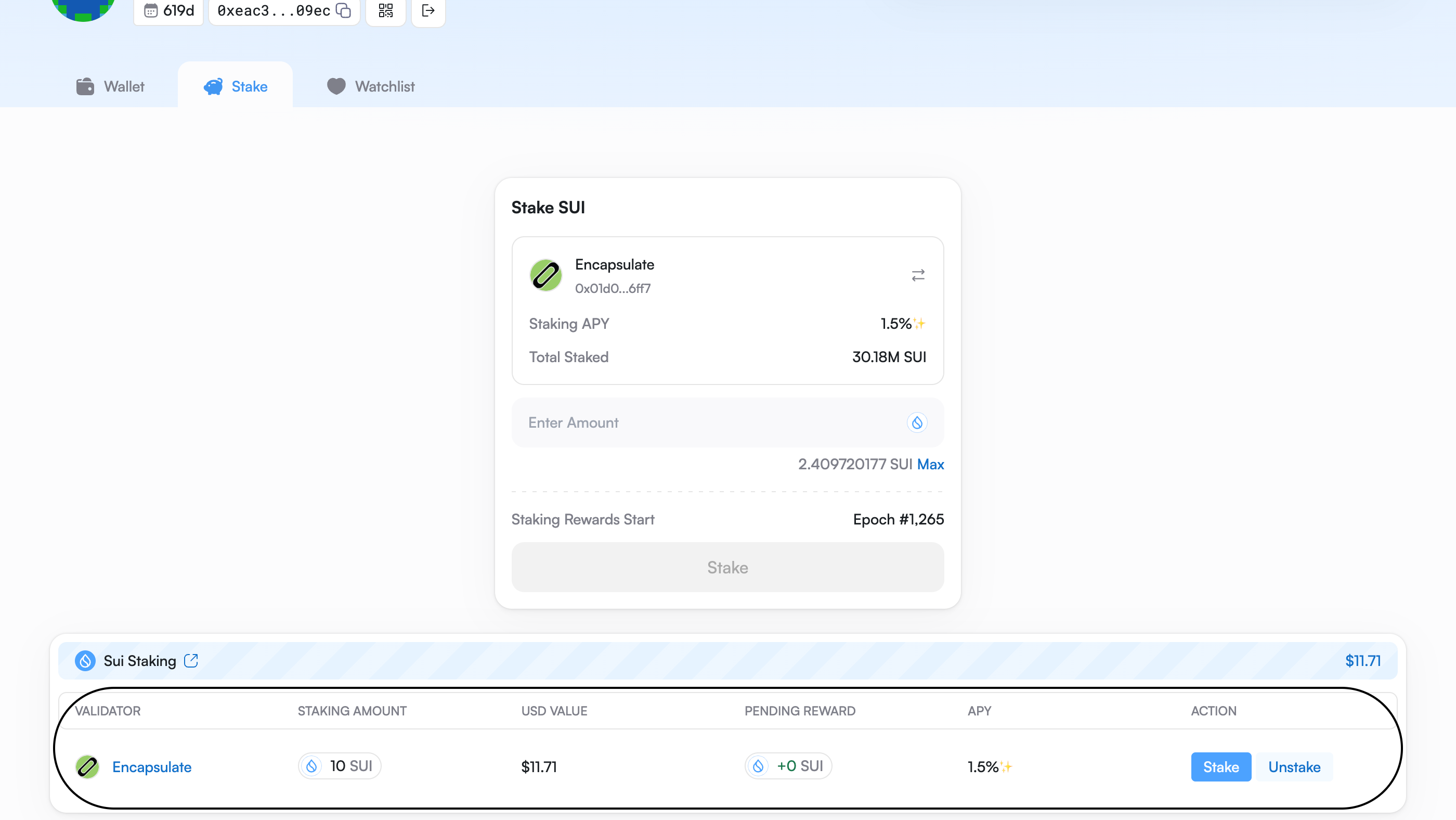
Your Sui Staking row now lists Encapsulate and your staked amount. Your stake becomes active at the next epoch, within about 24 hours. Pending reward reads +0 SUI until then.
Unstake returns your SUI at once. You give up only the current epoch’s rewards.