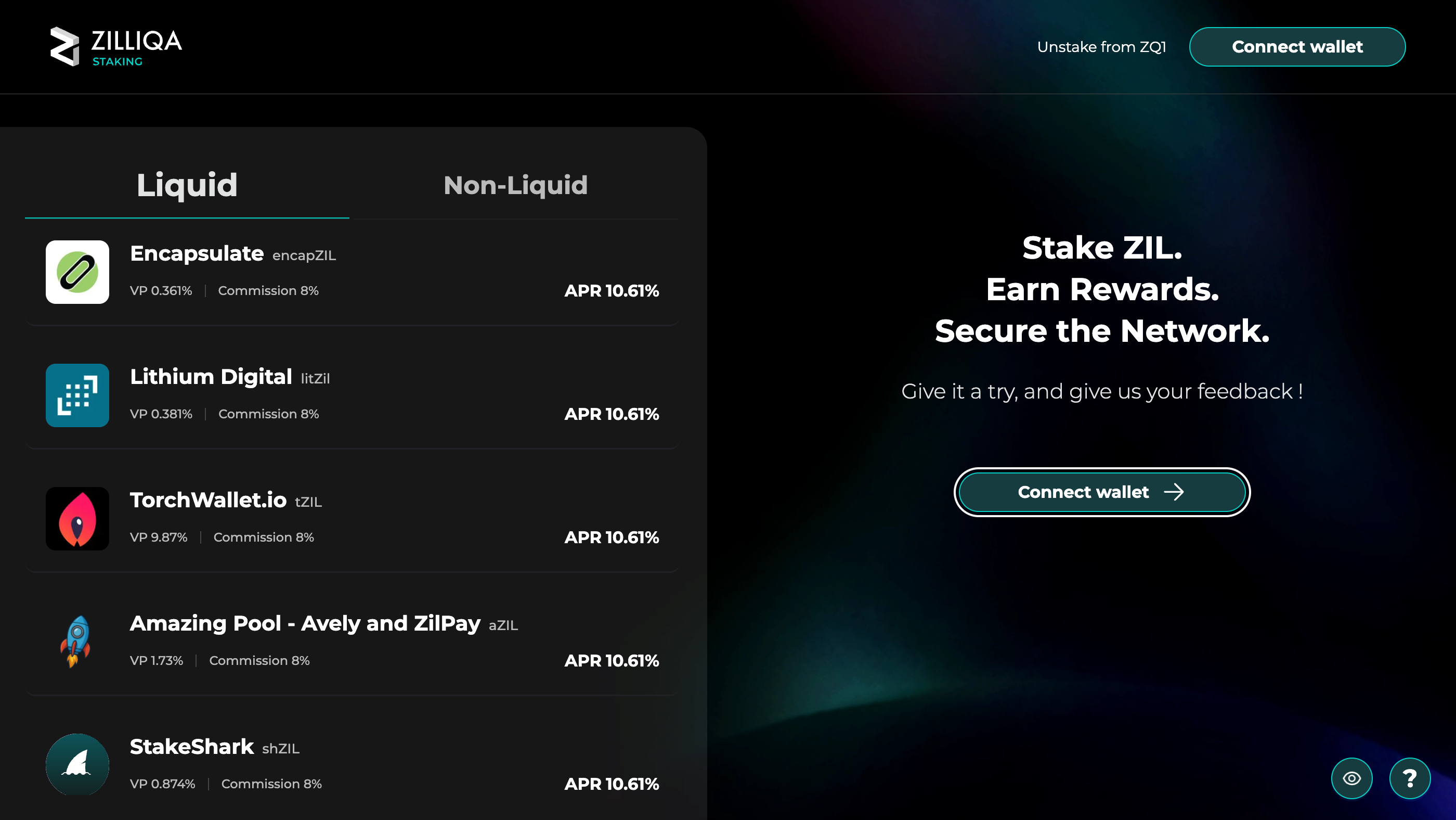
Zilliqa’s staking portal lists its pools, liquid and non-liquid. Ours is on the Liquid tab, as Encapsulate with its token, encapZIL. Press Connect wallet.
Check that the address bar reads stake.zilliqa.com. A lookalike site can copy the portal.

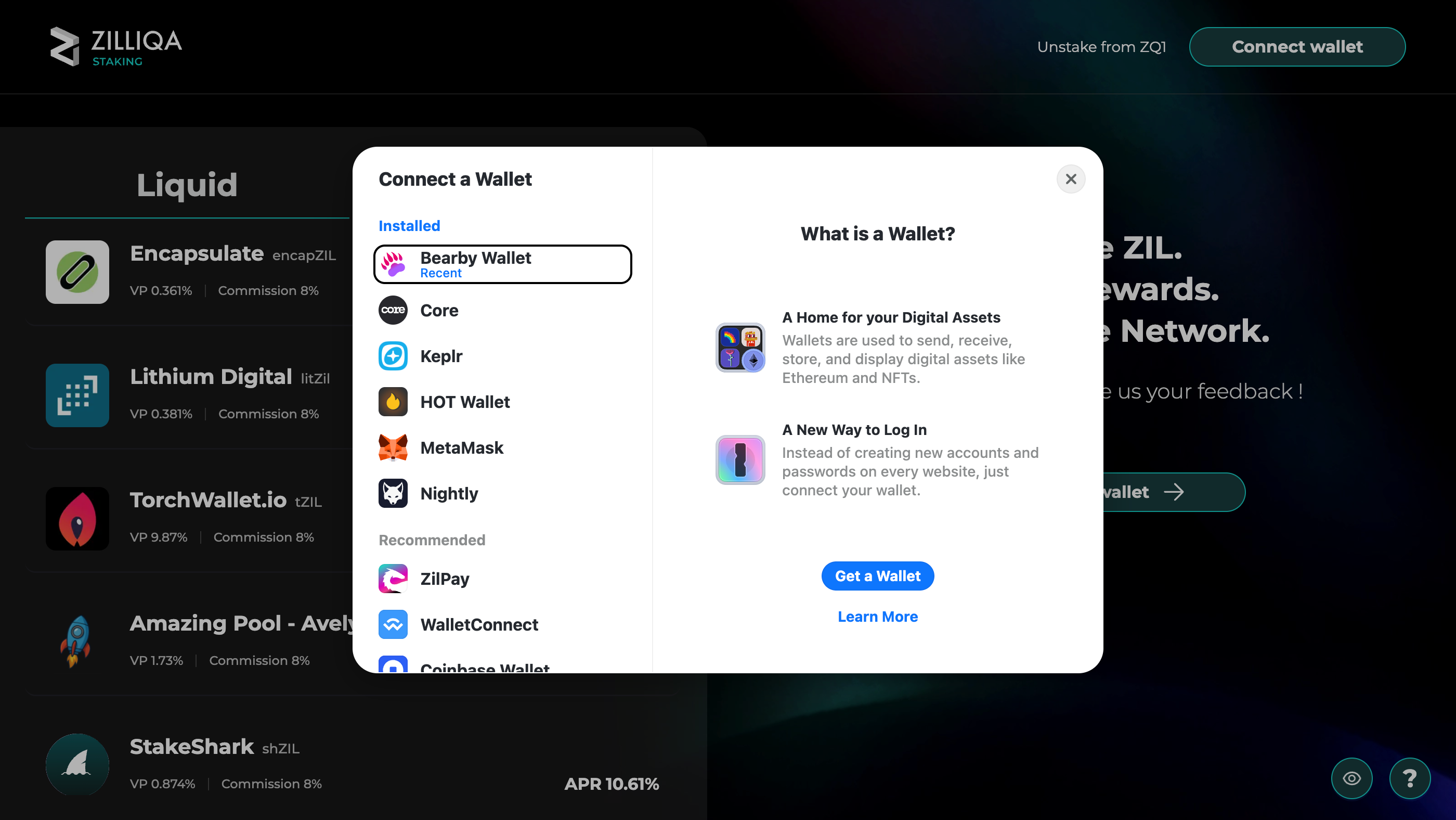
In Connect a Wallet, choose Bearby Wallet under Installed.

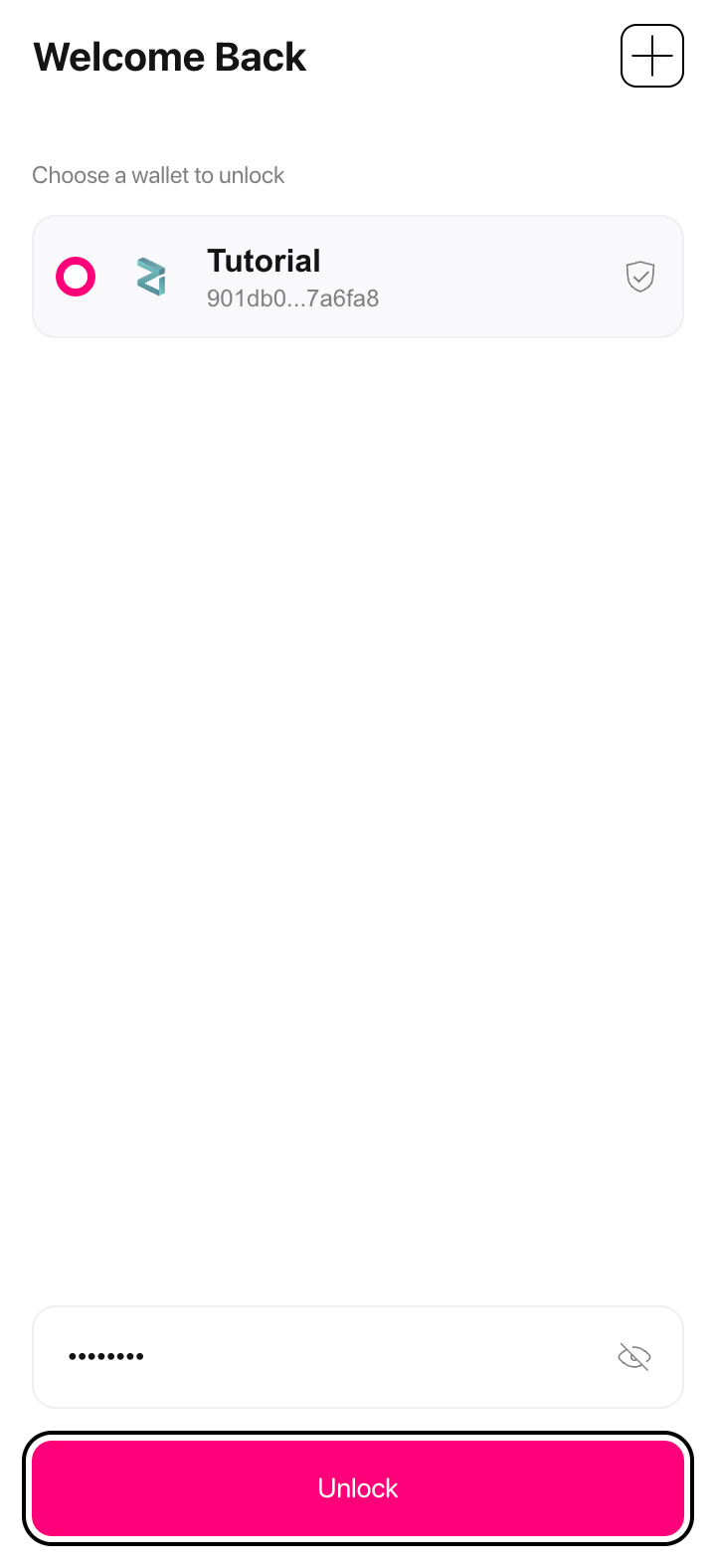
Bearby opens. Pick your wallet, type your password and press Unlock.
Bearby unlocks with your password only. Anything that asks for your recovery phrase here is not Bearby.

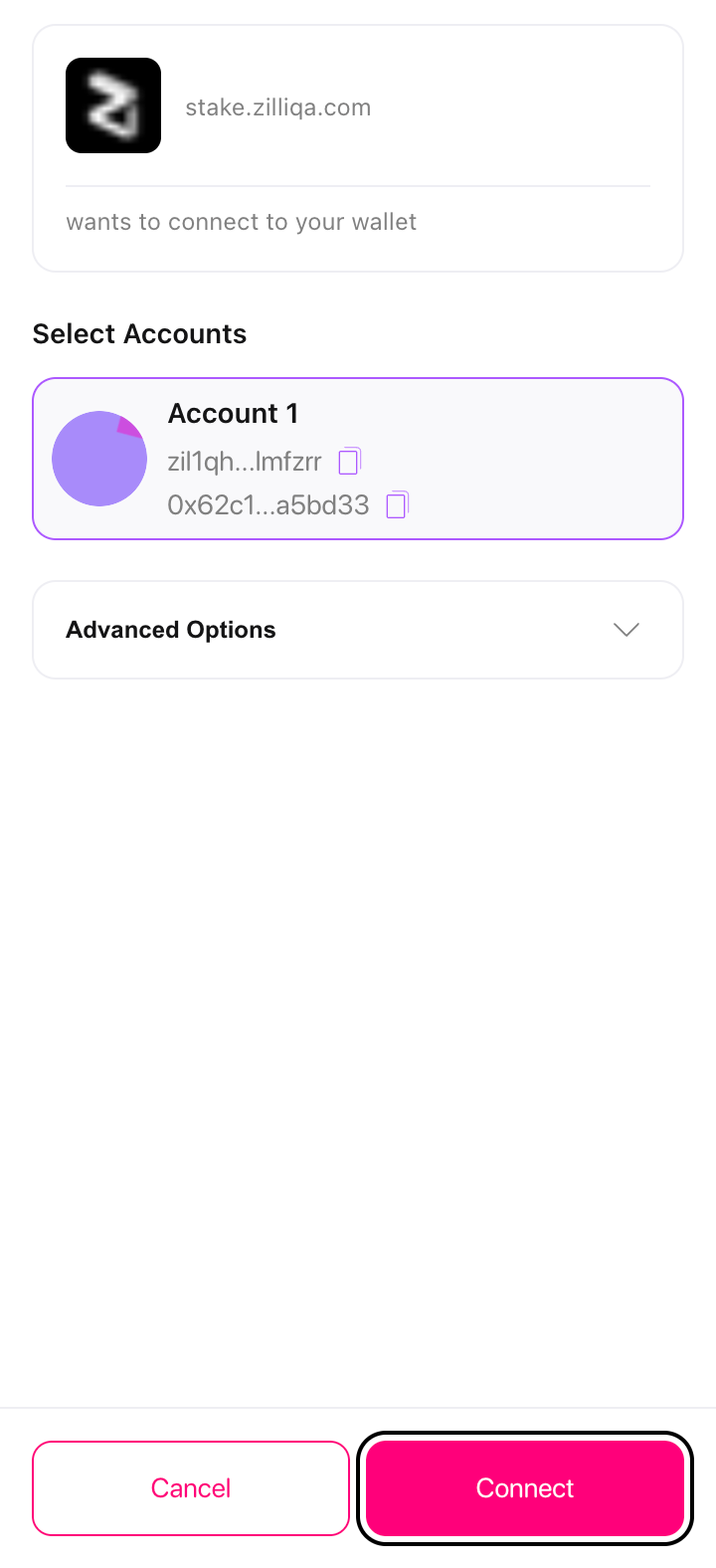
Bearby asks to connect stake.zilliqa.com to your wallet. Check that the account selected is the one that holds your ZIL and press Connect.
Check that the request comes from stake.zilliqa.com.

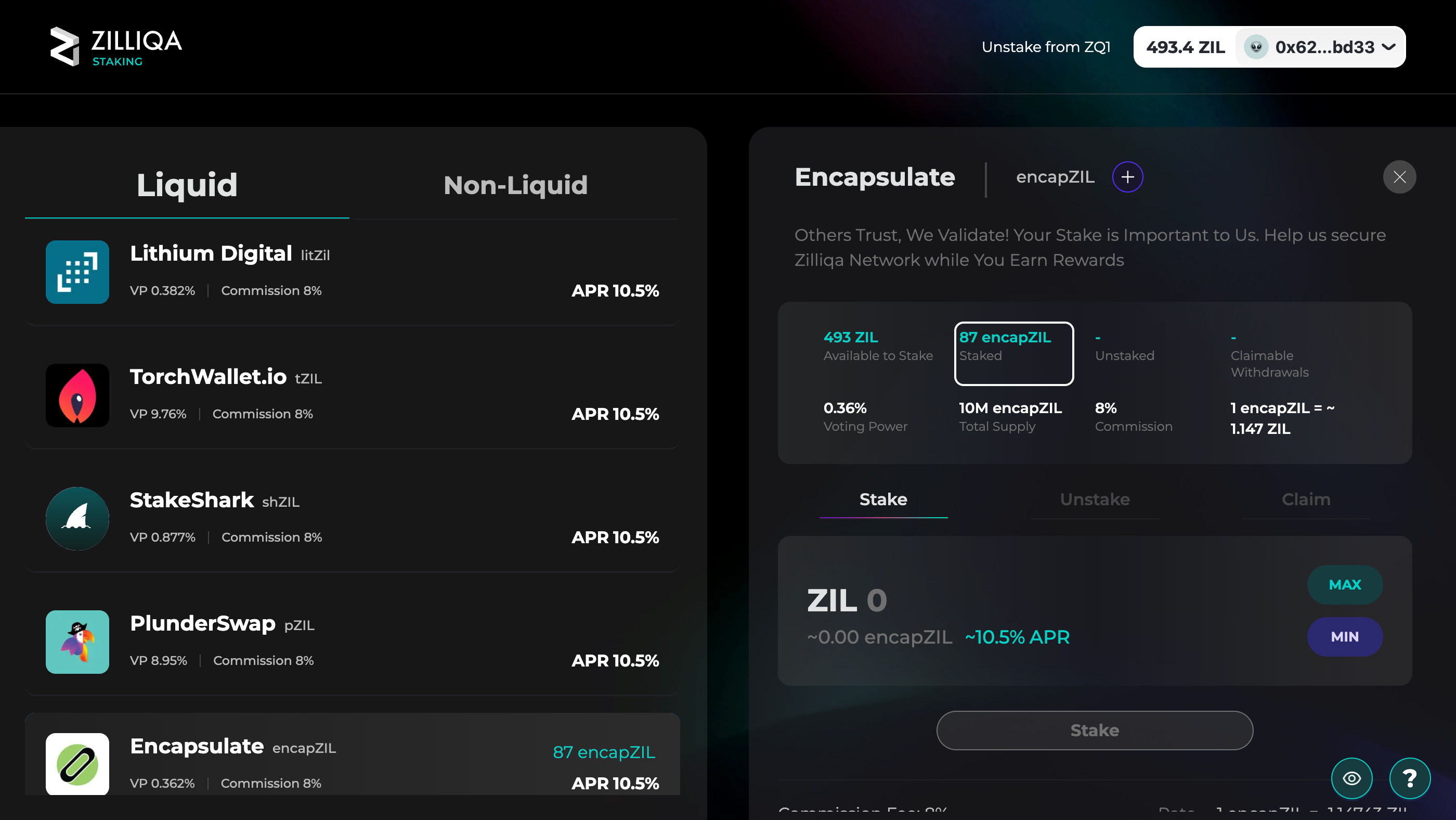
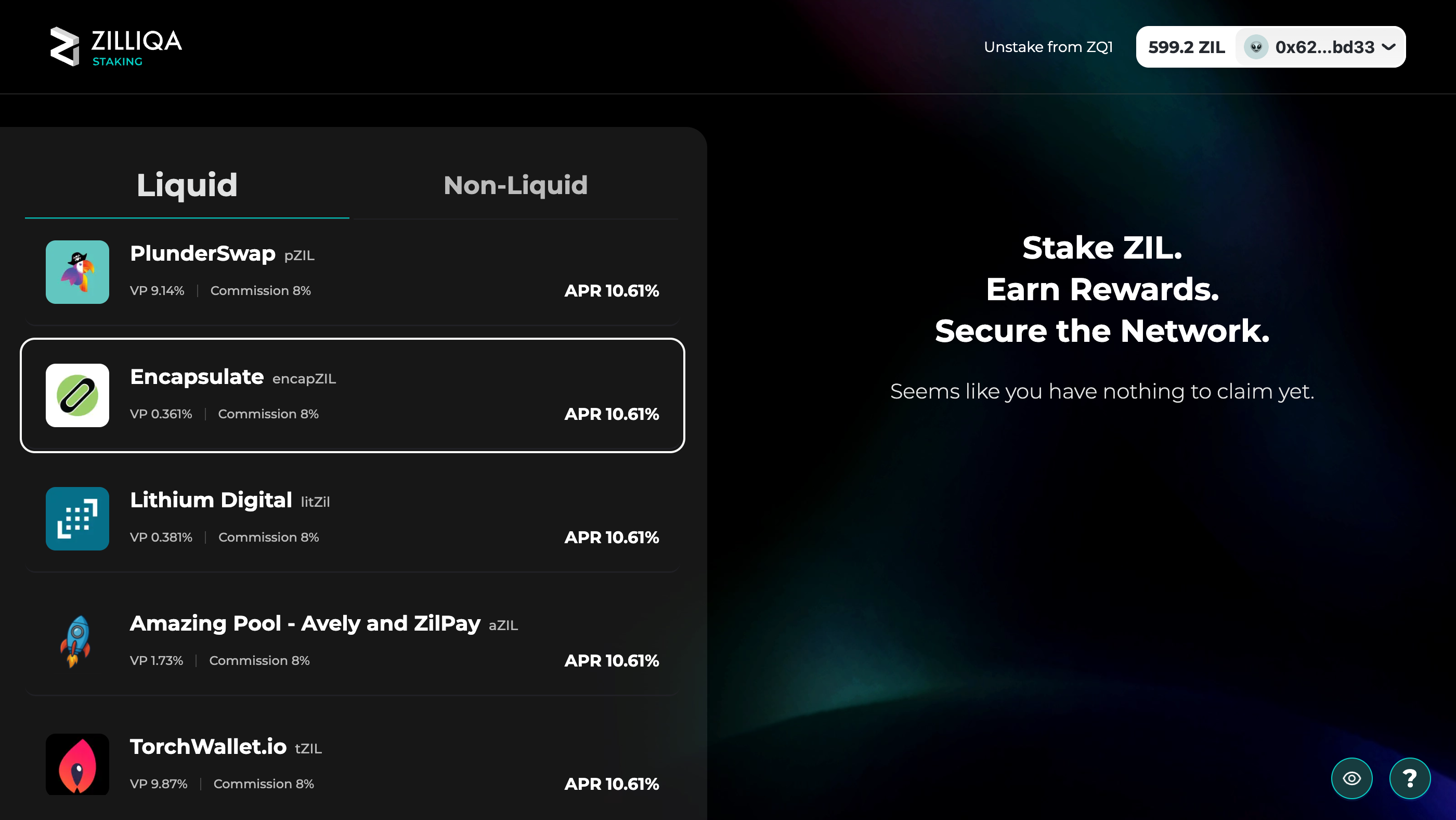
Your balance and address now show at the top right, and the pools may have changed order. Pick Encapsulate on the Liquid tab.
Our row reads Encapsulate and encapZIL, with an 8% commission. This guide’s link on the next step opens our pool directly.

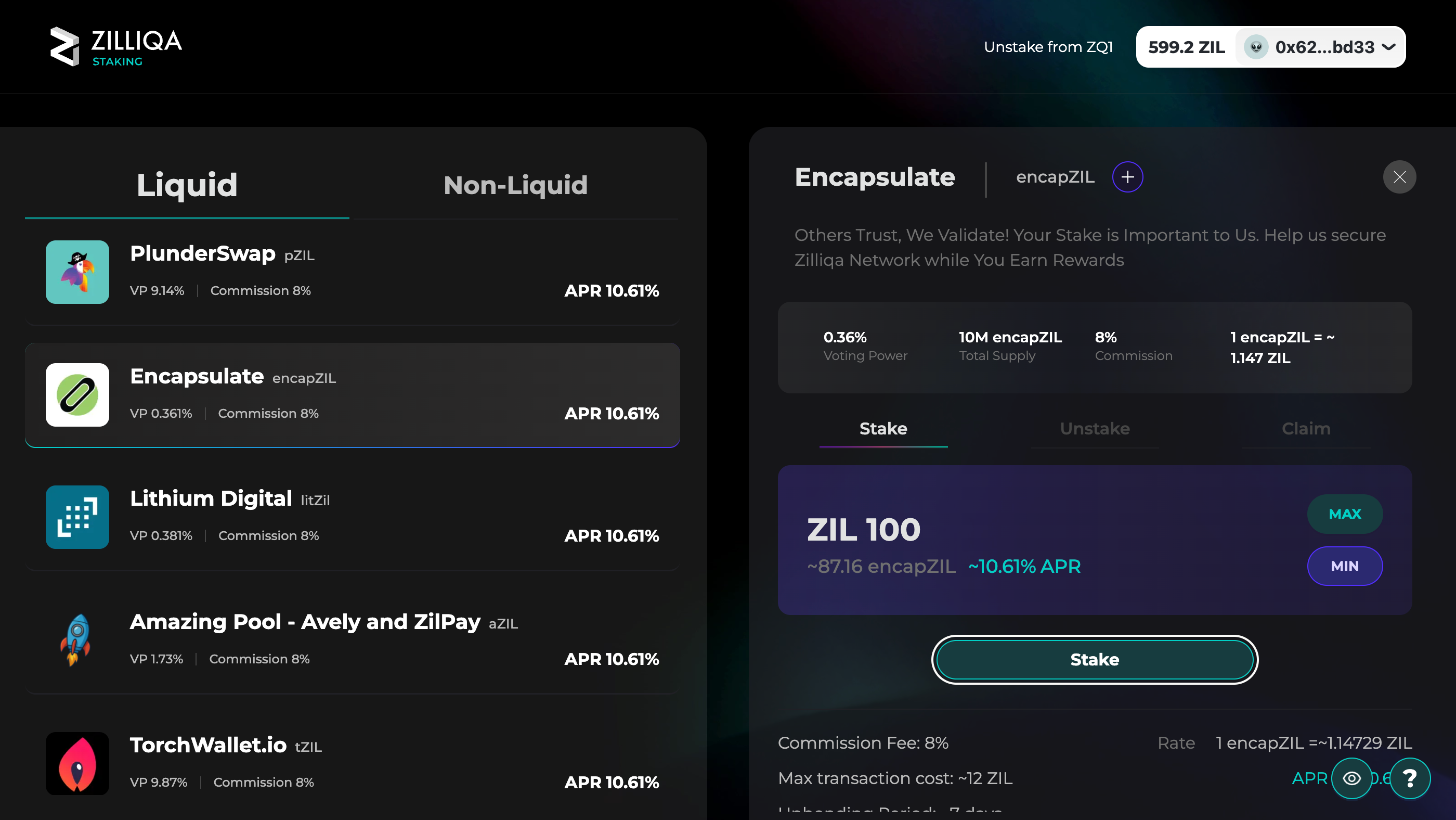
Our panel opens on Stake, with our 8% commission and what one encapZIL is worth in ZIL. Type how much ZIL to stake, at least 100, and press Stake. The line under the amount shows the encapZIL you receive.
Leave some ZIL unstaked: the portal puts a transaction’s cost at up to about 12 ZIL.

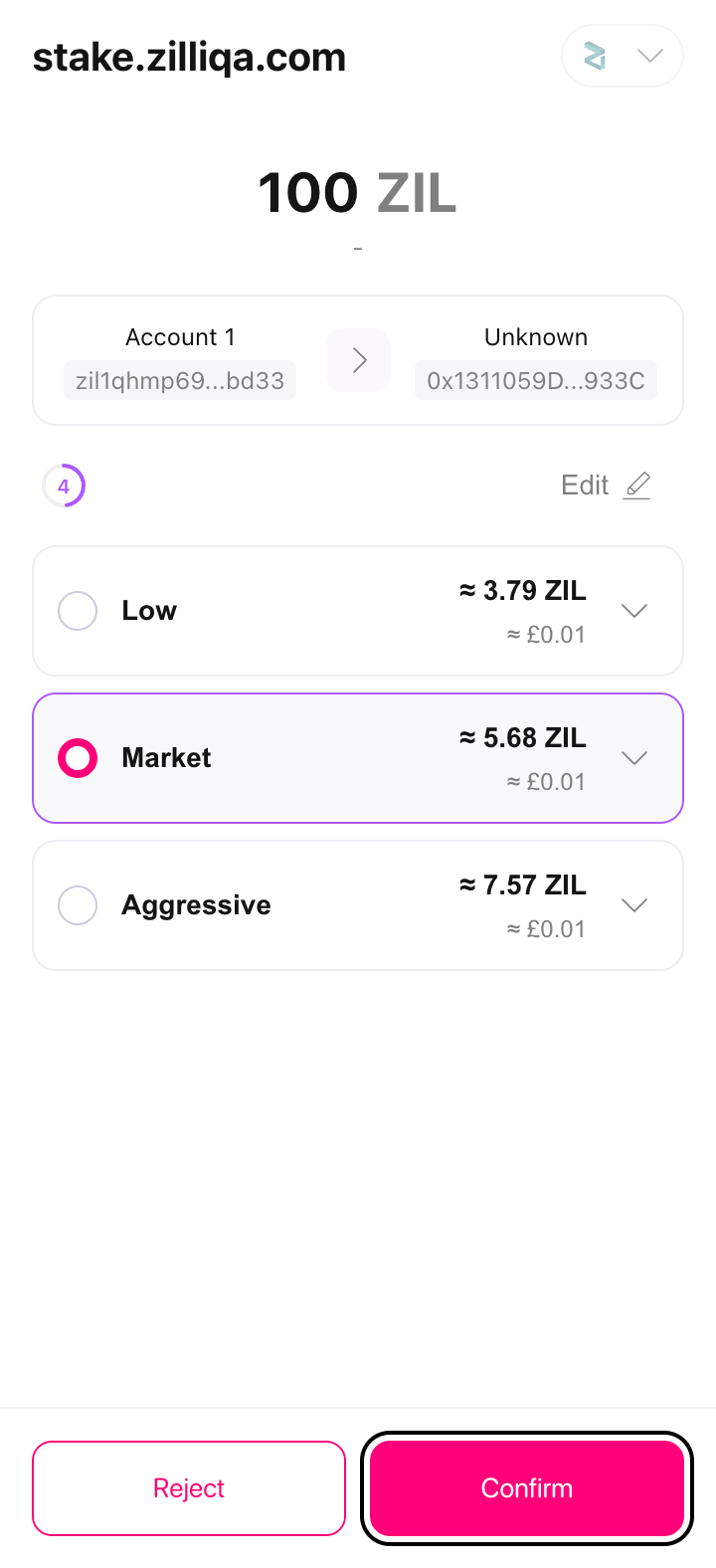
Bearby shows the transaction from stake.zilliqa.com: the ZIL you stake, sent from your account to our delegation contract, and three fee speeds, with Market picked. Press Confirm.
The ZIL must go to our delegation contract, 0x1311059DD836D7000Dc673eA4Cc834fe04e9933C, which Bearby labels Unknown. This is the last screen where a mistake is still free.

Back on the portal, our row and the panel show your encapZIL under Staked, and Last transaction opens it on the explorer. Rewards land every block and compound into encapZIL, which is worth more ZIL as they do: there is nothing to claim.
Unstaking fixes your ZIL at that moment’s value; you claim it under Claim about 6 days later.